
Zenning
AI Agents
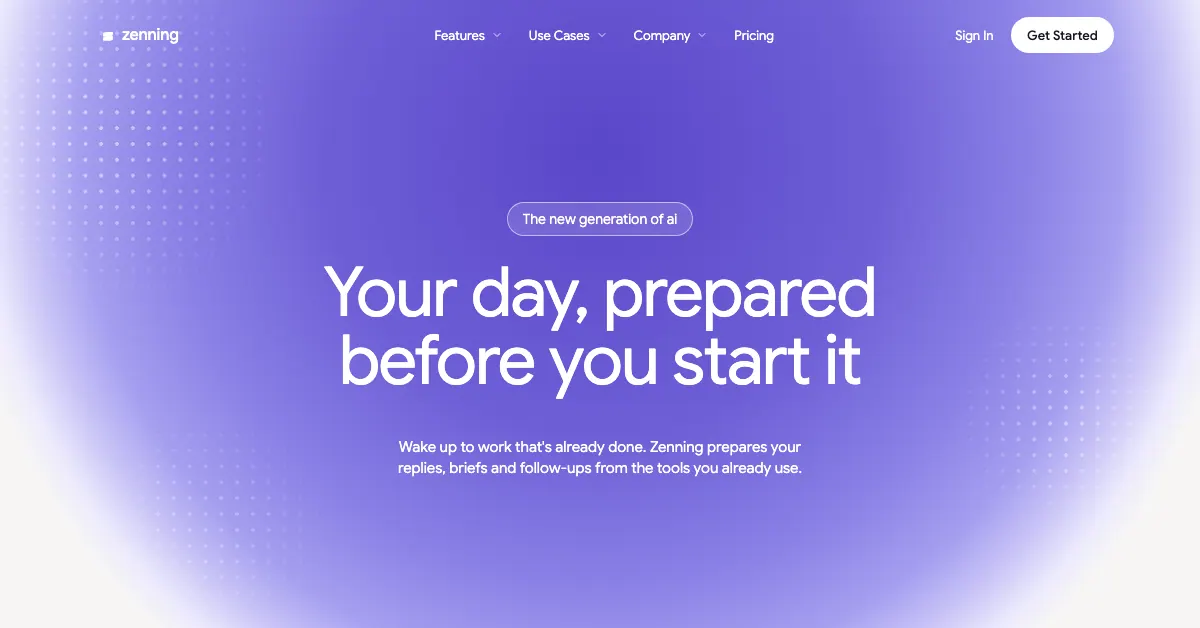
Zenning proactively reads your work across connected tools and drafts replies, meeting briefs, follow-ups, and reports for your review.
- Category
- AI Agents
- Listed
- Oct 14, 2026
- Updated
- Oct 29, 2026
Promoted
 Pixmax.aiPixmax.ai is an all-in-one AI workspace for videos, visual stories, and marketing content.
 AI Checker PlusAI detector that highlights which passages AI wrote. Free check, no sign-up. Plagiarism too.
 RewindType any X/Twitter handle. Get their year back as a narrated video story. Then ask it anything.
 KurodyneSell the tools from your AI side projects. Listing is free.
 Sidrune AI85% off. Stable Claude API for agent developers. Pay as you go. Invoices & refunds available.
 SEOify - Improve your SEO & rankingsBuild links to rank in Google. Improve your DR with links you can start building now.Advertise here270,000+ people visit Dang.ai every month.
What does Zenning do?
Zenning prepares your day before you start it. Once connected, it reads the work flowing through your tools—like email, meetings, and team channels—then drafts the next pieces of work that typically take your time, including replies, meeting briefs, follow-ups, and reports.
Zenning is designed to help you move faster without taking control away from you. It focuses on preparation and suggestions: it drafts what needs attention and gives you clear items to review. You can choose what gets sent or executed, with an option to allow specific actions to run automatically only after you trust them.
For recurring responsibilities, Zenning also offers “AI employees” that handle repeatable tasks. It can monitor connected apps in the background and step in when something needs attention, working through Slack, Teams, and the Zenning web app.
Zenning includes additional building blocks such as a meeting notetaker, a site builder for internal tools and customer-facing pages, docs, and a voice agent. Setup takes a few minutes, and you can start getting drafts the same morning.
Pricing starts with a free trial. There’s a $0 free tier with $100 complimentary credits (credits last 30 days), a Pro plan at $40 per user/month, and an Enterprise plan with custom pricing.
What work does Zenning prepare for me each day?
Zenning drafts replies, meeting briefs, follow-ups, and reports based on what’s happening in your connected email, meetings, and channels. You review and approve the drafts before anything goes out.
Does Zenning send messages or run actions automatically?
Zenning prepares and drafts for your review, and won’t send anything without your decision. You can allow specific actions to run automatically once you trust them.
Which tools can I connect to Zenning?
You can connect apps such as Gmail, Google Calendar, Slack, Linear, Stripe, and Google Sheets, plus many others. You choose which ones to connect and can disconnect at any time.
How fast can I start using Zenning after setup?
Setup takes a few minutes. After you connect your apps, Zenning can start preparing tasks right away.
Can Zenning work with a team and shared context?
Yes. You can invite your team to a shared workspace so everyone works from the same context, with permissions set per person.
What are Zenning’s plans and pricing?
You can start with a free trial. The Pro plan is $40 per user/month, and the Enterprise plan has custom pricing.
This listing is claimed
Own Zenning? Sign in with the email used to claim it to manage this listing, or upgrade to Pro for featured-first placement and a newsletter feature.