
Whisk AI
AI Image Generators from Text Tools
Whisk AI helps you create and remix AI images from text prompts and reference images, then iterate with variations to refine the best direction.
- Pricing
- Free
- Category
- Image
- Listed
- Sep 6, 2026
- Updated
- Oct 19, 2026
Promoted
 AI Checker PlusAI detector that highlights which passages AI wrote. Free check, no sign-up. Plagiarism too.
 RewindType any X/Twitter handle. Get their year back as a narrated video story. Then ask it anything.
 KurodyneSell the tools from your AI side projects. Listing is free.
 Sidrune AI85% off. Stable Claude API for agent developers. Pay as you go. Invoices & refunds available.
 Pixmax.aiPixmax.ai is an all-in-one AI workspace for videos, visual stories, and marketing content.
 SEOify - Improve your SEO & rankingsBuild links to rank in Google. Improve your DR with links you can start building now.Advertise here330,000+ people visit Dang.ai every month.
What does Whisk AI do?
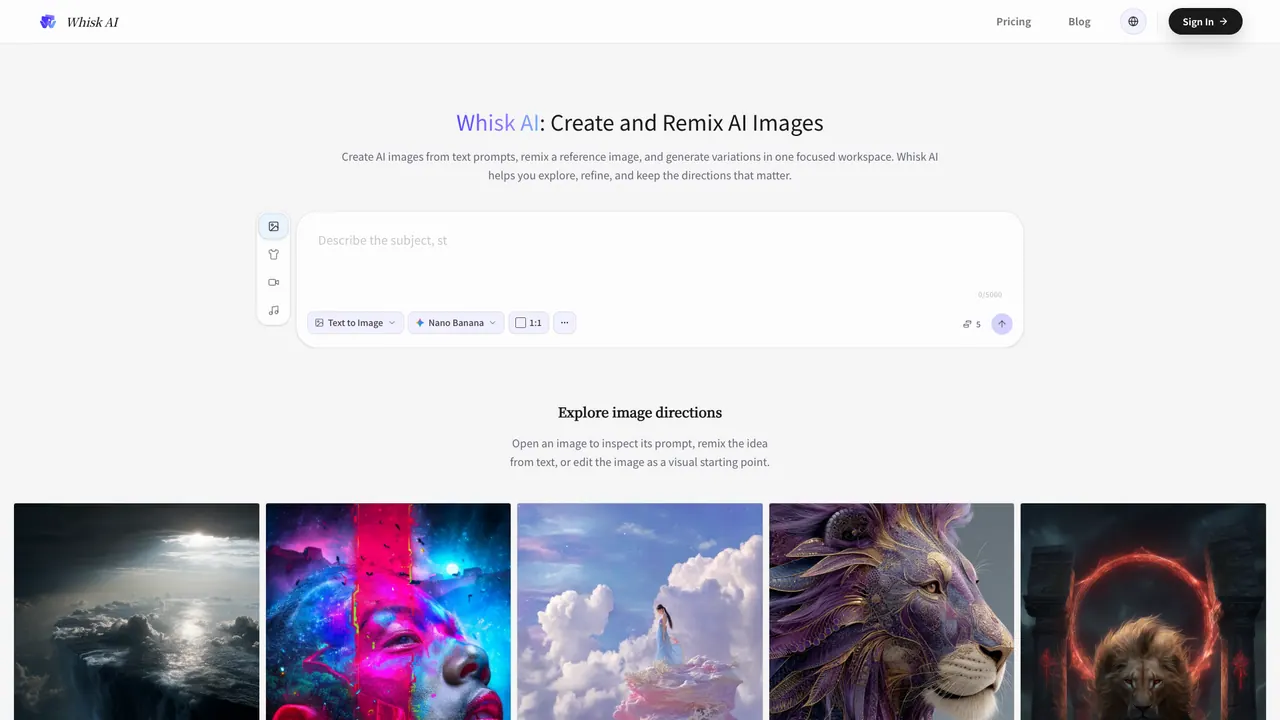
Whisk AI is a focused AI image workspace for developing visual ideas. You can create new images from text prompts, remix a reference image, or combine both inputs to guide the look and direction. The goal is to help you explore, refine, and keep the directions that matter rather than stopping at a single output.
Build images with a deliberate workflow: set your workspace, choose a model, and select an aspect ratio before generation. Then bring an idea by writing a prompt, adding a reference image (such as a photo, sketch, product shot, or existing composition), or using both. Whisk AI supports text-to-image creation and image-to-image remixing in the same environment, so you can develop a concept faster and keep key visual cues visible.
After the first generation, keep iterating: generate several variations from the same direction, compare compositions side by side, and use the strongest result as the next checkpoint. You can clarify the prompt, switch the visual reference, or change the format to push the output closer to your intent.
Whisk AI is useful for creators, designers, marketers, product teams, and visual explorers working on campaign concepts, product scenes, social assets, thumbnails, character studies, and early concept art. Credits are used per generation based on selected model and settings, with the current available balance and cost context shown before you commit.
What can I make with Whisk AI?
You can create AI images from text prompts, remix a reference image, and generate variations in one workspace. It’s designed for developing visual directions like product scenes, social assets, thumbnails, character studies, and early concept art.
How does using a reference image change the output?
A reference image helps guide the generation with visual cues such as subject, composition, palette, material, lighting, or mood. It’s not a pixel-level editor, so outputs may reinterpret details.
Can I iterate on the results after the first generation?
Yes. You can generate multiple variations, compare them, and use a promising result as the next checkpoint. Then refine by adjusting the prompt, switching the reference, or changing the aspect ratio/format.
How do I choose the format before generating an image?
Whisk AI lets you set the aspect ratio before generation so the starting frame fits your use case, such as portraits, product scenes, social assets, editorial layouts, or wide concept art.
Will Whisk AI exactly match my reference image?
Not necessarily. The reference guides the direction rather than guaranteeing an exact match at the pixel level. For closer results, use a clear reference and iterate with the strongest variation.
How do credits work in Whisk AI?
Each generation uses credits based on the selected model and settings. Your available balance and relevant cost context are shown before you commit, and plans/credit packs are available if you need more capacity.
This listing is claimed
Own Whisk AI? Sign in with the email used to claim it to manage this listing, or upgrade to Pro for featured-first placement and a newsletter feature.