
Wan Animate
AI Video Maker Generators & Tools
Wan Animate (Wan 2.2 Animate) is an AI video generator for character animation, dance imitation, and motion transfer from your reference clips.
- Pricing
- Free
- Category
- Video
- Listed
- Jul 19, 2026
- Updated
- Jul 20, 2026
Promoted
 RewindType any X/Twitter handle. Get their year back as a narrated video story. Then ask it anything.
 KurodyneSell the tools from your AI side projects. Listing is free.
 Sidrune AI85% off. Stable Claude API for agent developers. Pay as you go. Invoices & refunds available.
 Pixmax.aiPixmax.ai is an all-in-one AI workspace for videos, visual stories, and marketing content.
 SEOify - Improve your SEO & rankingsBuild links to rank in Google. Improve your DR with links you can start building now.Advertise here270,000+ people visit Dang.ai every month.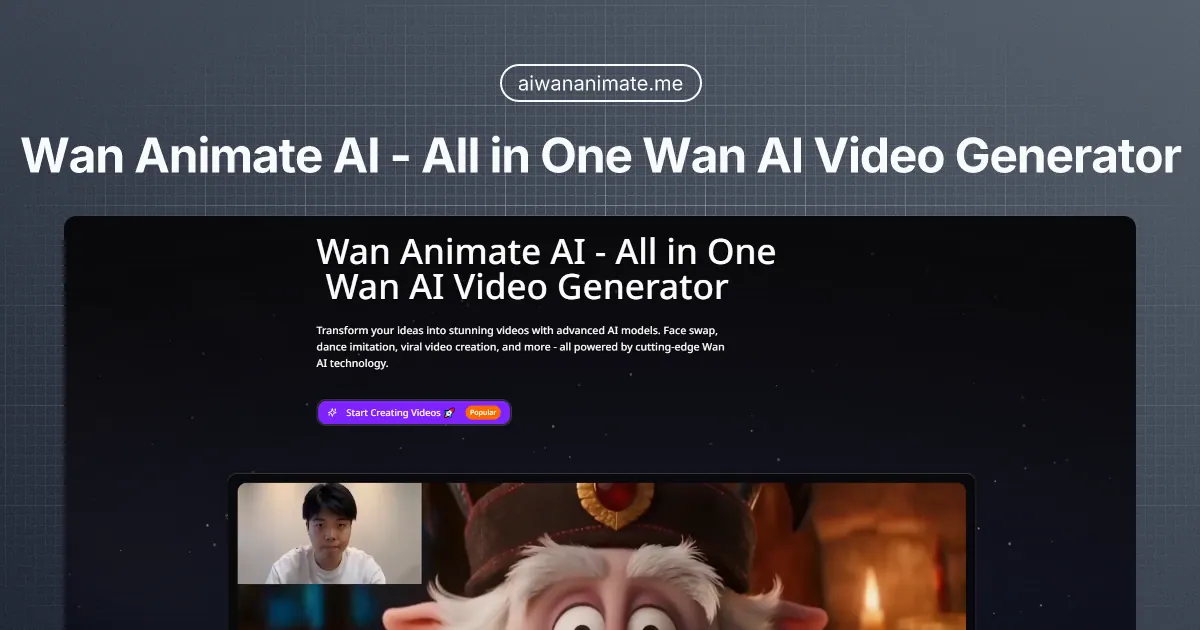
What does Wan Animate do?
Wan Animate helps you transform ideas into AI-generated videos using Wan 2.2 Animate. It’s built for character animation and motion transfer—so you can animate an uploaded character image using the motion from a reference video.
Create videos with settings for resolution (720p or 1080p) and quality, and generate after uploading both a character image and a reference video. Motion transfer can be used for dance imitation, character movement, and other animation styles, with a preview available before you download.
Video generation uses a credits-based system. Upload a reference video to see how many credits are required based on reference duration, resolution, and quality. Credits are refunded automatically if a run fails, and you can generate videos for reference clips ranging from 3s to 30s.
What can I create with Wan Animate?
You can generate character animation and motion transfer videos using Wan 2.2 Animate, including dance imitation and movement replication based on a reference video.
What do I need to start a generation?
Upload a character image (PNG/JPG up to 10MB) and a reference video (MP4/MOV up to 50MB, 3–30 seconds).
How do credits work?
Credits are required to generate videos and are calculated from your reference duration, selected resolution, and quality. You can log in to see the required credits after uploading your reference video.
Which output resolutions are supported?
You can generate in 720p or 1080p. Higher quality settings use a higher-quality generation path for sharper motion and detail.
What happens if my generation run fails?
Credits are automatically refunded if the run fails.
Are there limits on reference video length?
Yes—reference videos must be between 3 seconds and 30 seconds for credit calculation and generation.
This listing is claimed
Own Wan Animate? Sign in with the email used to claim it to manage this listing, or upgrade to Pro for featured-first placement and a newsletter feature.