
vimind.app (ViMind)
AI Video Maker Generators & Tools
ViMind turns your documents, slides, notes, and links into clear AI explainer videos with visuals, voiceover, and captions.
- Pricing
- Free
- Category
- Video
- Listed
- Jul 18, 2026
- Updated
- Jul 20, 2026
Promoted
 Pixmax.aiPixmax.ai is an all-in-one AI workspace for videos, visual stories, and marketing content.
 RewindType any X/Twitter handle. Get their year back as a narrated video story. Then ask it anything.
 KurodyneSell the tools from your AI side projects. Listing is free.
 Sidrune AI85% off. Stable Claude API for agent developers. Pay as you go. Invoices & refunds available.
 SEOify - Improve your SEO & rankingsBuild links to rank in Google. Improve your DR with links you can start building now.Advertise here270,000+ people visit Dang.ai every month.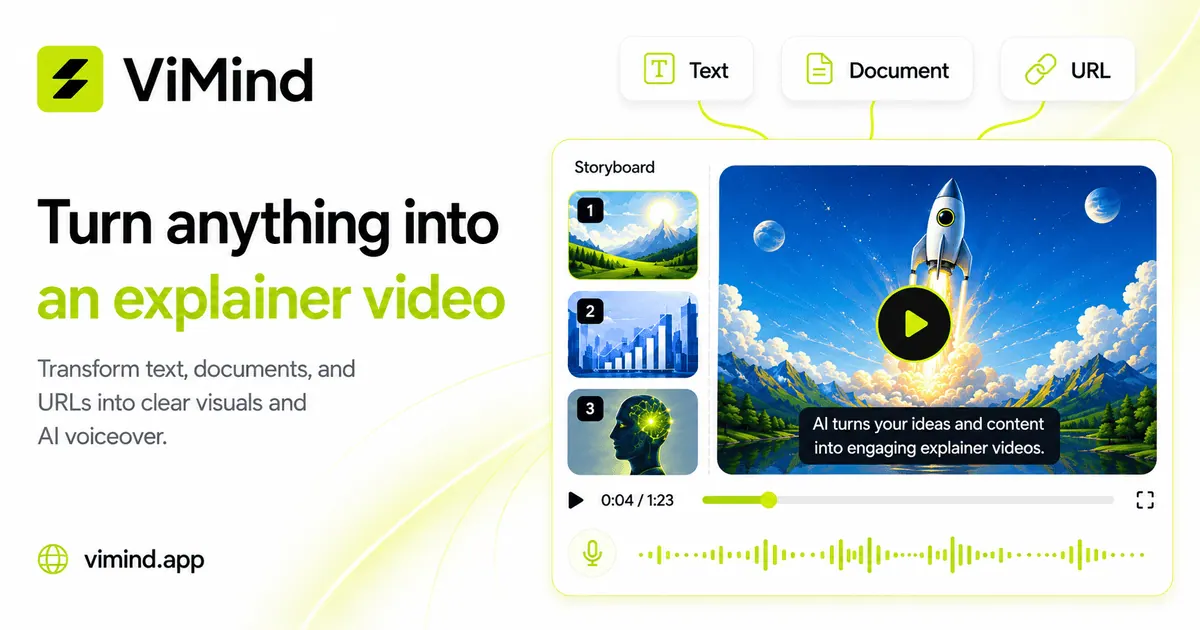
What does vimind.app (ViMind) do?
ViMind is an AI explainer video generator that converts the content you already have—PDFs, slide decks, notes, text, and public URLs—into a narrated video explanation. It reads your sources together, keeps what matters, and builds a scene-by-scene script with visuals, AI voiceover, and captions.
You can choose a slide-based or animated motion style, then refine results before export. Adjust wording or voice on any scene and regenerate just that part, then export to MP4 or PPT for easy sharing and repurposing.
ViMind is built for people who turn knowledge into content, educators who want visual learning, and trainers who need consistent, scalable training videos—from product pitches and study guides to SOPs and manuals.
What does ViMind generate from my content?
ViMind turns your documents, slides, notes, text, and public links into an explainer video with visuals, AI voiceover, and synced captions.
Which source types can I use with ViMind?
You can generate videos from PDFs, PowerPoint decks, Word documents, plain text, Markdown, images (JPG/PNG), and public URLs (web pages).
Is ViMind just a file converter from PDF-to-video?
ViMind is designed to read and combine your sources into a clear explanation. It builds a scene-by-scene narrated video you can refine, rather than replaying your file page-for-page.
Can I edit and regenerate parts of the video?
Yes. You can refine text or voice on any scene and regenerate only that section, then export when it’s ready.
What export formats are available?
You can export your explainer as MP4 or as PPT.
What languages are supported for voiceover and captions?
Voiceover is available in 19 major languages, and captions are available in 100+ languages.
This listing is claimed
Own vimind.app (ViMind)? Sign in with the email used to claim it to manage this listing, or upgrade to Pro for featured-first placement and a newsletter feature.