
ViewMax Studio
AI Video Maker Generators & Tools
Turn a text prompt into ready-to-post Shorts, TikToks and Reels with AI, including narration, music, captions, and multi-shot sequences.
- Pricing
- Free
- Category
- Video
- Listed
- Oct 6, 2026
- Updated
- Oct 19, 2026
Promoted
 Pixmax.aiPixmax.ai is an all-in-one AI workspace for videos, visual stories, and marketing content.
 RewindType any X/Twitter handle. Get their year back as a narrated video story. Then ask it anything.
 KurodyneSell the tools from your AI side projects. Listing is free.
 Sidrune AI85% off. Stable Claude API for agent developers. Pay as you go. Invoices & refunds available.
 SEOify - Improve your SEO & rankingsBuild links to rank in Google. Improve your DR with links you can start building now.Advertise here270,000+ people visit Dang.ai every month.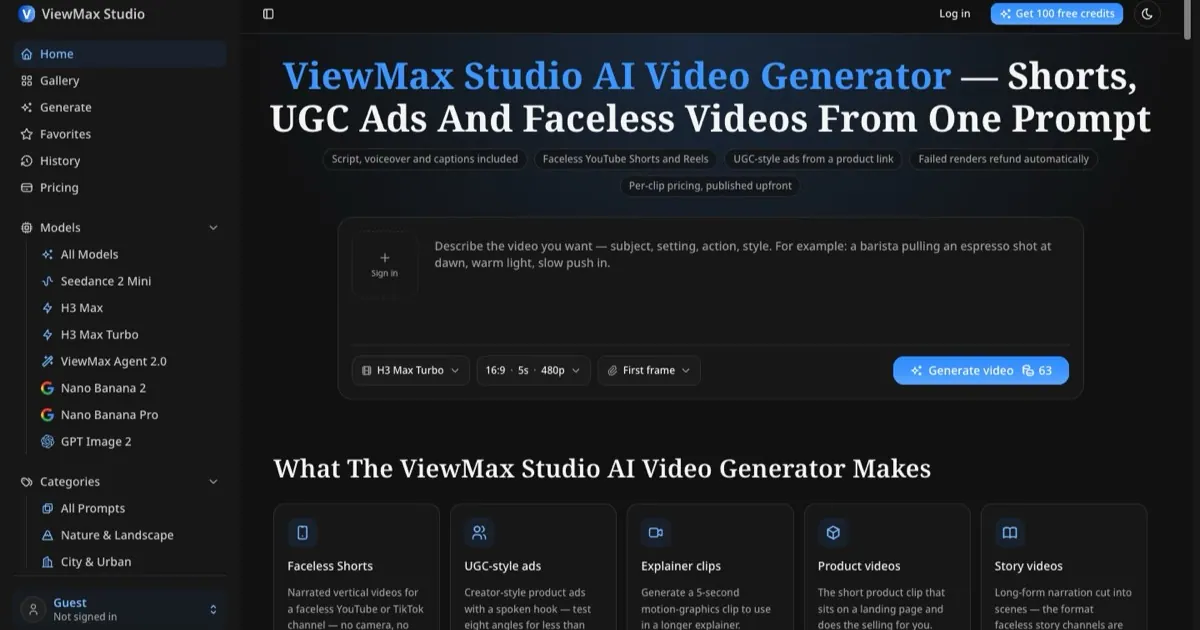
What does ViewMax Studio do?
ViewMax Studio is an AI video generator made for short-form video on YouTube Shorts, TikTok, and Instagram Reels. You describe the video in plain English, pick a model, a format (vertical or wide), and a length, then render. The credit cost is shown before anything runs, and finished clips are saved to your history so you can revisit or download them later.
For multi-shot videos, ViewMax Agent 2.0 takes a brief and plans its own shot list, cuts between shots, and adds narration and music in a single pass—so you get a finished cut rather than a set of pieces. Other models generate a prompt as one shot and can include native audio, letting you choose between a single-take look or a fully edited sequence. Image models share the same credit balance, so you can generate related visuals alongside video.
ViewMax Studio is built for solo creators running faceless channels, marketers testing UGC-style ad angles without filming people, and small businesses that need product and explainer clips quickly. It’s especially suited to short-form requirements like vertical framing and burned-in captions, so the output is ready for posting.
Pricing is per clip with credits shown upfront before rendering. New accounts start with 100 free credits (no card required). Failed renders refund credits automatically. Subscriptions start at $39/month (or $19.50/month billed yearly), and one-time credit packs start at $29 and never expire. Videos export without a watermark, and commercial use is included on every plan.
What can I create with ViewMax Studio?
You can generate ready-to-post short-form videos for YouTube Shorts, TikTok, and Instagram Reels, including faceless narration, captions, and (for multi-shot) scene cuts, narration, and music.
How does multi-shot video generation work with ViewMax Agent 2.0?
Give it a brief and it plans a shot list, renders the scenes, cuts between them, and adds narration and music in one pass—so you receive a finished multi-shot clip.
Does ViewMax Studio show the cost before it renders?
Yes. The credit cost appears on the button before generation starts, so you can choose settings you can afford before anything runs.
Are failed renders refunded?
Yes. Failed renders refund their credits automatically rather than requiring you to request a refund.
Is there a watermark on exported videos?
No. Exports are clean on both free and paid credits with no watermark or branding in the output.
Can I use the videos commercially?
Yes. Every plan and every credit package includes a commercial license, and commercial rights come with signup credits as well.
This listing is claimed
Own ViewMax Studio? Sign in with the email used to claim it to manage this listing, or upgrade to Pro for featured-first placement and a newsletter feature.