
ViewMax Studio
AI Video Maker Generators & Tools
ViewMax Studio turns images and text prompts into professional HD AI videos using multiple leading models.
- Pricing
- Free
- Category
- Video
- Listed
- Jul 14, 2026
- Updated
- Jul 14, 2026
Promoted
 KurodyneSell the tools from your AI side projects. Listing is free.
 Sidrune AI85% off. Stable Claude API for agent developers. Pay as you go. Invoices & refunds available.
 Pixmax.aiPixmax.ai is an all-in-one AI workspace for videos, visual stories, and marketing content.
 RewindType any X/Twitter handle. Get their year back as a narrated video story. Then ask it anything.
 SEOify - Improve your SEO & rankingsBuild links to rank in Google. Improve your DR with links you can start building now.Advertise here270,000+ people visit Dang.ai every month.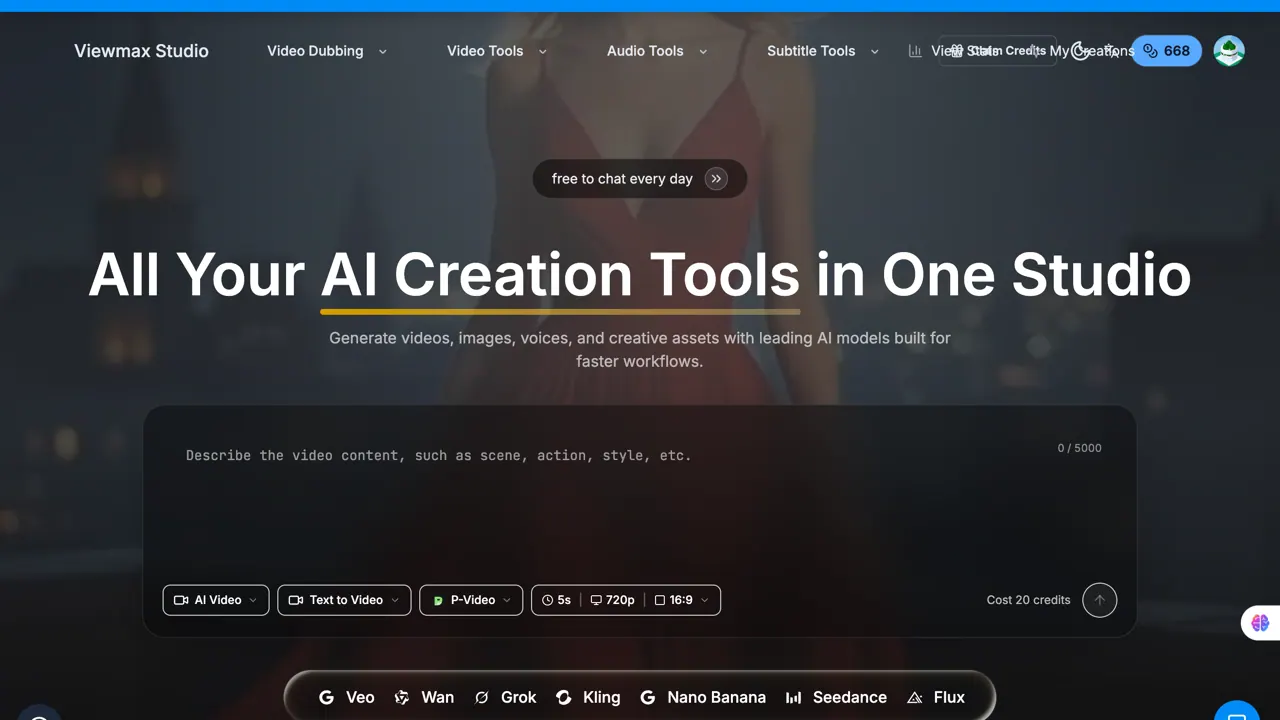
What does ViewMax Studio do?
ViewMax Studio is an AI video creation platform that transforms static images and text prompts into engaging, cinematic videos. Generate video content quickly for social media, marketing, and creative projects—without spending hours on manual editing.
Create from an uploaded image using image-to-video workflows, or describe your vision with a text prompt for text-to-video generation. Choose from multiple AI models (including Kling, Runway, and others) to match the style and quality you want.
Work within a credit-based system for pay-as-you-go creation. Use the studio’s video, audio, and subtitle tools to support faster end-to-end workflows, and download your generated videos to share instantly.
What can I create with ViewMax Studio?
You can generate AI videos from images (image-to-video) and from text prompts (text-to-video). The studio also includes tools for video/audio/subtitles to support your workflow.
What do I need to start an image-to-video project?
Upload an image (JPG, PNG, or WebP), then add a prompt to guide the motion and effects you want. After that, choose an AI model and generate the video.
How do text-to-video prompts work?
Describe your vision in a text prompt, then select an AI model to create a video based on that description. You can iterate by changing the prompt and model.
Which AI models are available?
ViewMax Studio offers multiple AI models, including Kling, Runway, and other options listed in the model chooser.
How does the credit system work?
Video generation uses credits with a flexible pay-as-you-go approach. Some creation actions may show specific credit costs before you generate.
How fast can I generate a video?
Videos are generated in seconds using the platform’s optimized pipeline, so you can create and download content quickly.
This listing is claimed
Own ViewMax Studio? Sign in with the email used to claim it to manage this listing, or upgrade to Pro for featured-first placement and a newsletter feature.