
Vidoro
AI Video Maker Generators & Tools
Vidoro is a browser-based media toolkit that compresses videos, converts MOV to MP3, and creates or shrinks GIFs while keeping files on your device.
- Pricing
- Free
- Category
- Video
- Listed
- Aug 26, 2026
- Updated
- Aug 27, 2026
Promoted
 Sidrune AI85% off. Stable Claude API for agent developers. Pay as you go. Invoices & refunds available.
 Pixmax.aiPixmax.ai is an all-in-one AI workspace for videos, visual stories, and marketing content.
 RewindType any X/Twitter handle. Get their year back as a narrated video story. Then ask it anything.
 KurodyneSell the tools from your AI side projects. Listing is free.
 SEOify - Improve your SEO & rankingsBuild links to rank in Google. Improve your DR with links you can start building now.Advertise here270,000+ people visit Dang.ai every month.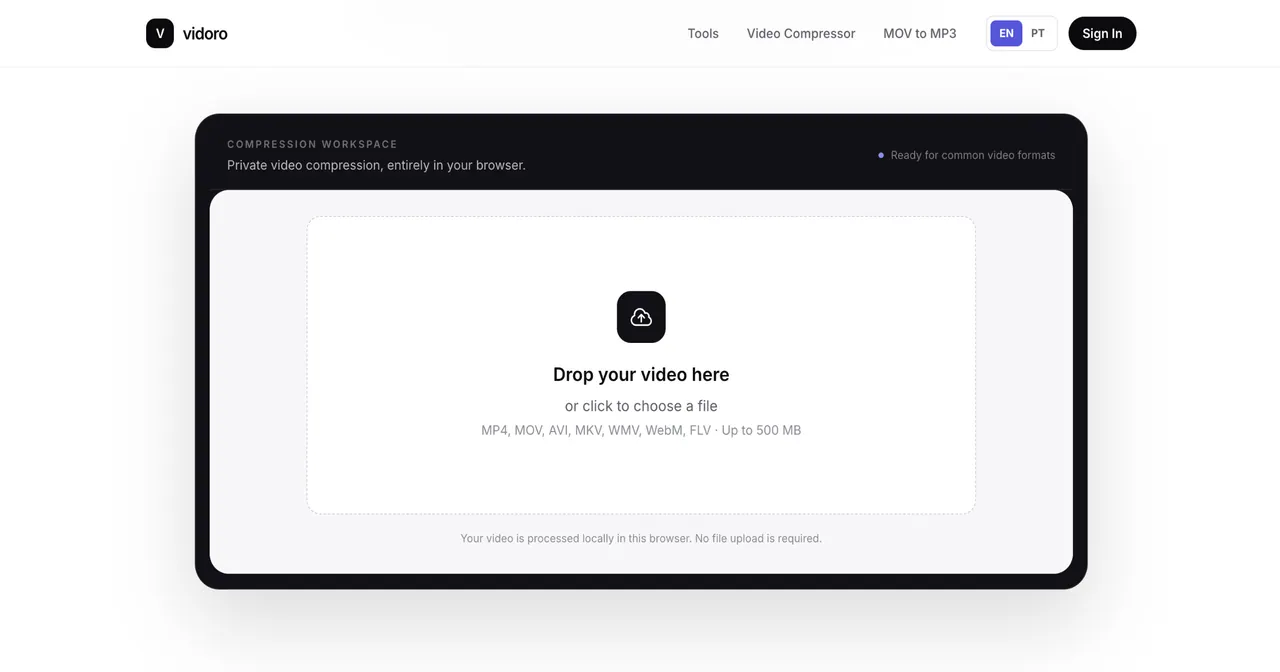
What does Vidoro do?
Vidoro offers focused online tools to convert and compress common media types directly in your browser. Convert MOV files into downloadable MP3 audio, turn MP4 clips into animated GIFs, compress existing GIFs, or reduce the size of larger video files.
Designed for privacy, Vidoro processes files locally in your browser using FFmpeg WebAssembly, aiming to keep your media on your device rather than uploading it to a remote server. You can choose key settings (like bitrate and output size/quality) and preview the result before saving when supported by the workflow.
Start with the tool that matches your existing file: MOV to MP3, MP4 to GIF, GIF Compressor, or Video Compressor. Vidoro is available in English and Portuguese, and it’s built to minimize setup—no account is required for basic usage and there’s no need to download extra software.
Do I need to sign in to use Vidoro tools?
No—basic usage is available without an account, so you can run conversions and compression workflows directly in the browser.
Are my files uploaded when I convert or compress media on Vidoro?
No. Media stays on your device, with conversions and compression processed locally in your browser.
Which tools does Vidoro provide?
Vidoro currently focuses on four workflows: Video Compressor, MOV to MP3, MP4 to GIF, and GIF Compressor.
Can I control quality settings when converting MOV to MP3?
Yes. You can choose an MP3 bitrate and preview the result before downloading the converted audio.
Can Vidoro create GIFs from MP4 without uploading the video?
Yes. MP4 to GIF runs in your browser and lets you adjust parameters like frame rate, size, and quality while keeping the file local.
What formats are supported for compression and conversion in the current tools?
The main workflows cover video compression, MOV to MP3, MP4 to GIF, and GIF compression—working with MOV, MP4, GIF, and video inputs relevant to those conversions.
This listing is claimed
Own Vidoro? Sign in with the email used to claim it to manage this listing, or upgrade to Pro for featured-first placement and a newsletter feature.