
VideoToShorts
AI Video Maker Generators & Tools
Paste a YouTube/TikTok/Facebook link or upload a file, highlight the transcript lines you want, and export a vertical 9:16 short with timed captions.
- Pricing
- Free
- Category
- Video
- Listed
- Sep 3, 2026
- Updated
- Sep 3, 2026
Promoted
 Sidrune AI85% off. Stable Claude API for agent developers. Pay as you go. Invoices & refunds available.
 Pixmax.aiPixmax.ai is an all-in-one AI workspace for videos, visual stories, and marketing content.
 AI Checker PlusAI detector that highlights which passages AI wrote. Free check, no sign-up. Plagiarism too.
 RewindType any X/Twitter handle. Get their year back as a narrated video story. Then ask it anything.
 KurodyneSell the tools from your AI side projects. Listing is free.
 SEOify - Improve your SEO & rankingsBuild links to rank in Google. Improve your DR with links you can start building now.Advertise here270,000+ people visit Dang.ai every month.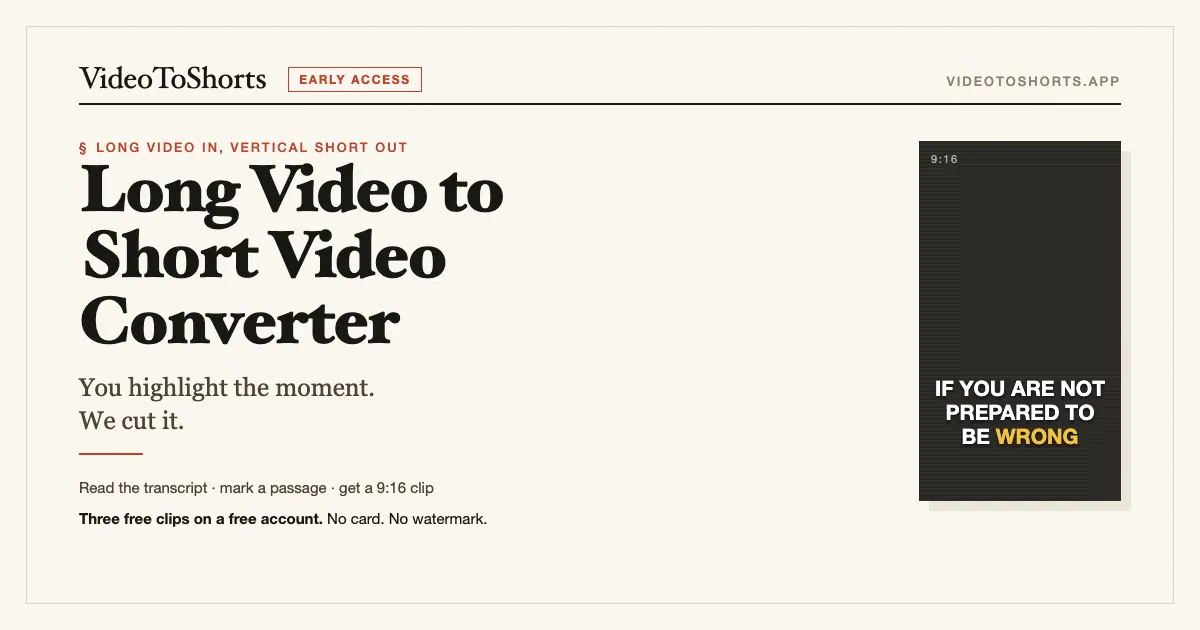
What does VideoToShorts do?
VideoToShorts turns long videos into ready-to-post vertical shorts. Paste a YouTube, TikTok, Instagram, or Facebook link (or upload a file), then read the transcript like a manuscript to find the exact moment you want.
Highlight the lines, and export a 9:16 short video with timed, burned-in captions (720p or 1080p) and no watermark. AI suggestions can help point to potential moments, but your highlighted text is what determines the cut.
You can also download transcripts for free without an account (text or .srt). Start with a free account for three welcome clips—no card needed—and keep your files available for 30 days. Beyond that, you can purchase clip packs or choose a monthly plan.
How do I convert a long video into a 9:16 short?
Paste a link or upload a video, review the transcript, then highlight the transcript lines for the moment you want. The highlighted moment is converted into a vertical 9:16 short with timed, burned-in captions.
Do I need a timeline or video editing skills to choose what gets cut?
No—there’s no timeline workflow. You choose the cut by highlighting transcript lines, so you don’t need to scrub through the video.
Is the transcript available without paying or creating an account?
Yes. Transcript reading is free without an account (up to five a day), and you can export the transcript as text or .srt.
Will my exported short have a watermark?
No. Exports come without watermark or logo bug, including the welcome clips on a free account.
How long can the source video be?
For captioned links, there’s no source-length cap. If the tool needs to listen to the video instead of using captions, the baseline covers up to 20 minutes (with higher limits for Studio and Pro).
Can I extract multiple shorts from the same long video in one go?
Yes. You can mark up to 5 moments in a single transcript and export them together, with one credit per finished clip.
This listing is claimed
Own VideoToShorts? Sign in with the email used to claim it to manage this listing, or upgrade to Pro for featured-first placement and a newsletter feature.