
Video Quality Enhancer
AI Video Maker Generators & Tools
Enhance and upscale your videos online with AI to denoise, sharpen, fix artifacts, restore colors, and reach up to 4K.
- Pricing
- Free
- Category
- Video
- Listed
- Jun 26, 2026
- Updated
- Jun 27, 2026
Promoted
 Sidrune AI85% off. Stable Claude API for agent developers. Pay as you go. Invoices & refunds available.
 Pixmax.aiPixmax.ai is an all-in-one AI workspace for videos, visual stories, and marketing content.
 RewindType any X/Twitter handle. Get their year back as a narrated video story. Then ask it anything.
 KurodyneSell the tools from your AI side projects. Listing is free.
 SEOify - Improve your SEO & rankingsBuild links to rank in Google. Improve your DR with links you can start building now.Advertise here270,000+ people visit Dang.ai every month.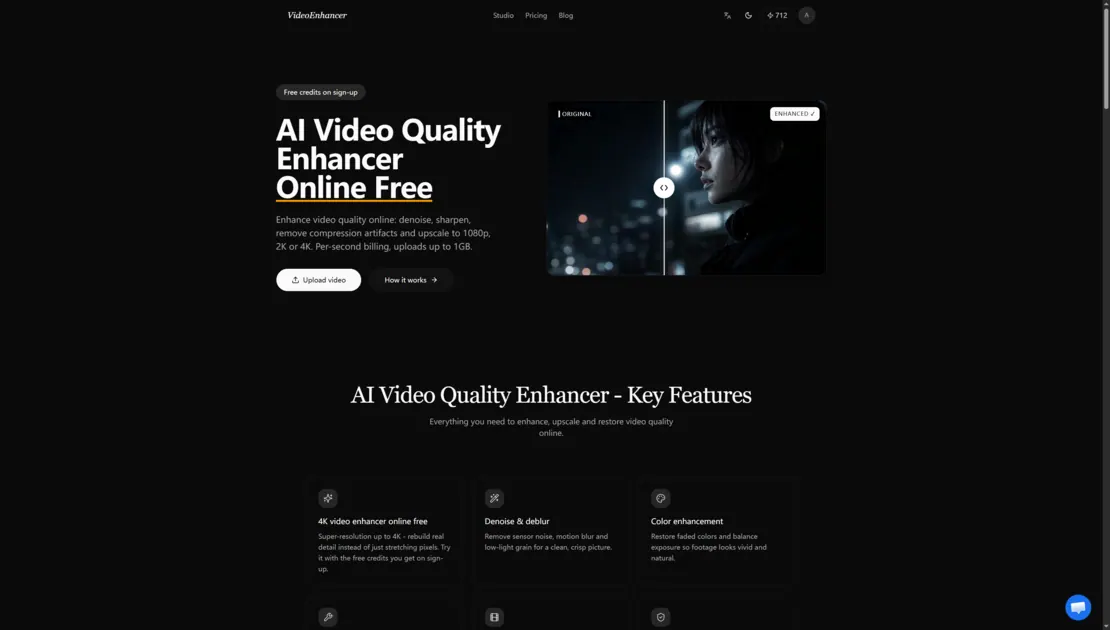
What does Video Quality Enhancer do?
Video Quality Enhancer is an online AI tool for upgrading video clarity and resolution. Upload an MP4/MOV/MKV clip, apply scene-based enhancement, and upscale to 1080p, 2K, or 4K while targeting improvements like denoising, sharpening, and color restoration.
It also helps reduce common issues from low light, motion blur, and compression artifacts, and includes an “Old film restoration” preset for scratchy or flickering footage. The enhanced output can be generated at 30 or 60fps, and you can use a free credit allowance after signing up.
Privacy features are designed to protect your uploads: files are auto-deleted after 30 days, and your videos aren’t used for training. The workflow is simple—upload, choose your scene and output settings, let the AI process in the background, then compare and download the enhanced MP4.
What kinds of improvements can the AI video quality enhancer make?
You can denoise and deblur for cleaner detail, sharpen for crisp edges, remove compression artifacts, restore faded colors and exposure, and upscale to 1080p, 2K, or 4K.
Is there a free option to try the enhancer?
Yes. You get free credits on sign-up, which you can use to enhance your first videos before paying as you go or using a monthly subscription.
Can I upscale video to 4K?
Yes—upscaling supports super-resolution up to 4K output resolution. You can also choose 30fps or 60fps for the output.
What video formats and upload limits are supported?
You can upload MP4, MOV, or MKV files. Uploads are supported up to 1GB.
How is billing handled after the free credits?
Enhancement is billed per second of output video (rounded up), with the credit rate depending on output resolution, frame rate, and whether you choose Standard or Deep AI Algorithms.
How long are my uploaded files kept, and is my video used for training?
Uploads are auto-deleted after 30 days. Your videos aren’t used for training.
This listing is claimed
Own Video Quality Enhancer? Sign in with the email used to claim it to manage this listing, or upgrade to Pro for featured-first placement and a newsletter feature.