
Vid2Vid
AI Video Maker Generators & Tools
Generate AI video variants from a clip, image, or text prompt while preserving motion and composition for faster creative iteration.
- Pricing
- Free
- Category
- Video
- Listed
- Sep 19, 2026
- Updated
- Sep 20, 2026
Promoted
 Sidrune AI85% off. Stable Claude API for agent developers. Pay as you go. Invoices & refunds available.
 Pixmax.aiPixmax.ai is an all-in-one AI workspace for videos, visual stories, and marketing content.
 AI Checker PlusAI detector that highlights which passages AI wrote. Free check, no sign-up. Plagiarism too.
 RewindType any X/Twitter handle. Get their year back as a narrated video story. Then ask it anything.
 KurodyneSell the tools from your AI side projects. Listing is free.
 SEOify - Improve your SEO & rankingsBuild links to rank in Google. Improve your DR with links you can start building now.Advertise here270,000+ people visit Dang.ai every month.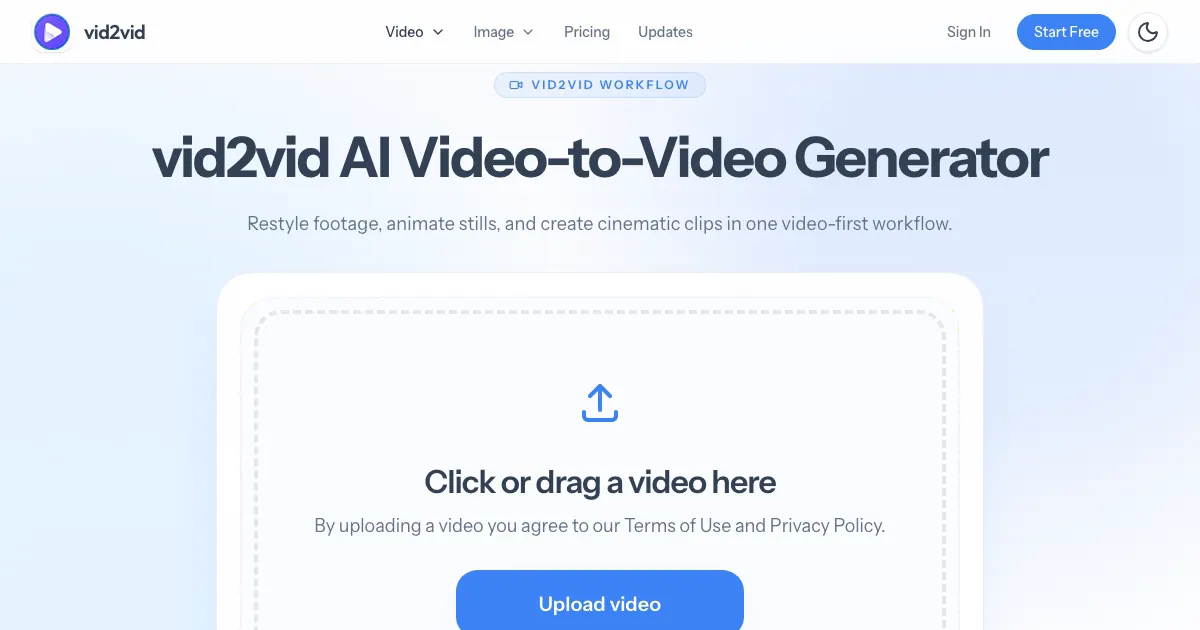
What does Vid2Vid do?
vid2vid is an AI video variant studio that helps you restyle and transform video while keeping the original motion and composition recognizable. Start from a source clip to preserve the shot and timing, then change the visual direction—ranging from anime and cinematic looks to commercial and social-media styles.
Use video-to-video to turn short source footage into multiple creative options, with the original input shown alongside each generated result so you can compare motion, composition, and direction. It’s designed for quick exploration: generate variants, compare, and refine the strongest creative direction within the same project.
If you start with a still reference, use image-to-video to animate motion, depth, and rhythm. For fully new scenes, text-to-video generates a new video from a prompt describing subject, action, camera, lighting, and mood.
What can I create with vid2vid?
You can generate video variants using video-to-video (from a source clip), image-to-video (from a still reference), or text-to-video (from a prompt). You can use these workflows to explore anime, cinematic, commercial, product, and social styles while keeping the main subject and composition aligned.
Can vid2vid preserve motion and composition from my source?
Yes—video-to-video is built to preserve the motion and composition of the original input while changing the creative direction. This makes it easier to test different looks without losing the underlying shot structure.
Do I need a video clip to start?
No. You can start with a still image using image-to-video, or create a completely new scene from a text prompt using text-to-video when you don’t have a source asset.
What file types and limits apply to uploaded video?
Supported formats include MP4, MOV, and M4V. Uploads are limited to max 50MB, with source clips in the 2–15s range.
Is it designed for one-off generation or iterative exploration?
It’s designed for exploration. The Variant Feed keeps related results in one place so you can compare directions and generate additional variations without restarting from scratch.
Is there any free way to try vid2vid?
You can try for free by generating your first 5-second AI video from a source clip up to 5 seconds, with no credit card required.
This listing is claimed
Own Vid2Vid? Sign in with the email used to claim it to manage this listing, or upgrade to Pro for featured-first placement and a newsletter feature.