
Vid.AI
AI Video Maker Generators & Tools
Vid.AI turns an idea into a ready-to-post faceless video with AI scriptwriting, human-sounding voiceovers, animated avatars, and captions.
- Pricing
- Free
- Category
- Video
- Listed
- Aug 23, 2026
- Updated
- Oct 15, 2026
Promoted
 Pixmax.aiPixmax.ai is an all-in-one AI workspace for videos, visual stories, and marketing content.
 AI Checker PlusAI detector that highlights which passages AI wrote. Free check, no sign-up. Plagiarism too.
 RewindType any X/Twitter handle. Get their year back as a narrated video story. Then ask it anything.
 KurodyneSell the tools from your AI side projects. Listing is free.
 Sidrune AI85% off. Stable Claude API for agent developers. Pay as you go. Invoices & refunds available.
 SEOify - Improve your SEO & rankingsBuild links to rank in Google. Improve your DR with links you can start building now.Advertise here270,000+ people visit Dang.ai every month.
What does Vid.AI do?
Vid.AI is an AI video generator built to help you create monetizable, ready-to-post videos from a single prompt. You describe what you want to make—then Vid.AI writes the script, adds a human-sounding voiceover, generates visuals, music, and captions, and produces an export you can share.
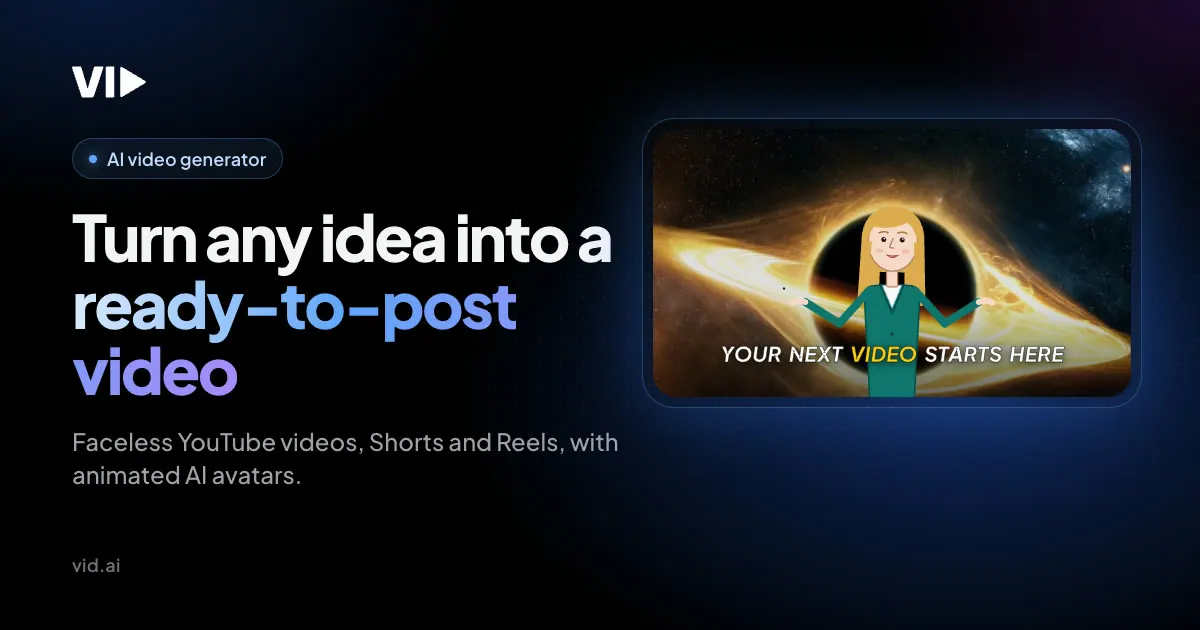
Create faceless shorts or longer-form videos with animated avatars. You can choose an avatar, specify where it appears, and rely on automatic lip sync and natural gestures so the character matches your script. Vid.AI also offers cinematic intro options, motion graphics, moving frames/images, and multiple image styles to help your scenes match the tone you’re aiming for.
For visual sourcing, Vid.AI can incorporate licensed stock footage from Storyblocks, including 4K and HD clips matched to what your script says, with extra clips for longer scenes. You can also refine your work in the editor—review scenes and captions, adjust what’s needed, and export in 1080p.
Vid.AI supports workflows that start from your own AI assistant conversation via MCP integrations. Video creation uses your Vid.AI subscription and credits. There’s also a cancel anytime option with a 30-day refund on unused credits.
What is Vid.AI?
Vid.AI is an AI video generator that turns an idea into a script, human-sounding voiceover, visuals, music, captions, and an export-ready video.
How do I generate a faceless video with Vid.AI?
Describe the video you want (for example: faceless, short, with an avatar). Then generate in the editor to review and refine scenes, captions, and music before exporting in 1080p.
What are Animated Avatars in Vid.AI?
Animated Avatars are expressive characters that speak, gesture, and move with your script. You can create one in your own style (with reference images), decide where it appears, and use automatic lip sync.
What voices does Vid.AI support?
Vid.AI includes hand-picked narrators on ElevenLabs v4 (and v2) and also supports adding any voice from the ElevenLabs Voice Library, including options like natural and custom voice sources.
How do credits and subscription work?
Video creation uses your Vid.AI subscription and credits. Your generation and rendering consume credits as part of creating the final video.
Can I cancel, and is there a refund?
You can cancel anytime, and there’s a 30-day refund on unused credits.
Is this your tool?
Claim Vid.AI to manage this listing, or upgrade to Pro for featured-first placement and a newsletter feature.