
Veyvia
AI Art Generator & Creator Tools
Veyvia combines AI photo creation with event invitation building and simple RSVP tracking in one dashboard.
- Pricing
- Free
- Category
- Art
- Listed
- Sep 9, 2026
- Updated
- Sep 9, 2026
Promoted
 Sidrune AI85% off. Stable Claude API for agent developers. Pay as you go. Invoices & refunds available.
 Pixmax.aiPixmax.ai is an all-in-one AI workspace for videos, visual stories, and marketing content.
 SEOify - Improve your SEO & rankingsBuild links to rank in Google. Improve your DR with links you can start building now.Advertise here270,000+ people visit Dang.ai every month.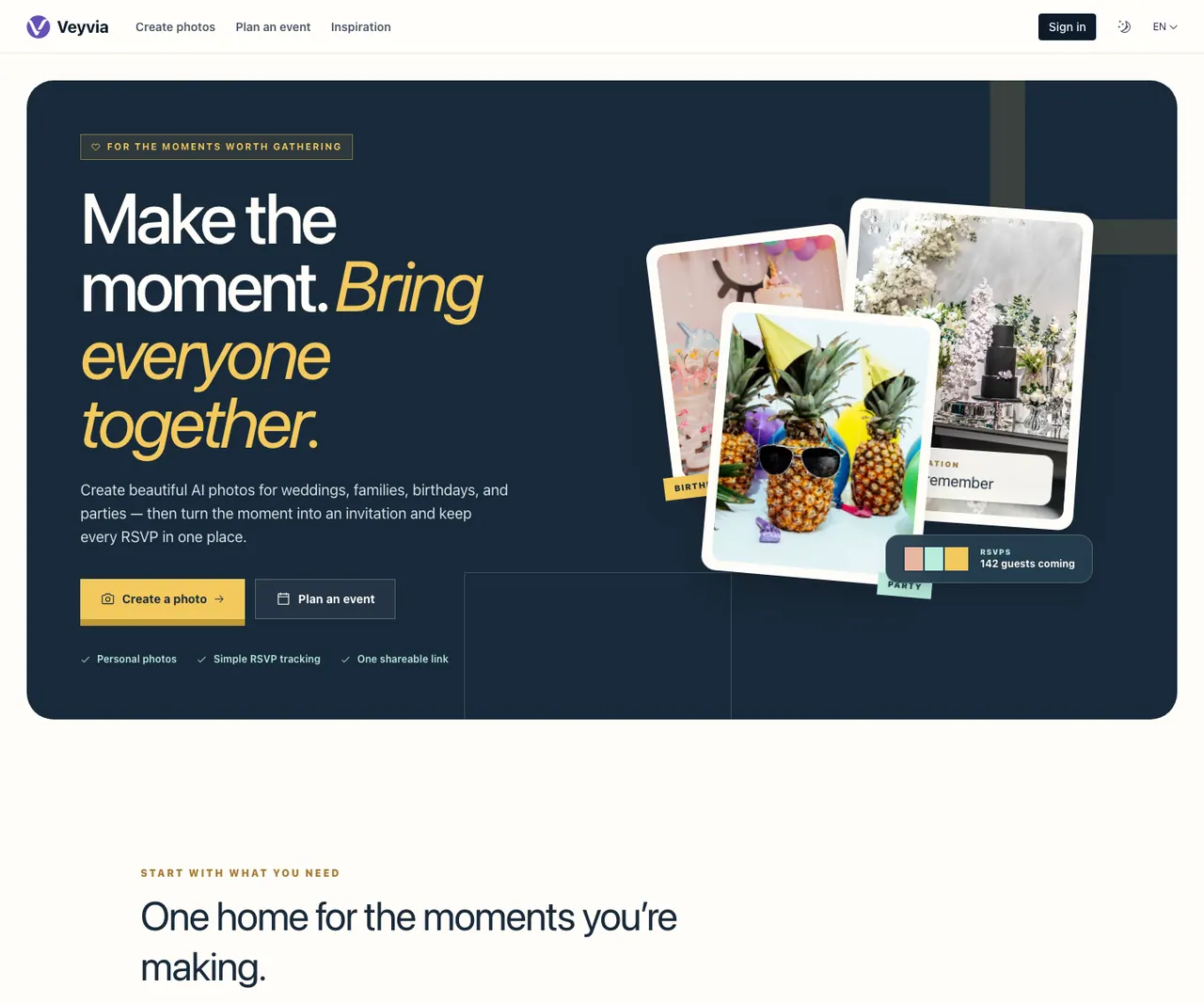
What does Veyvia do?
Veyvia is a browser-based toolkit for creating AI photos and turning them into polished digital invitations—then keeping RSVPs organized in one place. Generate wedding, family, birthday, or party portraits using a conversational workflow, with options for reference images, visual styles, and choosing the output aspect ratio and size.
After your photo is ready, Veyvia helps you design a shareable invitation card. Add event details, venue information, a cover image, theme, host message, and optional access controls, then preview your invitation as you build it.
Veyvia also streamlines guest collection with a simple RSVP page. Share your invitation via link or QR code, view real-time responses, manage plus-ones, and track dietary requirements and notes from a live guest list. Practical image tools are included for conversion, compression, resizing, social media sizing, editing, enhancement, unblurring, and QR code creation, plus JSON prompt workflows.
What kinds of events can I create photos and invitations for on Veyvia?
Veyvia is built around weddings, families, birthdays, and parties. Use it to create portrait-style AI photos for these occasions, then turn them into digital invitations.
Can I share a Veyvia invitation without manually collecting replies?
Yes. After publishing, you can share the invitation using a link or QR code, and guests respond through an RSVP page that feeds into your live guest list.
Does Veyvia support RSVP details like plus-ones and dietary requirements?
Yes. The RSVP flow supports plus-one management and dietary requirements, and your dashboard keeps guest notes organized.
Can I customize the invitation appearance with a theme and cover image?
Yes. Build your invitation by adding event details, venue information, a cover image, theme, and host message, then preview the result before publishing.
What photo output options are available when creating AI photos?
You can choose the aspect ratio and output size for your generated image, and you can use reference images and visual styles to guide the look.
Does Veyvia include tools beyond AI photo creation?
Yes. It includes browser-based utilities for tasks like image conversion, compression, resizing, editing/enhancement, unblurring, watermark removal, QR code generation, and batch download workflows.
This listing is claimed
Own Veyvia? Sign in with the email used to claim it to manage this listing, or upgrade to Pro for featured-first placement and a newsletter feature.