
Veo3 AI
Verified
AI Video Maker Generators & Tools
Create an 8-second Veo 3.1 video from text or images with native audio, in 720p, 1080p, or 4K and 16:9 or 9:16.
Promoted
 MuzieCreate professional AI music videos starring you. Bring a song or make one, done in minutes.
 AI Checker PlusAI detector that highlights which passages AI wrote. Free check, no sign-up. Plagiarism too.
 Pixmax.aiPixmax.ai is an all-in-one AI workspace for videos, visual stories, and marketing content.
 SEOify - Improve your SEO & rankingsBuild links to rank in Google. Improve your DR with links you can start building now.Advertise here330,000+ people visit Dang.ai every month.
What does Veo3 AI do?
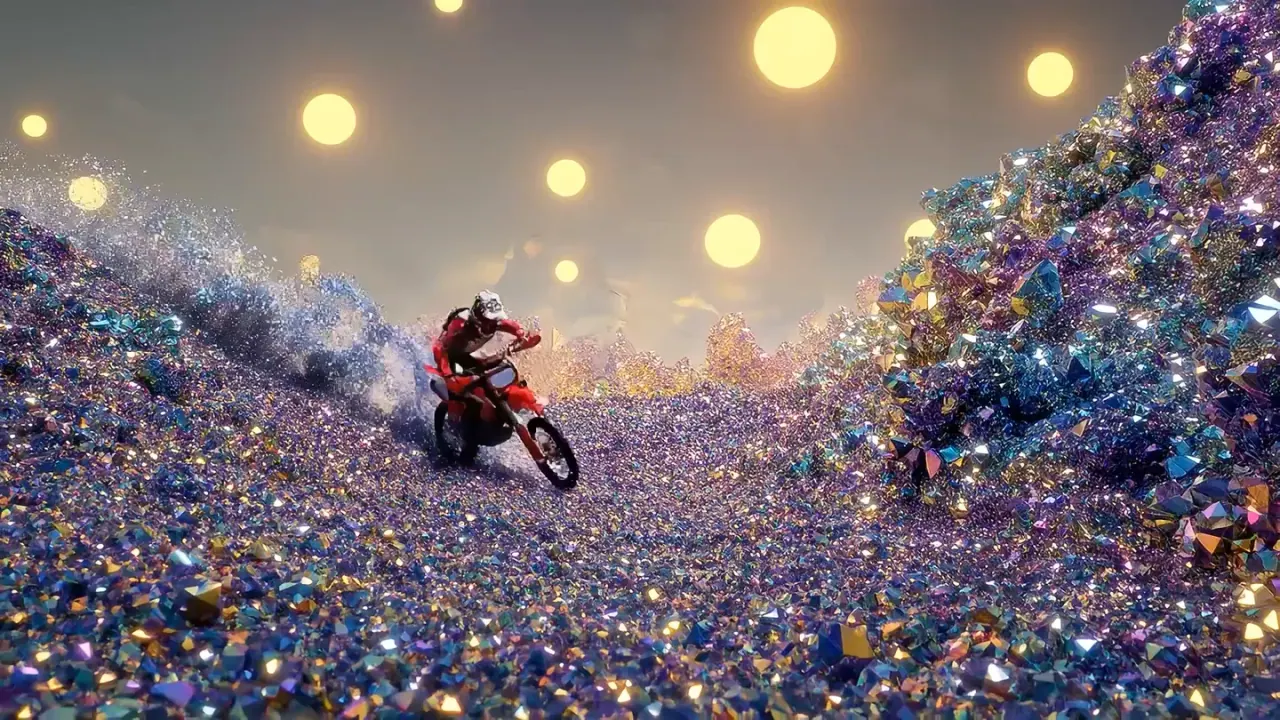
Veo3 AI’s Flow AI Video Generator helps you turn a concept into an 8-second Veo 3.1 clip using a simple browser workflow—no Flow project setup and no Google AI plan required. Start in Text to Video by describing the subject, action, setting, camera movement, and what you want to hear. Or use Image to Video by uploading a first frame (and optionally a last frame) and describing the motion between them.
A key feature is native audio generation with every clip. Write dialogue, footsteps, rain, traffic, crowd noise, and other sound cues directly into your prompt so the soundtrack comes alongside the visuals—no separate scoring step needed.
Before you generate, choose your model, aspect ratio, and resolution. Select Veo 3.1 Lite for lower-cost drafts or Veo 3.1 for final shots, then pick 16:9 or 9:16 and output quality in 720p, 1080p, or 4K. The credit estimate updates as you change settings, so you can review the cost before you click Generate. After generation, watch the clip with sound, then download the take you want from your history.
This tool is designed for creators, marketers, and social editors who want to test hooks, characters, and visual styles quickly by iterating on prompts in minutes. New accounts receive starter credits, and failed generations are refunded automatically.
What can I create with Veo3 AI’s Flow AI Video Generator?
You can generate an 8-second Veo 3.1 video from either a text prompt (Text to Video) or frames (Image to Video).
How do I add sound to my video?
Include sound cues directly in your prompt, such as dialogue, footsteps, rain, traffic, or crowd noise. The clip is generated with native audio to match.
Can I generate a video in different aspect ratios and resolutions?
Yes. Choose 16:9 or 9:16, and select output resolution from 720p, 1080p, or 4K.
What’s the difference between Veo 3.1 Lite and Veo 3.1?
Veo 3.1 Lite is intended for lower-cost drafts, while Veo 3.1 is for final shots. You select the model before generating.
Do I need a Google AI subscription to use this generator?
No. You can generate in your browser with your own Veo3 credit balance, without a Google AI plan.
What happens if a generation fails?
Failed generations are refunded automatically. The credit cost is also shown before you generate so you can decide ahead of time.
This listing is claimed
Own Veo3 AI? Sign in with the email used to claim it to manage this listing, or upgrade to Pro for featured-first placement and a newsletter feature.