
Uni1Studio
AI Productivity App
Uni1Studio helps you generate and edit with Uni-1 using reference-guided control and reusable workflows.
Promoted
 Pixmax.aiPixmax.ai is an all-in-one AI workspace for videos, visual stories, and marketing content.
 RewindType any X/Twitter handle. Get their year back as a narrated video story. Then ask it anything.
 KurodyneSell the tools from your AI side projects. Listing is free.
 Sidrune AI85% off. Stable Claude API for agent developers. Pay as you go. Invoices & refunds available.
 SEOify - Improve your SEO & rankingsBuild links to rank in Google. Improve your DR with links you can start building now.Advertise here270,000+ people visit Dang.ai every month.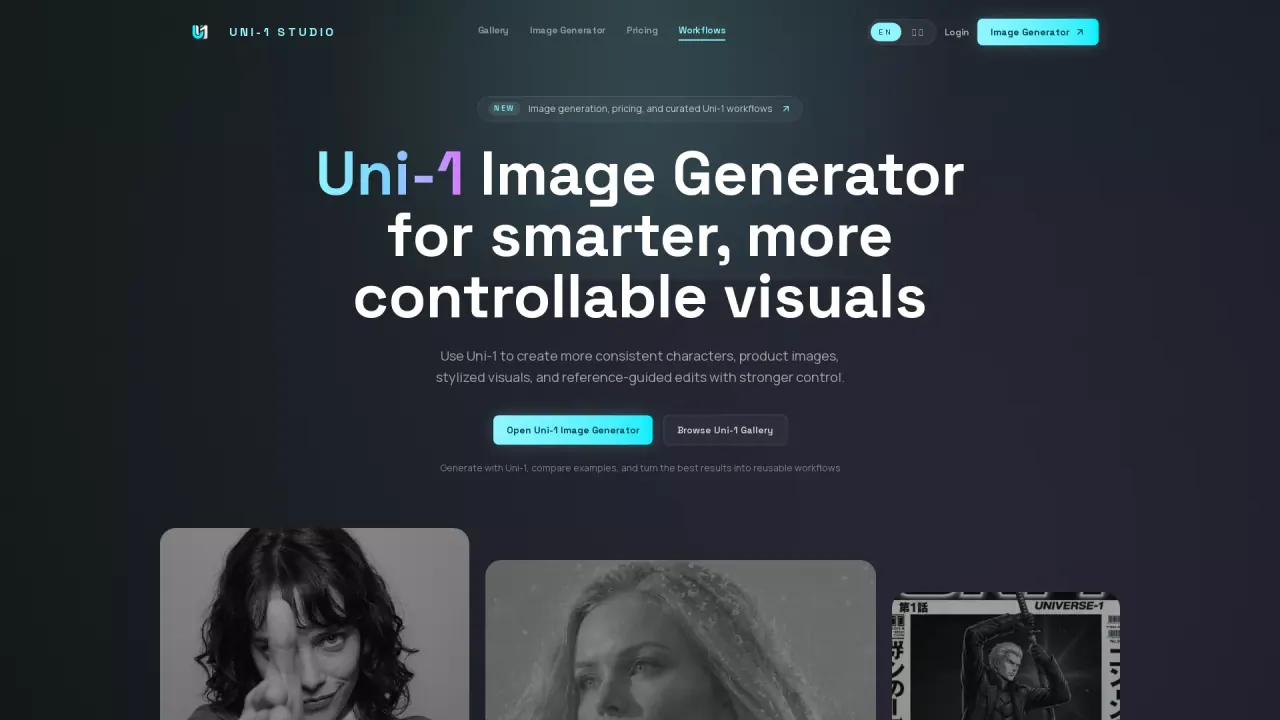
What does Uni1Studio do?
What does Uni1Studio do?
Uni1Studio is a curated platform for generating and refining images with the Uni-1 model. It focuses on smarter, more controllable creation—so you can get consistent characters, clearer product visuals, and transformations that feel believable rather than random. You can browse examples in a Uni-1 gallery, generate new images, and turn your best results into reusable workflows.
The main workflow is reference-first. Start by describing your image goal and visual direction, then add one or more reference images to guide identity, composition, materials, lighting, and style. After generating multiple options, you can review and refine by adjusting prompts and/or references, then save the best prompt + reference combination as a repeatable recipe.
Uni-1 Studio also supports smarter edits, including coherent transformations and scene-aware changes. It’s designed for artists and creators who want stronger reference following—especially for aesthetics-driven outputs like manga-inspired layouts, cinematic shots, stylized visuals, and product campaign variants.
Pricing is available on the platform, with flexible plans starting at $9.9 for entry-level access.
Is Uni1Studio a Uni-1 image generator?
Yes. It includes a Uni-1 Image Generator that lets you generate images, compare results in the gallery, and refine your best direction with prompts and reference images.
What is Uni-1 best at inside this workflow?
Uni-1 works best when you want more intelligent, directable generation—especially for common-sense completion, scene edits, relighting, and transformations that remain visually plausible.
Do I need reference images every time?
No. Reference images are most helpful when you need tighter control over identity, composition, materials, lighting, or style; prompt direction alone can be enough for more general concepts.
Can I use Uni1Studio for product images and character consistency?
Yes. It’s built for character consistency across multiple shots and for product imagery like campaign variants, packaging concepts, and launch-ready assets using references.
Can I edit an existing image instead of starting from scratch?
Yes. Uni-1 supports image editing and relighting so you can iterate on an existing image with targeted transformations and lighting changes.
What styles work well with Uni-1 on Uni1Studio?
Style-heavy directions work well, including aesthetics, manga-inspired layouts, memes, and cinematic shots—particularly when you steer the look with reference images and visual direction.
This listing is claimed
Own Uni1Studio? Sign in with the email used to claim it to manage this listing, or upgrade to Pro for featured-first placement and a newsletter feature.