
Undress.app
AI Art Generator & Creator Tools
Undress.app is an online AI undressing generator that turns your uploaded photos into deepnude-style images in seconds using selectable modes.
- Pricing
- Free
- Category
- Art
- Listed
- Jul 11, 2026
- Updated
- Oct 15, 2026
Promoted
 Sidrune AI85% off. Stable Claude API for agent developers. Pay as you go. Invoices & refunds available.
 Pixmax.aiPixmax.ai is an all-in-one AI workspace for videos, visual stories, and marketing content.
 AI Checker PlusAI detector that highlights which passages AI wrote. Free check, no sign-up. Plagiarism too.
 RewindType any X/Twitter handle. Get their year back as a narrated video story. Then ask it anything.
 KurodyneSell the tools from your AI side projects. Listing is free.
 SEOify - Improve your SEO & rankingsBuild links to rank in Google. Improve your DR with links you can start building now.Advertise here270,000+ people visit Dang.ai every month.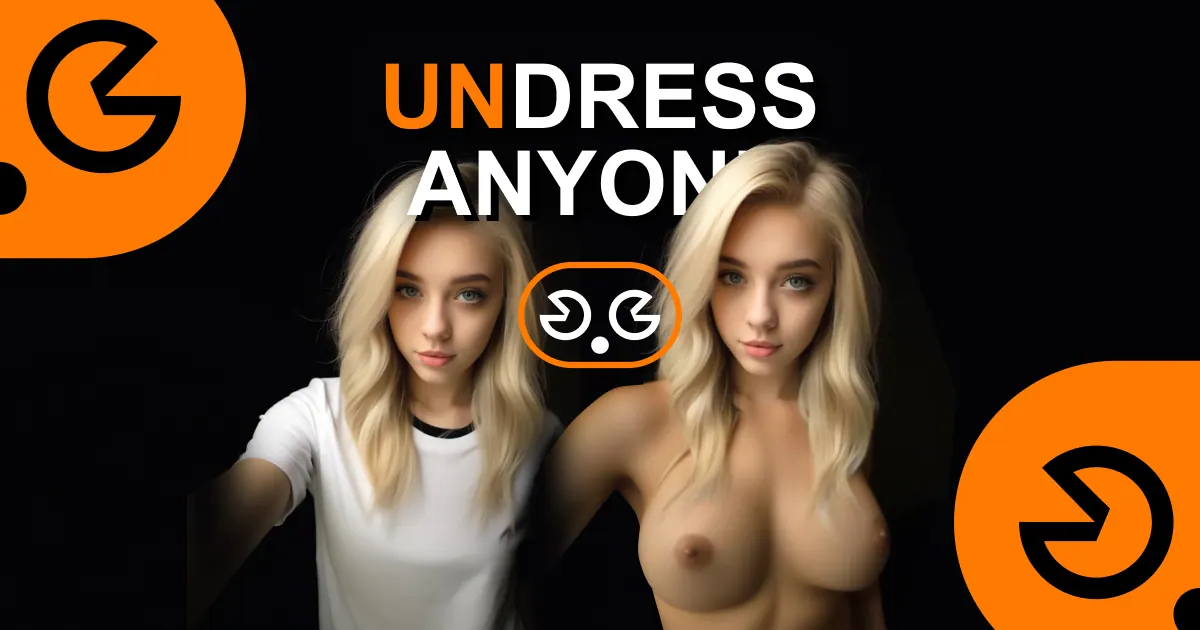
What does Undress.app do?
Undress.app is an online AI nude generator built to create unclothed, “deep nude” style results from your own uploads. You start by signing up, then choose an undressing mode and upload an image you’re allowed to use. The app processes your photo and produces an AI-generated result designed to be “no blur.”
The platform offers both image and video workflows, plus a range of advanced tools and generation modes. Mode selection is central: it can automatically recognize clothes and remove them, and you can experiment with different presets such as Lingerie, Bikini, and other NSFW-focused options. There’s also support for varied scenes and categories via an Explore gallery with many modes.
Undress.app also includes editing and transformation options (like Face Swap and Outfit Swap) and community-style “creator” modes, letting you generate and remix with different looks. If you’re aiming for particular framing or effects, you can browse through a large list of modes and try multiple approaches using the same uploaded reference.
Who it’s for: people who want to generate adult AI image content quickly from provided photos, with control over style through selectable modes. The page also highlights a focus on privacy—your actions aren’t published and the service doesn’t save data. You can get started for free after signing up and may receive free credits; it also mentions plans for an “Undress AI Pro package” for an unblurred version.
Pricing/credits are presented as free credits after sign-up and discount/offer messaging (e.g., summer sale and referral credits), with a reference to an “Undress AI Pro package” for the unblurred version.
How do I generate NSFW pics with Undress.app?
Pick an AI undressing mode, upload a photo or image you’re allowed to use, and let the tool generate the result. Clothes are automatically recognized and removed, and you can try different modes (like lingerie or bikini) if you want a different look.
What does choosing a mode do?
A mode controls the style and framing of the AI generation. If you don’t like a result, switching to another mode and re-uploading a suitable image can improve the outcome.
How do I get better results with no blur?
Quality depends mostly on the photo you upload and the mode you choose. For an unblurred version, use the Undress AI Pro package.
Can I use Undress.app for free?
Yes—after you sign up, you’ll receive free credits to try the AI undressing tool. You can use those credits for generations.
Is sign-up required?
Yes, sign-up is required. It helps with user safety and prevents misuse by restricting generation access.
Does Undress.app save my data or publish my actions?
No—your actions aren’t published anywhere and the service doesn’t save data, emphasizing confidentiality.
Is this your tool?
Claim Undress.app to manage this listing, or upgrade to Pro for featured-first placement and a newsletter feature.