
Unboom
AI Music Tools & Generators
Unboom automatically finds your room’s boomy bass frequency and gently reduces it in your Mac’s audio.

- Pricing
- Free
- Category
- Music
- Listed
- Sep 26, 2026
- Updated
- Sep 27, 2026
Promoted
 AI Checker PlusAI detector that highlights which passages AI wrote. Free check, no sign-up. Plagiarism too.
 RewindType any X/Twitter handle. Get their year back as a narrated video story. Then ask it anything.
 KurodyneSell the tools from your AI side projects. Listing is free.
 Sidrune AI85% off. Stable Claude API for agent developers. Pay as you go. Invoices & refunds available.
 Pixmax.aiPixmax.ai is an all-in-one AI workspace for videos, visual stories, and marketing content.
 SEOify - Improve your SEO & rankingsBuild links to rank in Google. Improve your DR with links you can start building now.Advertise here330,000+ people visit Dang.ai every month.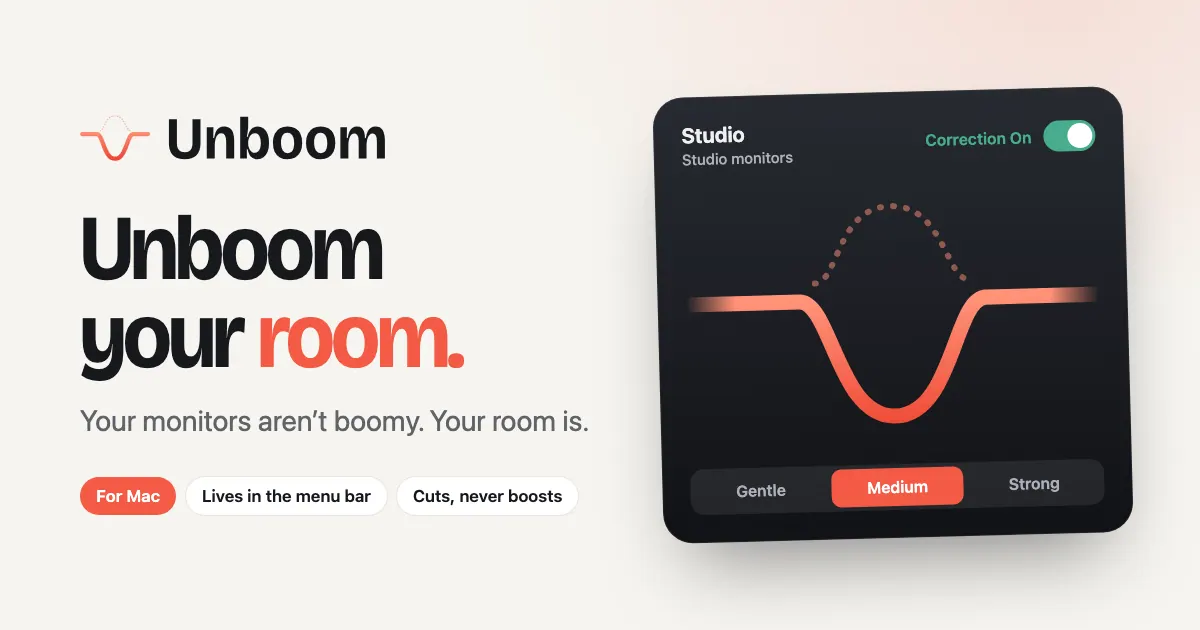
What does Unboom do?
Small, untreated rooms can exaggerate certain bass notes so they ring louder than the rest. Unboom targets that specific “boom” and turns just that part down, so your monitors and speakers sound more balanced where you actually listen.
Run a room scan using your Mac’s microphone while you sit in your listening spot, or play quiet test tones and tap “That’s the boom” by ear. Choose a correction strength (Gentle, Medium, or Strong) and flip Correction On/Off to hear the difference immediately—without manually hunting for frequencies.
Once set up, Unboom sits in your Mac’s menu bar and applies correction to your calibrated speaker output. Each room remembers its own speakers, and headphones are left untouched, so you can switch contexts with a single click. Nothing is boosted—Unboom only cuts—and nothing leaves your Mac.
Do I need a measurement microphone?
No—Unboom can scan your room using your Mac’s microphone as you sit where you normally listen.
Will Unboom change how my monitors sound?
Yes, but only where your room exaggerates a specific bass note. Unboom reduces that “boom” frequency and applies a quiet correction profile tailored to your room.
How do I find the boomy bass note—do I need to know frequencies?
No. You can use the room scan for a quick detection, or identify the boom by ear using the provided test tones and the “That’s the boom” option.
Does Unboom only reduce bass, or can it boost frequencies?
It only cuts. Unboom reduces the identified boomy part of the spectrum and doesn’t boost other frequencies.
Does Unboom affect my DAW exports or only playback?
Unboom is designed for Mac audio correction on your calibrated speakers, and it offers a way to use its room correction inside supported DAWs. Your exact export behavior depends on your DAW’s workflow and settings.
What happens after the free trial?
You can use Unboom for 14 days. After the trial, you’ll need to unlock to keep using it.
This listing is claimed
Own Unboom? Sign in with the email used to claim it to manage this listing, or upgrade to Pro for featured-first placement and a newsletter feature.