
unbg.video
AI Video Maker Generators & Tools
Upload a video and use AI to remove the background without a green screen, then export a transparent cutout or swap in a new background.
- Pricing
- Free
- Category
- Video
- Listed
- Sep 7, 2026
- Updated
- Oct 18, 2026
Promoted
 AI Checker PlusAI detector that highlights which passages AI wrote. Free check, no sign-up. Plagiarism too.
 RewindType any X/Twitter handle. Get their year back as a narrated video story. Then ask it anything.
 KurodyneSell the tools from your AI side projects. Listing is free.
 Sidrune AI85% off. Stable Claude API for agent developers. Pay as you go. Invoices & refunds available.
 Pixmax.aiPixmax.ai is an all-in-one AI workspace for videos, visual stories, and marketing content.
 SEOify - Improve your SEO & rankingsBuild links to rank in Google. Improve your DR with links you can start building now.Advertise here330,000+ people visit Dang.ai every month.
What does unbg.video do?
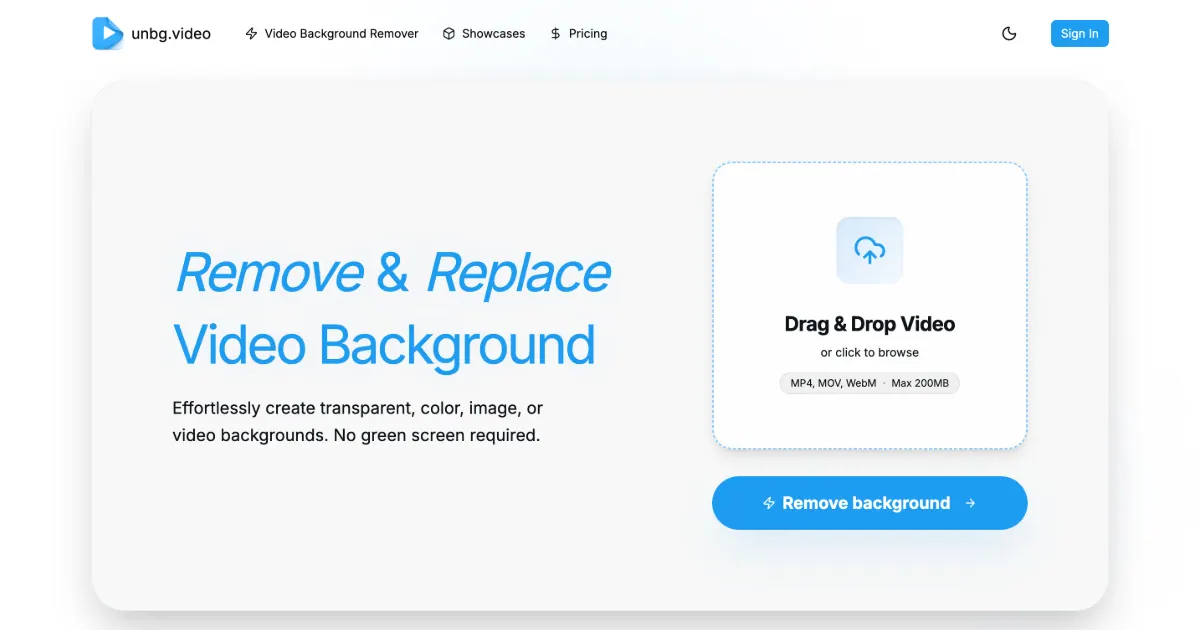
unbg.video is an online AI video background remover that helps you cut a subject out of footage you’ve already filmed. Upload a clip, let the AI separate the subject from the background, and preview the result in your browser before exporting.
It’s designed to work without a green screen. The background removal detects the subject in each frame, making it suitable for creator-style clips with people, product demos, tutorials, social videos, and other motion-heavy footage. You can use the output for editing and compositing workflows, or for quick publishing-ready edits.
After removal, you have options for what you do next: keep the background transparent for downstream editing, or replace it with a solid color, an image, or another video. This makes it useful for ads, product videos, and social posts where the subject needs to stand out.
Exports include transparent video formats such as WebM, ProRes 4444 (.mov), and H.264 alpha/color MP4 channel files. If you replace the background, export the edited result as MP4. Uploads support MP4, MOV, and WebM up to 200MB, and there’s a free trial with paid credits for additional use.
Can I remove a video background without a green screen?
Yes—unbg.video removes the background using AI cutout processing, so you don’t need to film with a green screen.
What video formats can I upload?
You can upload MP4, MOV, and WebM clips, with a maximum file size of 200MB.
Can I export a transparent video after removing the background?
Yes. You can export transparent results in formats including WebM, ProRes 4444 (.mov), and H.264 alpha/color MP4 channel files.
Can I replace the background after removing it?
Yes. After the AI removes the original background, you can keep it transparent or replace it with a solid color, image, or video background, then export an edited MP4.
Is unbg.video free to try?
Yes, there is a free trial. Additional use is available via paid credits.
How long does video background removal take?
Timing isn’t specified on the provided information, so delivery time may vary by clip length and processing mode.
This listing is claimed
Own unbg.video? Sign in with the email used to claim it to manage this listing, or upgrade to Pro for featured-first placement and a newsletter feature.