Tyndall AI
AI Image Generators from Text Tools
Tyndall AI is an AI-native toolkit for creating and editing images and cinematic videos, with tools for upscaling and watermark removal.
Promoted
 RewindType any X/Twitter handle. Get their year back as a narrated video story. Then ask it anything.
 KurodyneSell the tools from your AI side projects. Listing is free.
 Sidrune AI85% off. Stable Claude API for agent developers. Pay as you go. Invoices & refunds available.
 Pixmax.aiPixmax.ai is an all-in-one AI workspace for videos, visual stories, and marketing content.
 AI Checker PlusAI detector that highlights which passages AI wrote. Free check, no sign-up. Plagiarism too.
 SEOify - Improve your SEO & rankingsBuild links to rank in Google. Improve your DR with links you can start building now.Advertise here330,000+ people visit Dang.ai every month.
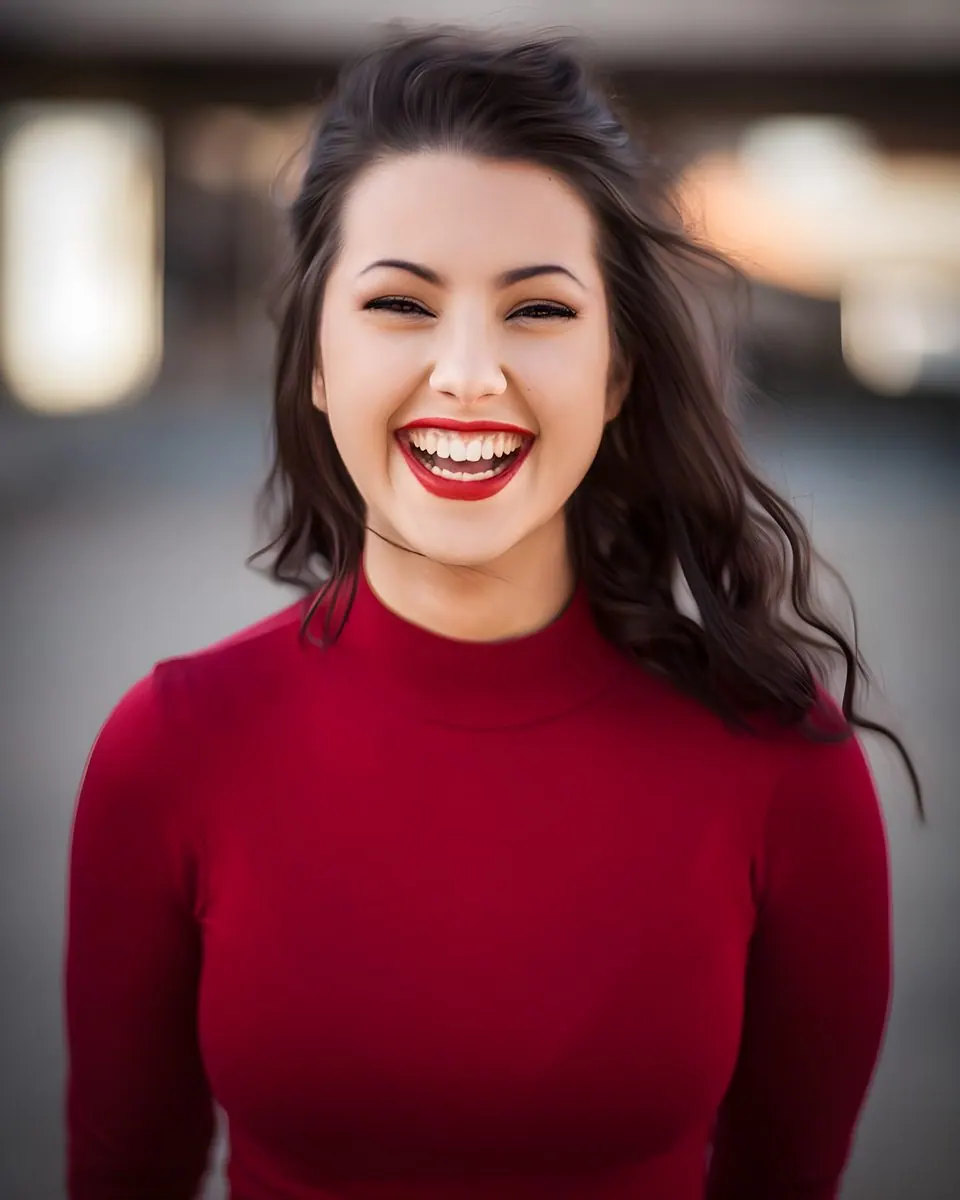
What does Tyndall AI do?
Tyndall AI is an AI-native creative toolkit for making and improving visual content. It helps you generate images from text, turn prompts into cinematic AI videos, and refine results with model-powered image and video tools.
Key capabilities include AI Image Generator (fast text-to-image generation and editing), AI Video Generator (turn prompts into cinematic videos), and AI Motion Control (animate a character image using a reference video). You can also upscale images and videos to improve clarity, and use Video Watermark Remover to remove logos and text overlays from video.
Tyndall AI offers access to multiple models, including GPT Image 2.5 (fast generation and editing), Nano Banana 2.1 (sharper, Flash-tier generation), Flux 3 Image (native 2K/4K with precise control), Seedream 5.0 Pro and Seedream 5.0 Lite, Ideogram 4.5 (sharp, legible text and stacked edits), and Grok Imagine 2.0. It also includes tools like Replace Anyone in Any Video and Higgsfield Genjutsu for motion transfer into video.
For daily usage, you get 10 free credits every day. Some tools show credit costs—such as GPT Image 2.5 with a credit cost of 16 for a listed medium 1:1 configuration.
What can I create with Tyndall AI?
You can generate images from text and create cinematic AI videos from prompts. You can also edit and enhance results using upscaling and other video and image tools.
How do I animate a character using a reference video?
Use tools like AI Motion Control or Kling Motion Control to animate a character image from a reference video. For motion transfer workflows, Higgsfield Genjutsu can put a character into a video's moves.
Can I upscale images and videos?
Yes. Tyndall AI includes AI Image Upscaler to enlarge images while restoring fine detail, and AI Video Upscaler to sharpen and upscale low-resolution videos.
Does Tyndall AI offer watermark or overlay removal for video?
Yes. Video Watermark Remover is designed to remove logos and text overlays from video.
How do credits and pricing work on Tyndall AI?
You receive 10 free credits every day. Some model configurations list credit costs (for example, GPT Image 2.5 shows a credit cost of 16 for a listed medium 1:1 setup).
Which image generation models are available?
Common options include GPT Image 2.5, Nano Banana 2.1, Flux 3 Image, Seedream 5.0 Pro/Lite, Ideogram 4.5, Grok Imagine 2.0, and GPT Image 2.
This listing is claimed
Own Tyndall AI? Sign in with the email used to claim it to manage this listing, or upgrade to Pro for featured-first placement and a newsletter feature.