
Topview T1
AI Video Maker Generators & Tools
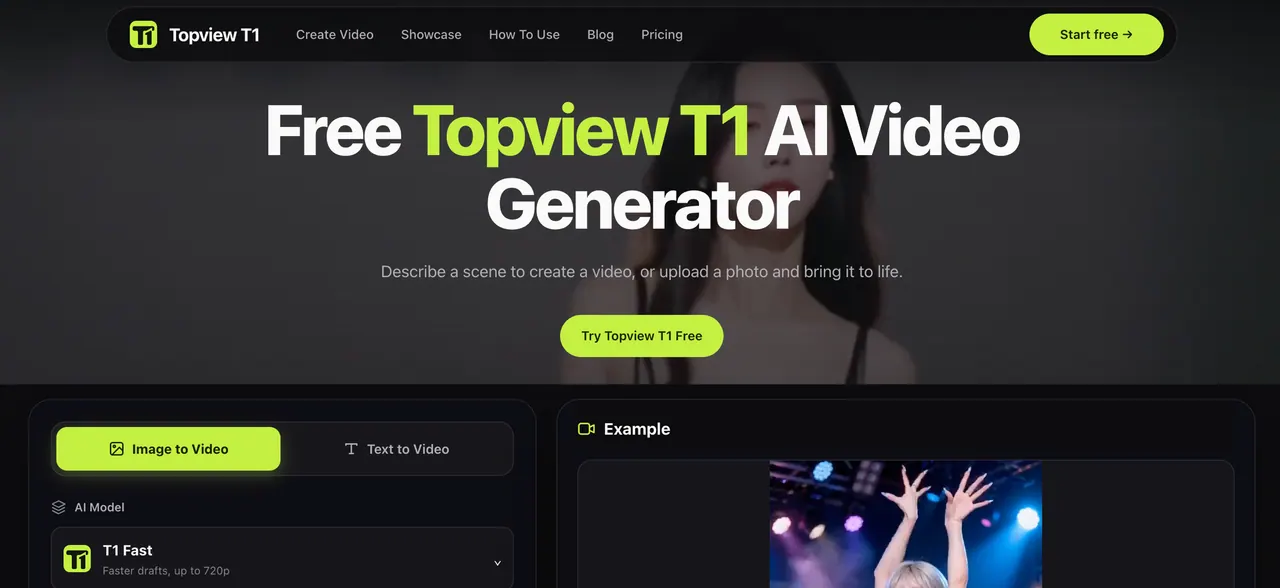
Topview T1 turns a text scene or an uploaded photo into a video clip with controllable subject and camera motion.
- Category
- Video
- Listed
- Nov 9, 2026
- Updated
- Nov 9, 2026
Promoted
 RewindType any X/Twitter handle. Get their year back as a narrated video story. Then ask it anything.
 KurodyneSell the tools from your AI side projects. Listing is free.
 Sidrune AI85% off. Stable Claude API for agent developers. Pay as you go. Invoices & refunds available.
 Pixmax.aiPixmax.ai is an all-in-one AI workspace for videos, visual stories, and marketing content.
 AI Checker PlusAI detector that highlights which passages AI wrote. Free check, no sign-up. Plagiarism too.
 SEOify - Improve your SEO & rankingsBuild links to rank in Google. Improve your DR with links you can start building now.Advertise here330,000+ people visit Dang.ai every month.
What does Topview T1 do?
Topview T1 is an AI video generation model that helps you create short video clips from either a written scene (text to video) or a starting visual you already have (image to video). It’s designed for turning a product moment, a social-media-ready action, or a story vignette into motion so you can prototype ideas before filming.
With text to video, you describe the subject, setting, and main action—then add shot guidance so the output matches the scene you have in mind. For image to video, you upload a photo or illustration and then instruct what should move and how. This makes it a good fit when you already have the composition you want, such as a product photo, an illustration, or a captured moment.
Topview T1 also supports motion and camera prompt control. Instead of vague requests, you can specify subject movement separately from camera movement (for example, keeping the cup still while the camera slowly moves closer). After generating, preview the full clip from start to finish and refine one part at a time—such as changing only the camera request—so iterations are faster and easier to compare.
You can use Topview T1 to explore product videos from photos, create simple social clips with a clear action, or sketch story scenes before the final edit. There’s a free option to try it, and generation includes selectable settings and an on-page preview workflow.
Can Topview T1 create a video from text?
Yes. Describe the scene with the subject, setting, and main action, then include shot guidance (like camera position or camera movement) to steer the result.
How do I make a video from my own photo in Topview T1?
Upload your photo or illustration, then instruct what should move and how. The source image provides visual context, while your prompt directs the animation.
What’s the difference between subject motion and camera motion prompts?
Subject motion controls what moves in the scene (for example, steam rising), while camera motion controls how the viewpoint changes. Separating them can make the shot easier to control.
Why should I preview the clip before trying another prompt?
Previewing helps you see the motion and framing across the whole clip. If the action doesn’t match your intent, simplify the instruction or adjust just one part—like the camera request—on the next try.
Is Topview T1 free to try?
Yes. You can start with the free option to try the Topview T1 AI video generator.
What kinds of projects is Topview T1 best for?
Topview T1 works well for product clips from photos, social media videos with a clear subject action, and story scenes you want to prototype before the final edit.
This listing is claimed
Own Topview T1? Sign in with the email used to claim it to manage this listing, or upgrade to Pro for featured-first placement and a newsletter feature.