
TonySkill
Verified
AI Video Maker Generators & Tools
Use TonySkill to remove objects from videos with AI plus 100+ free, no-sign-up file tools in your browser.
Promoted
 Pixmax.aiPixmax.ai is an all-in-one AI workspace for videos, visual stories, and marketing content.
 AI Checker PlusAI detector that highlights which passages AI wrote. Free check, no sign-up. Plagiarism too.
 RewindType any X/Twitter handle. Get their year back as a narrated video story. Then ask it anything.
 KurodyneSell the tools from your AI side projects. Listing is free.
 SEOify - Improve your SEO & rankingsBuild links to rank in Google. Improve your DR with links you can start building now.Advertise here330,000+ people visit Dang.ai every month.
What does TonySkill do?
TonySkill is a free online directory of file tools, focused on fast, no-sign-up processing—most tools run right in your browser so your files stay on your device. Pick a theme to browse the tool categories, then drop a file onto the page or choose one to get started.
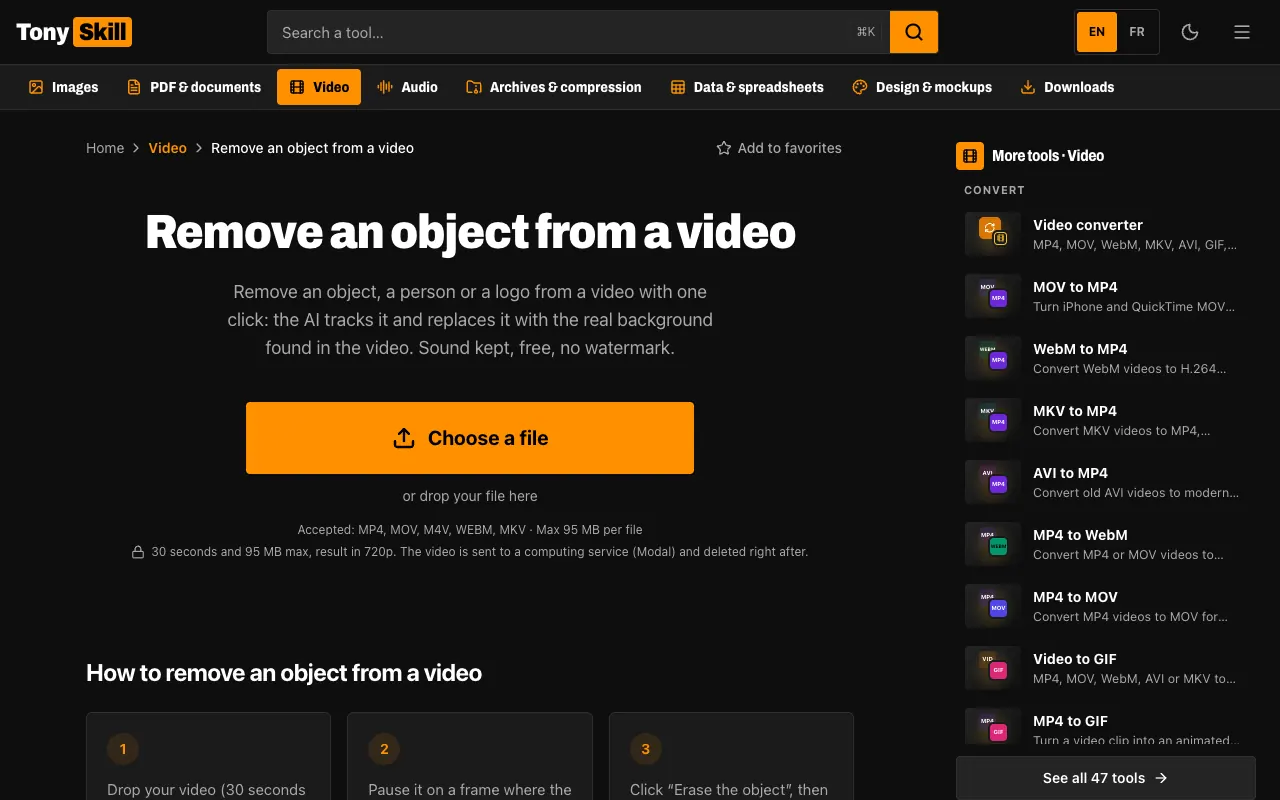
At the heart of TonySkill is an AI video object remover: open your clip, click the object (or a person or logo) you want gone, and the AI tracks it and replaces it with the real background from the video. The result keeps the original sound, supports up to 30-second clips, and outputs a 720p result. The tool also runs without adding a watermark.
Beyond video cleanup, TonySkill offers many single-purpose file utilities across images, PDFs and documents, video, audio, archives, spreadsheets, and design. Common options include background removal, image compression, PDF merging and compression, format conversion, subtitles, audio transcription, and ZIP/RAR/7z archiving. Some AI features (like certain image tools and text extraction) use cached models in the browser, while other tasks use a server and delete files after processing.
There’s no app and no API—just a browser workflow. Limits may apply by file type (for example, image size up to 50 MB, PDF size up to 300 MB, and some video tools capped at 30 seconds and 720p). Many non-AI tools are available as well.
How does the AI “remove an object from a video” tool work?
Upload your video, then click the object (person/logo) to remove. The AI tracks it and replaces it with the video’s real background, keeping the original sound.
What are the limits for the video object removal tool?
It supports clips up to 30 seconds and outputs a 720p result. Some tools also have similar caps on duration and resolution.
Do I need an account to use TonySkill?
No—there’s no sign-up requirement. Most tools process your files directly in your browser.
Will my files be uploaded to a server?
Most tools run in your browser so your files stay on your device. Some AI tasks use a server and remove files after processing.
Is there a watermark added to edited videos?
No watermark is added by the site.
What size limits should I expect for files?
Image uploads are limited to 50 MB and PDF uploads to 300 MB. Video tools may be limited to 30 seconds and 720p.
This listing is claimed
Own TonySkill? Sign in with the email used to claim it to manage this listing, or upgrade to Pro for featured-first placement and a newsletter feature.