
Supermaker.ai
AI Video Maker Generators & Tools
All-in-one AI video generator with audio, plus related tools for images, music, and voice.
- Category
- Video
- Listed
- Oct 26, 2026
- Updated
- Oct 26, 2026
Promoted
 Sidrune AI85% off. Stable Claude API for agent developers. Pay as you go. Invoices & refunds available.
 Pixmax.aiPixmax.ai is an all-in-one AI workspace for videos, visual stories, and marketing content.
 RewindType any X/Twitter handle. Get their year back as a narrated video story. Then ask it anything.
 KurodyneSell the tools from your AI side projects. Listing is free.
 SEOify - Improve your SEO & rankingsBuild links to rank in Google. Improve your DR with links you can start building now.Advertise here270,000+ people visit Dang.ai every month.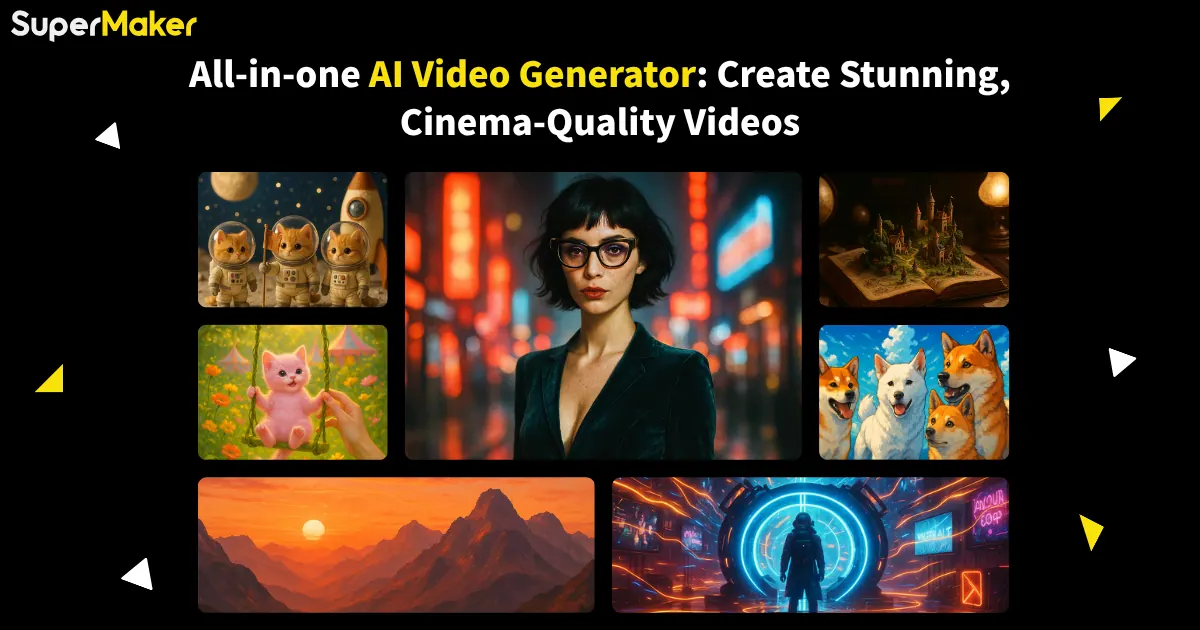
What does Supermaker.ai do?
Supermaker.ai is a complete AI creative toolkit built around an AI video generator with audio support. Start from a text prompt or an image, then generate a script, create vivid visual scenes, and add voice, background music, and sound effects to produce immersive, polished results.
The platform is designed for end-to-end creation. Use its workflow studio/canvas to connect text, images, and video in one pipeline—generate storyboards, animate images, and assemble scenes. It also includes an effects library and advanced editing tools so you can refine your outputs after generation, including capabilities like magic erase for images, smart uncrop, photo restoration, and direct image-to-video conversion.
Supermaker.ai also supports complementary creative media: an AI image maker for concept art and illustrations, an AI voice maker for voiceovers in multiple languages and styles, and an AI music maker for creating royalty-free background music and soundtracks. For collaboration and iteration, there’s a chat interface that helps you brainstorm ideas and guide scene, voice, and music generation.
It’s a strong fit for marketers, content creators, educators, social media teams, aspiring filmmakers, and game developers—anyone who wants to move from concept to video with less friction. Supermaker offers a free plan for exploring basic features, while advanced capabilities and premium features are available via subscription plans.
What can Supermaker.ai generate?
You can generate AI videos with synchronized audio, plus images, voiceovers, and background music—so you can build full video projects in one place.
How do I create a video from an idea or reference?
Enter a text prompt or use images, then the workflow generates a script and visual scenes. After that, you can integrate voiceovers, music, and sound effects and fine-tune with editing tools.
Does Supermaker.ai support a complete video workflow (not just clips)?
Yes. It supports a connected workflow for storyboarding and scene management, then post-production steps like audio integration and editing so you can create a more complete production.
Can I add voiceovers and music that match my video?
Yes. The video workflow includes voice and music creation so your audio elements can be integrated into your generated scenes for a cohesive result.
Is there a free plan?
Yes. Supermaker.ai offers a free plan that lets you explore basic features. Advanced capabilities and premium features require a subscription plan.
Can I use the videos I create for commercial purposes?
Commercial rights are available with paid subscription plans. Review the terms of service for the specific details that apply to your use.
Is this your tool?
Claim Supermaker.ai to manage this listing, or upgrade to Pro for featured-first placement and a newsletter feature.