
SunoMV
AI Video Maker Generators & Tools
SunoMV turns a Suno (or supported) track into a lyric-synced music video with storyboard preview and 9:16 MP4 exports.
Promoted
 AI Checker PlusAI detector that highlights which passages AI wrote. Free check, no sign-up. Plagiarism too.
 RewindType any X/Twitter handle. Get their year back as a narrated video story. Then ask it anything.
 KurodyneSell the tools from your AI side projects. Listing is free.
 Sidrune AI85% off. Stable Claude API for agent developers. Pay as you go. Invoices & refunds available.
 Pixmax.aiPixmax.ai is an all-in-one AI workspace for videos, visual stories, and marketing content.
 SEOify - Improve your SEO & rankingsBuild links to rank in Google. Improve your DR with links you can start building now.Advertise here330,000+ people visit Dang.ai every month.
What does SunoMV do?
SunoMV is an AI music video generator and lyric video maker built for posting short-form music videos fast. Paste a Suno link (or upload audio / use supported links) to get a synced lyric storyboard preview, then generate a ready-to-share music video in your chosen visual direction.
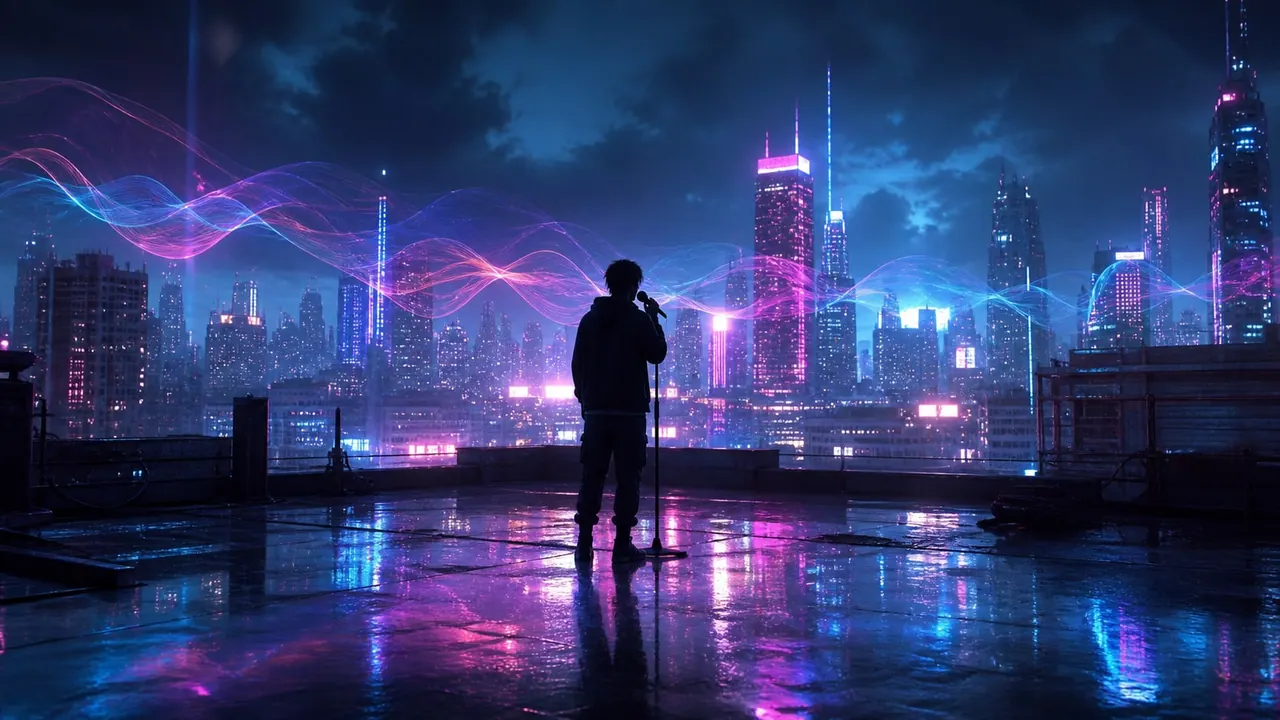
The workflow starts with lyric timing and visual planning. SunoMV pulls lyric information from your input and creates a per-line storyboard you can preview before you export. Choose from curated visual styles (for example: Modern Cinematic, Cyberpunk, Realistic Photo, Studio Ghibli, and many more), with AI-generated lyric images designed to match the mood of your track.
For production control, you can fine-tune the generated content. Edit by chatting to request changes such as a new shot or camera move, and use smooth AI transitions between lyric image moments. You can also generate motion clips that align with your vocals, then trim a chorus clip without leaving the studio.
Exports are designed for common vertical platforms. Video exports support 9:16 (and other aspect ratios depending on plan), with burned-in lyrics for short-form formats like TikTok, Shorts, Reels, and WeChat channels. Pricing is plan-based: free preview is available to start, while full video export (including full-song motion) requires Pro. Limited-time Pro is listed as $29.9/month (was $39.9/month), and there’s also a Studio plan for higher-volume needs.
What can I use as an input to generate a music video in SunoMV?
You can paste a Suno link, paste a supported YouTube or Bilibili video link (under 15 minutes), or upload your own audio. Then SunoMV returns lyric timing plus visuals as a storyboard preview.
How does lyric syncing work?
SunoMV provides auto-synced lyrics by reading the source song’s metadata to match lyric timing frame-accurately. You can preview the synced lyrics and storyboard before exporting.
Can I customize the look of the video?
Yes. Pick from many curated visual styles, and SunoMV generates per-line lyric images in that style. You can also edit by chatting to request specific changes like a new shot or camera move.
What formats and resolutions can I export?
For Pro exports, you can export for vertical short-form sharing, including 9:16 MP4 with burned-in lyrics. Export quality details are plan-dependent (Pro lists 1080p Full HD, and Studio includes higher up to 2K/4K).
Do I need Pro to export the final video?
Free preview lets you test the synced lyrics and storyboard, but exporting the full video (and full-song motion) requires Pro.
Is there a free plan and what does it include?
You can start with a free preview. It’s limited to 3 songs a day (upload audio or paste a link, up to 15 minutes each), and it includes lyric sync and storyboard preview—video export requires Pro.
This listing is claimed
Own SunoMV? Sign in with the email used to claim it to manage this listing, or upgrade to Pro for featured-first placement and a newsletter feature.