
SubtitleGenerator
AI Video Maker Generators & Tools
Generate fast AI subtitles in your browser, then quickly fix flagged words and export SRT/VTT/ASS/others in one editor.
- Pricing
- Free
- Category
- Video
- Listed
- Aug 26, 2026
- Updated
- Aug 26, 2026
Promoted
 Sidrune AI85% off. Stable Claude API for agent developers. Pay as you go. Invoices & refunds available.
 Pixmax.aiPixmax.ai is an all-in-one AI workspace for videos, visual stories, and marketing content.
 RewindType any X/Twitter handle. Get their year back as a narrated video story. Then ask it anything.
 KurodyneSell the tools from your AI side projects. Listing is free.
 SEOify - Improve your SEO & rankingsBuild links to rank in Google. Improve your DR with links you can start building now.Advertise here270,000+ people visit Dang.ai every month.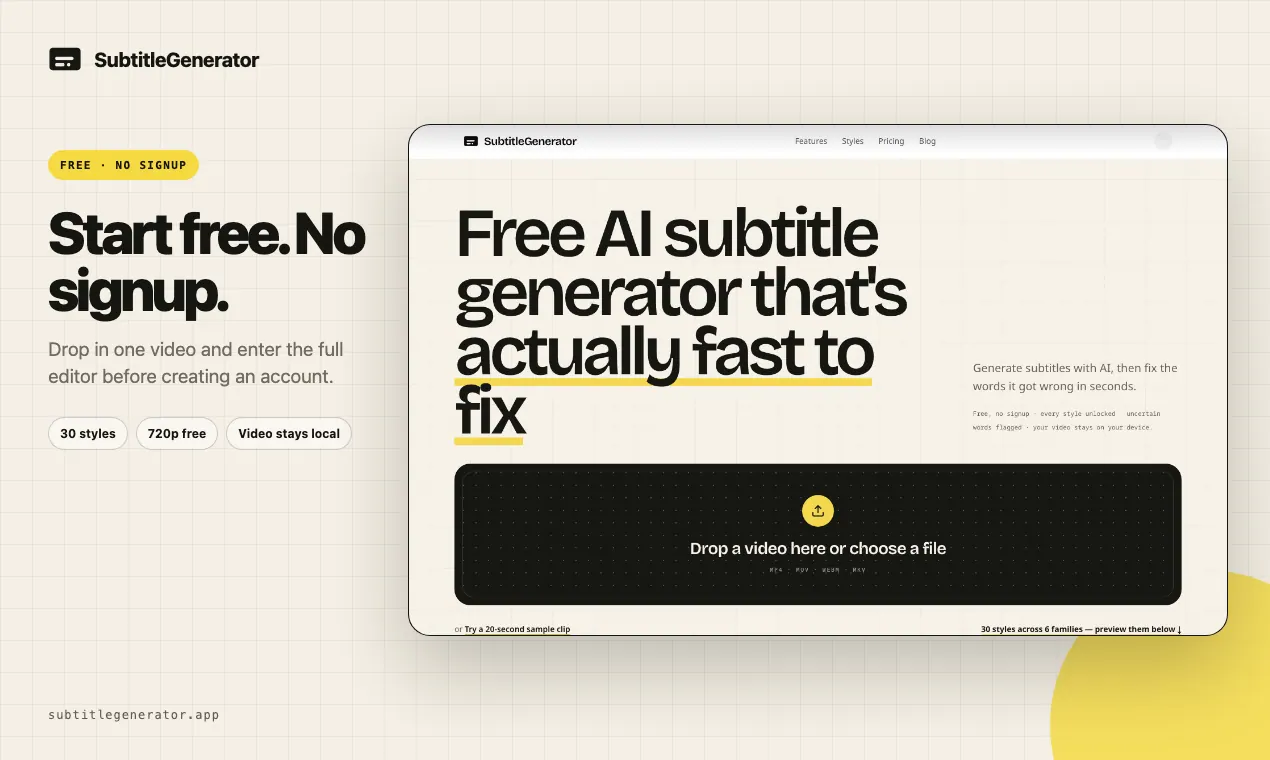
What does SubtitleGenerator do?
SubtitleGenerator turns your video into subtitles with AI, then helps you correct mistakes without hunting cue-by-cue. Upload an MP4, MOV, WEBM, or MKV (or try a short sample), generate captions, and use the editor to revise only what needs attention.
The workflow is designed around flagged uncertain words, so you can review low-confidence text, type corrections, or re-transcribe just the specific cue. Choose from 33 subtitle styles across six families to match your content’s tone—clean, creator-forward, karaoke-style, cinematic, pop, and branded.
When you’re ready, export your subtitles or render a captioned video. Exports can include formats like SRT, VTT, ASS, SSA, SBV, SMI, TXT, and JSON, with timing ready for an editing workflow.
Do I need an account to generate subtitles?
You can start free with no signup required and try the full editor workflow for a limited free trial.
Does SubtitleGenerator keep my original video on my device?
Yes—your original video stays on your device. Only extracted audio is sent for transcription, and subtitle exports render in your browser.
What happens if the AI gets words wrong?
Uncertain words are flagged automatically. You can keep the cue, edit the highlighted word, or retry only that cue to re-transcribe just the part that’s wrong.
What subtitle styles are available?
You can choose from 33 caption styles across six families, with different typography, framing, highlighting, and motion options.
Can I export subtitles in formats my editor supports?
Yes. You can export subtitle files including SRT, VTT, ASS, SSA, SBV, SMI, TXT, and JSON (with timing suitable for editing workflows).
What video file types can I upload?
You can upload MP4, MOV, WEBM, and MKV files (or use a short sample clip to try it out).
This listing is claimed
Own SubtitleGenerator? Sign in with the email used to claim it to manage this listing, or upgrade to Pro for featured-first placement and a newsletter feature.