
StoryShort AI
AI App Builders
AI faceless video generator for TikTok and YouTube Shorts that writes scripts, plans scenes, and keeps characters and style consistent.
- Pricing
- Free
- Category
- App Builders
- Listed
- Aug 23, 2026
- Updated
- Oct 19, 2026
Promoted
 Sidrune AI85% off. Stable Claude API for agent developers. Pay as you go. Invoices & refunds available.
 Pixmax.aiPixmax.ai is an all-in-one AI workspace for videos, visual stories, and marketing content.
 SEOify - Improve your SEO & rankingsBuild links to rank in Google. Improve your DR with links you can start building now.Advertise here270,000+ people visit Dang.ai every month.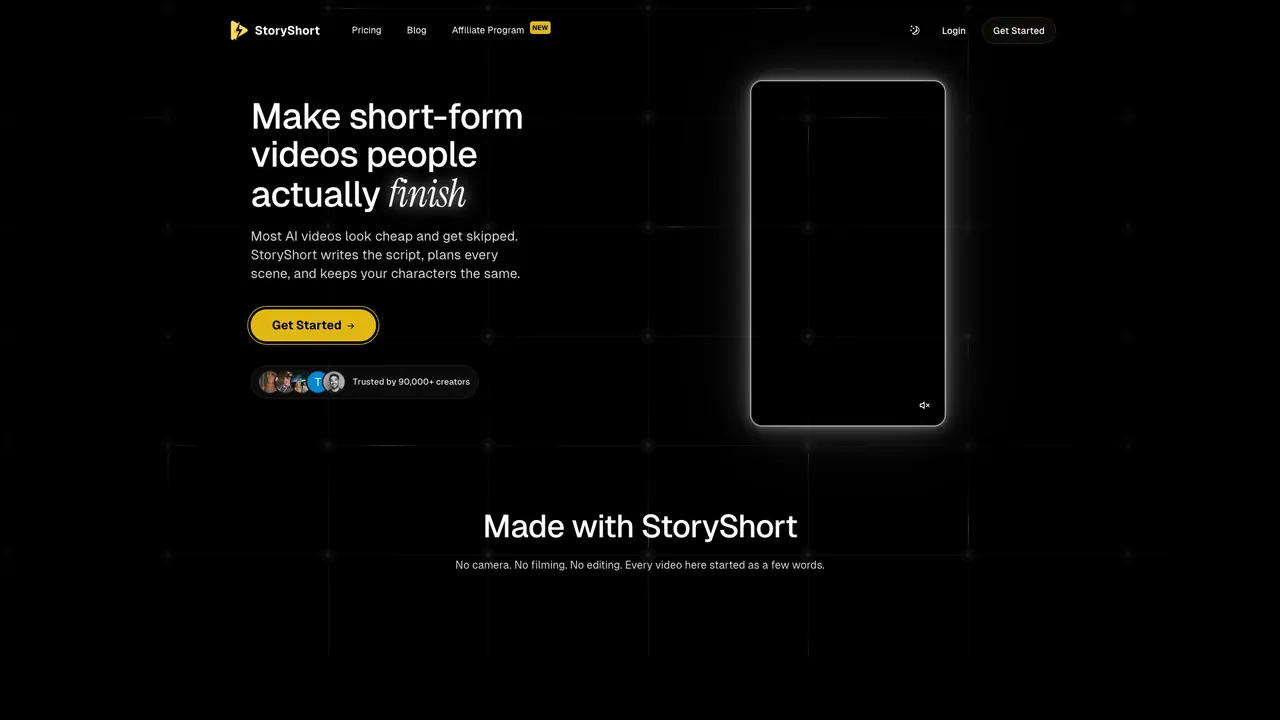
What does StoryShort AI do?
StoryShort AI is an AI faceless video generator built for making short-form videos you can actually finish. It helps you go from an idea (or a video that already worked) to a complete, scene-by-scene short that’s planned, scripted, and generated with continuity—so your characters stay consistent throughout.
StoryShort generates a full video pipeline: it writes the script, plans every scene, creates the images and clips, and adds voice. You can start from scratch by typing what the video is about, or repurpose by using a video that did well—keeping the same topic while rebuilding it in your style with your characters.
To keep quality and recognizability, StoryShort focuses on continuity. Characters keep the same face and style across scenes in the same video, and characters can speak on-screen with a voice that stays consistent for the whole piece. You can choose a voice from a list or use your own voice by cloning from a short recording. Captions can be added so words appear right when they’re said.
StoryShort also supports automation-like workflows for short channels: set a schedule once and have videos posted to TikTok, YouTube, and Instagram. It includes an AI editor that can redo or adjust individual shots (shot-by-shot) without requiring you to restart the entire video. Pricing isn’t provided in the available text; signing up is free.
What can I generate with StoryShort AI?
You can generate faceless short-form videos for formats like TikTok, YouTube Shorts, and Instagram, using either your own idea (a few words) or a repurposed video that already worked.
How does StoryShort AI help keep characters consistent across a video?
It decides what your characters look like before creating the first image, and then keeps the same face and style across scenes in the same video.
Can my characters speak on-screen?
Yes. Your characters can speak on camera, and each character keeps the same voice for the whole video.
Can I use my own voice instead of a built-in voice?
Yes. You can copy your own voice by cloning it from a short recording, or pick a voice from the list for each character.
How does repurposing work?
You provide a video that did well (or select one from creators you follow), and StoryShort keeps the same topic while rebuilding it as your version with your style and characters.
Can I edit individual shots after generation?
Yes. The AI editor can redo a specific shot, swap a line, or fix a frame shot-by-shot without forcing you to start over from scratch.
Is this your tool?
Claim StoryShort AI to manage this listing, or upgrade to Pro for featured-first placement and a newsletter feature.