
Appy Pie
AI App Builders
Appy Pie’s AI app builder turns a text prompt into native iOS and Android apps you can publish to the App Store and Google Play.
- Pricing
- Free
- Category
- App Builders
- Listed
- Aug 30, 2026
- Updated
- Oct 15, 2026
Promoted
 Pixmax.aiPixmax.ai is an all-in-one AI workspace for videos, visual stories, and marketing content.
 AI Checker PlusAI detector that highlights which passages AI wrote. Free check, no sign-up. Plagiarism too.
 RewindType any X/Twitter handle. Get their year back as a narrated video story. Then ask it anything.
 KurodyneSell the tools from your AI side projects. Listing is free.
 Sidrune AI85% off. Stable Claude API for agent developers. Pay as you go. Invoices & refunds available.
 SEOify - Improve your SEO & rankingsBuild links to rank in Google. Improve your DR with links you can start building now.Advertise here270,000+ people visit Dang.ai every month.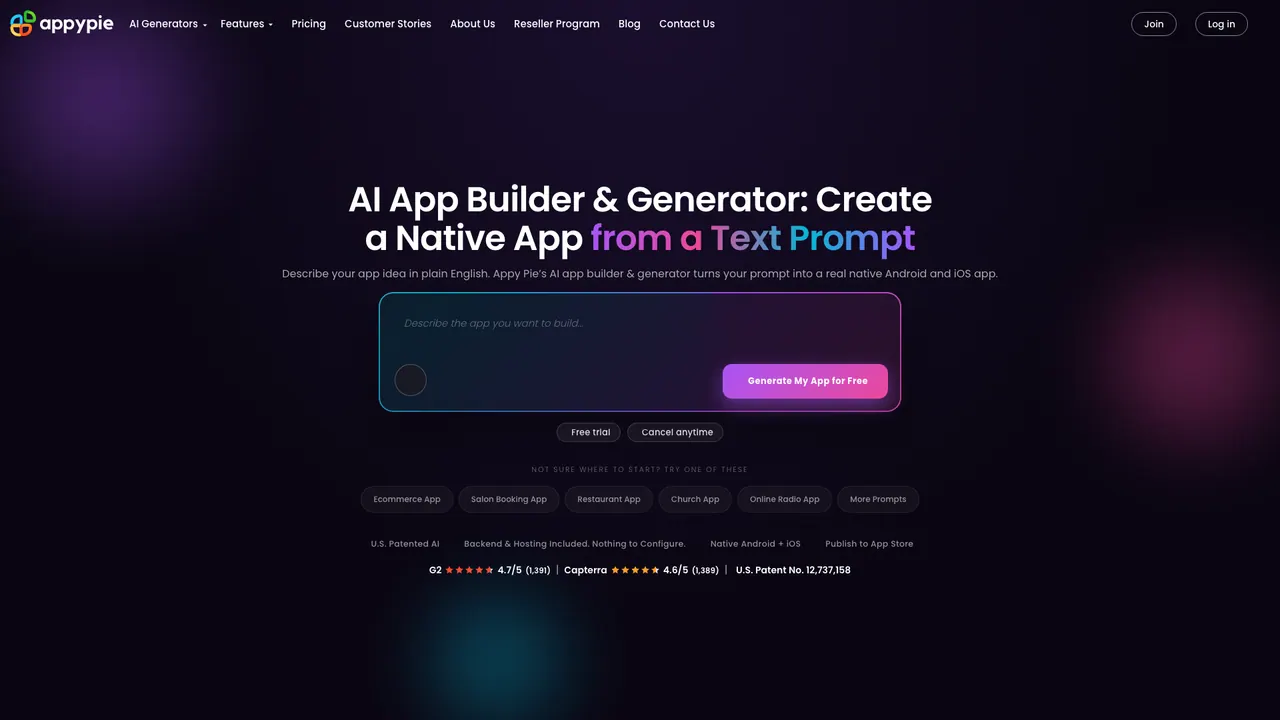
What does Appy Pie do?
Appy Pie is an AI app generator that helps you create a real native mobile app from a plain-English idea. Describe what you want, and it generates a working Android + iOS app without coding, including the app’s screens, navigation, data models, and the backend needed to make it functional.
After the initial build, you can refine what the AI created using a visual editor. You can edit design elements like colors, fonts, icons, and layouts, and also iterate by asking for changes in natural language (for example, adding a new section or redesigning part of the experience). The platform is designed to support a prompt → customize → publish workflow.
Apps built with Appy Pie are native, not a web wrapper: Android apps are provided as Kotlin builds and iOS apps as Swift builds. Built-in capabilities include user accounts, push notifications, payments, analytics, and an admin dashboard to manage content, users, push campaigns, and app settings.
To start, there’s a free way to build and iterate on apps, including a free trial on paid plans. Publishing to the App Store and Google Play requires a paid plan starting at $16/month, and the free trial can be canceled anytime. You also get guided store submission support during the publishing flow.
What can Appy Pie generate from a text prompt?
You can describe your app idea in plain English and get a working native Android + iOS app. The output includes screens, navigation, data models, and backend logic needed for a functional app.
Are the apps native or web prototypes?
They’re native iOS and Android apps, not a web wrapper or PWA. The Android build is Kotlin-based, and the iOS build is Swift-based, designed to be published to the stores.
Can I customize the app after generation?
Yes. You can edit the UI in a visual editor (colors, fonts, icons, layouts, and content) and request updates in natural language to modify existing parts of the same project.
What built-in features are included?
Appy Pie includes backend capabilities such as user accounts, push notifications, payments, an analytics dashboard, and an admin panel for managing app content, users, and campaigns.
How do free and paid plans work for publishing?
You can build, preview, and iterate for free. To publish to the App Store and Google Play (and for certain paid needs like removing the Appy Pie badge), paid plans start at $16/month, with a 7-day free trial and cancel anytime.
Do I export code to my own repository?
No. Generated apps run on Appy Pie’s hosted infrastructure and you don’t get a Git repo or source code export.
Is this your tool?
Claim Appy Pie to manage this listing, or upgrade to Pro for featured-first placement and a newsletter feature.