
Seedream 5.0 Pro
AI Art Generator & Creator Tools
Create professional images from detailed prompts and reference images, with mark-guided edits, infographic-ready structure, and multilingual output.
- Pricing
- Free
- Category
- Art
- Listed
- Aug 16, 2026
- Updated
- Aug 16, 2026
Promoted
 AI Checker PlusAI detector that highlights which passages AI wrote. Free check, no sign-up. Plagiarism too.
 RewindType any X/Twitter handle. Get their year back as a narrated video story. Then ask it anything.
 KurodyneSell the tools from your AI side projects. Listing is free.
 Sidrune AI85% off. Stable Claude API for agent developers. Pay as you go. Invoices & refunds available.
 Pixmax.aiPixmax.ai is an all-in-one AI workspace for videos, visual stories, and marketing content.
 SEOify - Improve your SEO & rankingsBuild links to rank in Google. Improve your DR with links you can start building now.Advertise here270,000+ people visit Dang.ai every month.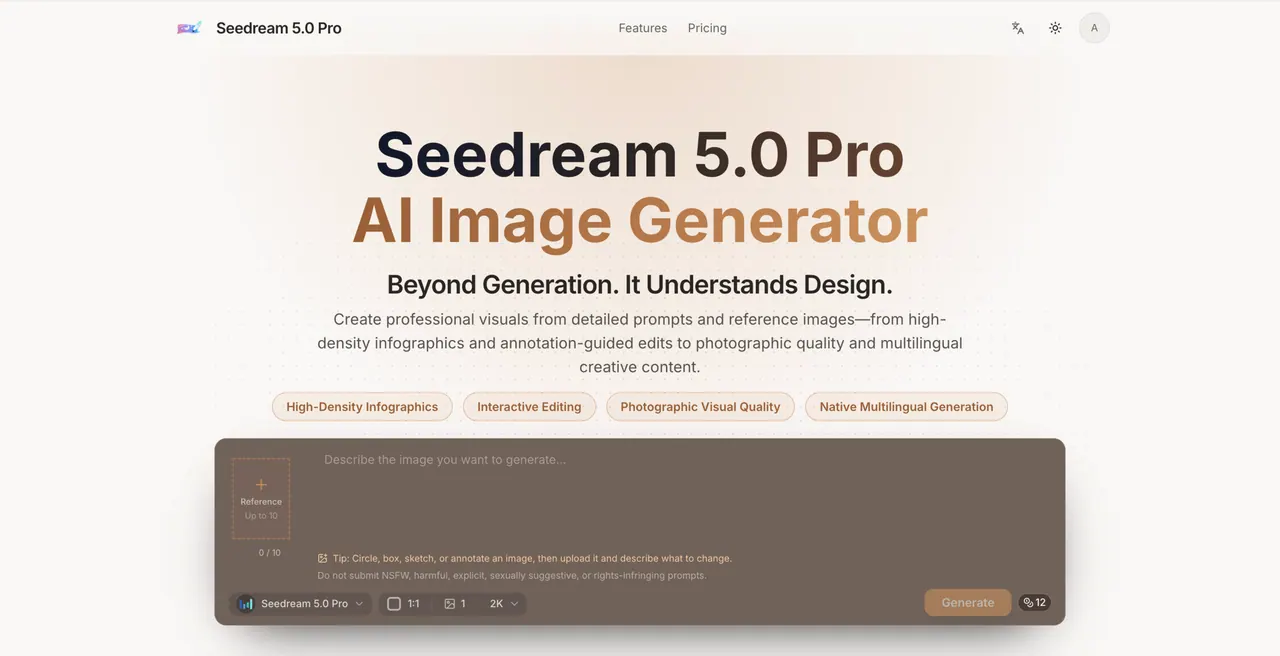
What does Seedream 5.0 Pro do?
Seedream 5.0 Pro is an online, browser-based AI image generator designed for advanced visual reasoning and production-quality creative workflows. It turns detailed creative briefs into polished visuals—ranging from high-density infographics and photo-real scenes to localized, multilingual poster-style assets.
Get more control with reference-guided creation. Upload a source image and use Mark image to add points, regions, sketches, or arrows; then reference those annotations in your prompt to guide what should change and what must be preserved for a focused edit.
When you need a single, professional result, Seedream 5.0 Pro is built for structured output: clear composition, photographic visual quality, and native multilingual generation. Explore reusable examples to jump-start product visuals, educational infographics, editorial concepts, cinematic storyboards, and brand-aligned variations.
What is Seedream 5.0 Pro used for?
Use it for professional image creation like product ads and ecommerce visuals, information-dense infographics, localized posters, realistic scenes, and reference-guided visual variations.
Can I use reference images with Seedream 5.0 Pro?
Yes. Upload up to 10 reference images, then describe what to preserve or change. You can also use Mark image to add annotations and reference them in your prompt.
How does Mark image help with edits?
It lets you mark points, regions, sketches, or arrows on the uploaded source image. In your prompt, you can type @ and select the matching annotation to specify what to change while keeping other parts intact.
How many images can Seedream 5.0 Pro generate at once?
Seedream 5.0 Pro generates 1 image at a time, which is ideal for refining a single direction into a polished final result.
Does Seedream 5.0 Pro support multilingual text in images?
Yes. It supports native multilingual generation for prompts, making it useful for localized creative assets and posters. Still, review any generated text before publishing.
How do credits work when using Pro?
Seedream 5.0 Pro costs 6 credits for 1K or 12 credits for 2K per output. Every started pair of reference images adds 1 credit per request, and clearly failed tasks return the charged credits once.
This listing is claimed
Own Seedream 5.0 Pro? Sign in with the email used to claim it to manage this listing, or upgrade to Pro for featured-first placement and a newsletter feature.