
SeedDream
AI Image Generators from Text Tools
SeedDream is an online AI studio to generate and refine high-quality images and short videos from text prompts and reference media.
- Pricing
- Free
- Category
- Image
- Listed
- Aug 15, 2026
- Updated
- Oct 16, 2026
Promoted
 Pixmax.aiPixmax.ai is an all-in-one AI workspace for videos, visual stories, and marketing content.
 AI Checker PlusAI detector that highlights which passages AI wrote. Free check, no sign-up. Plagiarism too.
 RewindType any X/Twitter handle. Get their year back as a narrated video story. Then ask it anything.
 KurodyneSell the tools from your AI side projects. Listing is free.
 Sidrune AI85% off. Stable Claude API for agent developers. Pay as you go. Invoices & refunds available.
 SEOify - Improve your SEO & rankingsBuild links to rank in Google. Improve your DR with links you can start building now.Advertise here270,000+ people visit Dang.ai every month.
What does SeedDream do?
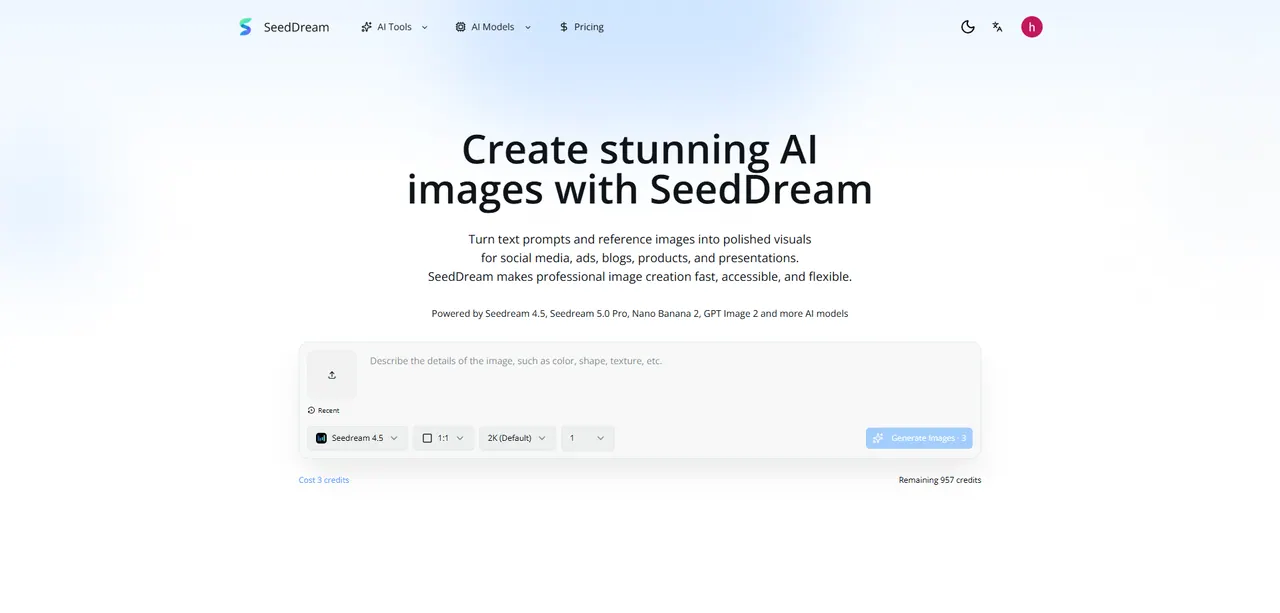
SeedDream is an online AI image & video generator designed for creating high-quality visuals quickly—using a simple, prompt-first workflow. Start with a text prompt or bring your own reference image to guide style, composition, lighting, and mood, then iterate until the result fits your goal.
Use SeedDream for text-to-image to turn a sentence into a polished visual, including posters, product shots, portraits, and concept art. For more control, use image-to-image: upload a photo or design and describe the changes you want while keeping the subject and composition, making it useful for product variations and brand-consistent creative.
Need motion? SeedDream also supports AI video generation. Animate products and scenes with short clips created from a single prompt, including camera moves, weather, and motion concepts—ideal for ads, social content, and cinematic concept tests.
The platform unifies multiple image and video models in one interface so you can switch between options, compare results, refine prompts, and download assets for campaigns, product pages, and presentations. SeedDream is built for creators, marketers, designers, and teams who want usable visuals without complex production tooling.
What can I create with SeedDream?
You can generate AI images from text prompts, transform images using reference-guided edits, and create short AI video clips from prompts for content, ads, and presentation concepts.
Does SeedDream support both text-to-image and image-to-image?
Yes. You can generate from text (text-to-image) or upload a reference and describe changes while keeping the subject/composition (image-to-image).
Can SeedDream animate visuals into short videos?
Yes. SeedDream includes AI video generation so you can create short clips from a prompt and use them for motion concepts, social posts, and ad previews.
How do reference images help in SeedDream?
Upload a photo or design as a reference, then describe what should change. SeedDream helps you keep useful composition cues while you swap backgrounds, lighting, materials, or overall style.
Who is SeedDream for?
It’s designed for creators, marketers, designers, and teams that need high-quality images and short videos for campaigns, product pages, social content, and presentations.
What’s the workflow for getting results in SeedDream?
Choose image or video mode/model, write a prompt (and optionally add references), generate and compare options, refine your direction, then export/download the assets you want to use.
This listing is claimed
Own SeedDream? Sign in with the email used to claim it to manage this listing, or upgrade to Pro for featured-first placement and a newsletter feature.