
Seedances
AI Video Maker Generators & Tools
Seedances Seedance 2.5 is a cinematic AI video generator—use text, images, and references to create and download production-ready clips.
- Pricing
- Free
- Category
- Video
- Listed
- Jul 18, 2026
- Updated
- Jul 18, 2026
Promoted
 Pixmax.aiPixmax.ai is an all-in-one AI workspace for videos, visual stories, and marketing content.
 RewindType any X/Twitter handle. Get their year back as a narrated video story. Then ask it anything.
 KurodyneSell the tools from your AI side projects. Listing is free.
 Sidrune AI85% off. Stable Claude API for agent developers. Pay as you go. Invoices & refunds available.
 SEOify - Improve your SEO & rankingsBuild links to rank in Google. Improve your DR with links you can start building now.Advertise here270,000+ people visit Dang.ai every month.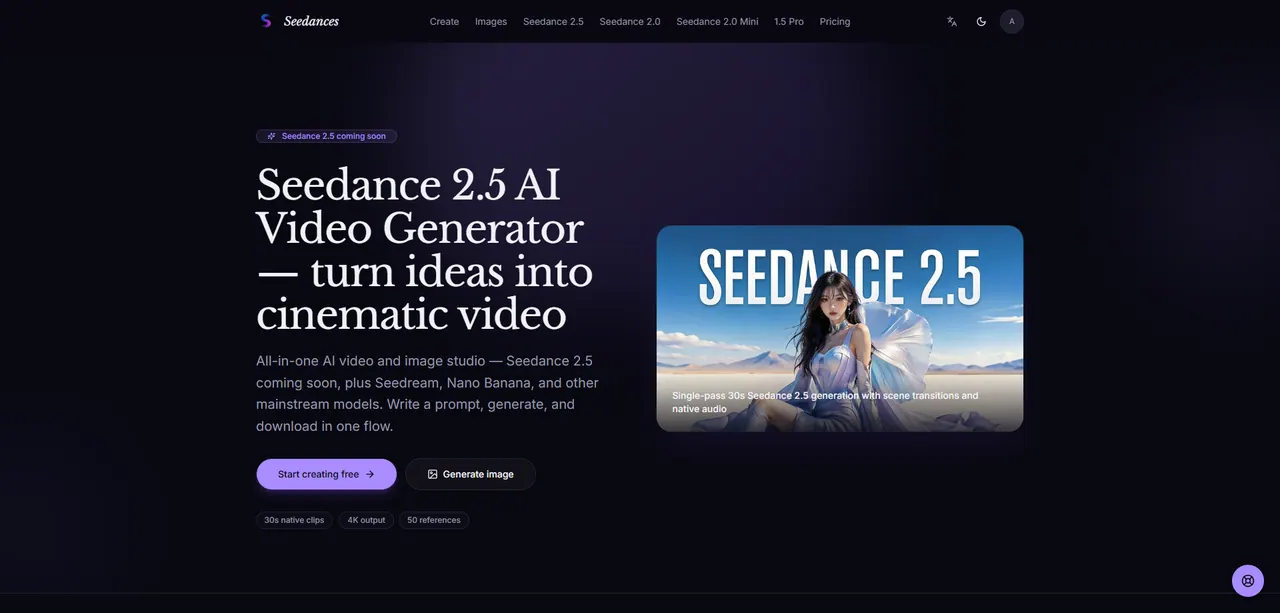
What does Seedances do?
Seedances is an AI video and image studio built around the Seedance family of models. With Seedance 2.5 coming soon, you’ll be able to write a prompt (or use images and reference assets), choose settings like duration and quality, and generate a clip in one flow.
The studio supports multiple creative modes—text to video, image to video, and reference to video—so you can start from an idea, a look, or a set of reference materials. Sign in to sync credits and generation history across Seedance 2.0, Mini, and 1.5 Pro, and to start generating with Seedance 2.5 when it’s available.
Seedance 2.5 is designed for production workflows: native 4K output, longer native 30-second clips generated in a single pass (with scene transitions/pacing), up to 50 multimodal references, and region-level editing to adjust a specific area of a frame without rebuilding the entire clip. Native audio and lip sync are planned alongside the video, with dialogue entered in quotes when supported.
What is Seedance 2.5 on Seedances?
Seedance 2.5 is an upcoming AI video generator in the Seedances studio. It’s built to produce longer native clips (up to 30 seconds in one pass) with stronger control for production-style results.
What generation modes are available in the Seedances studio?
You can generate via text to video, image to video, or reference to video. You can also add multimodal references (like product shots, character sheets, style guides, and audio cues) to guide the result.
Will Seedance 2.5 output native 4K?
Seedance 2.5 is targeted to output native 3840×2160 (4K) rather than upscaled drafts. The studio also lets you preview at lower quality before exporting higher for delivery.
How do credits work, and what happens if a generation fails?
Seedances uses credit-based plans for video generation. Failed generations refund automatically.
Can I edit only part of a generated video with Seedance 2.5?
Region-level editing is planned for Seedance 2.5. You’ll be able to select an area inside a frame and regenerate only that region to fix details like labels or backgrounds.
Does Seedance 2.5 support audio and lip sync?
Native audio and lip-synced speech are planned alongside the video. When dialogue is supported, put the spoken lines in quotes to help match mouth movement to the spoken line.
This listing is claimed
Own Seedances? Sign in with the email used to claim it to manage this listing, or upgrade to Pro for featured-first placement and a newsletter feature.