
Seedance 3.0
Pro partner
AI Video Maker Generators & Tools
Seedance 3.0 turns your ideas and reference visuals into AI videos with text-to-video, image-to-video, and clip editing.
Promoted
 AI Checker PlusAI detector that highlights which passages AI wrote. Free check, no sign-up. Plagiarism too.
 RewindType any X/Twitter handle. Get their year back as a narrated video story. Then ask it anything.
 KurodyneSell the tools from your AI side projects. Listing is free.
 Pixmax.aiPixmax.ai is an all-in-one AI workspace for videos, visual stories, and marketing content.
 SEOify - Improve your SEO & rankingsBuild links to rank in Google. Improve your DR with links you can start building now.Advertise here330,000+ people visit Dang.ai every month.
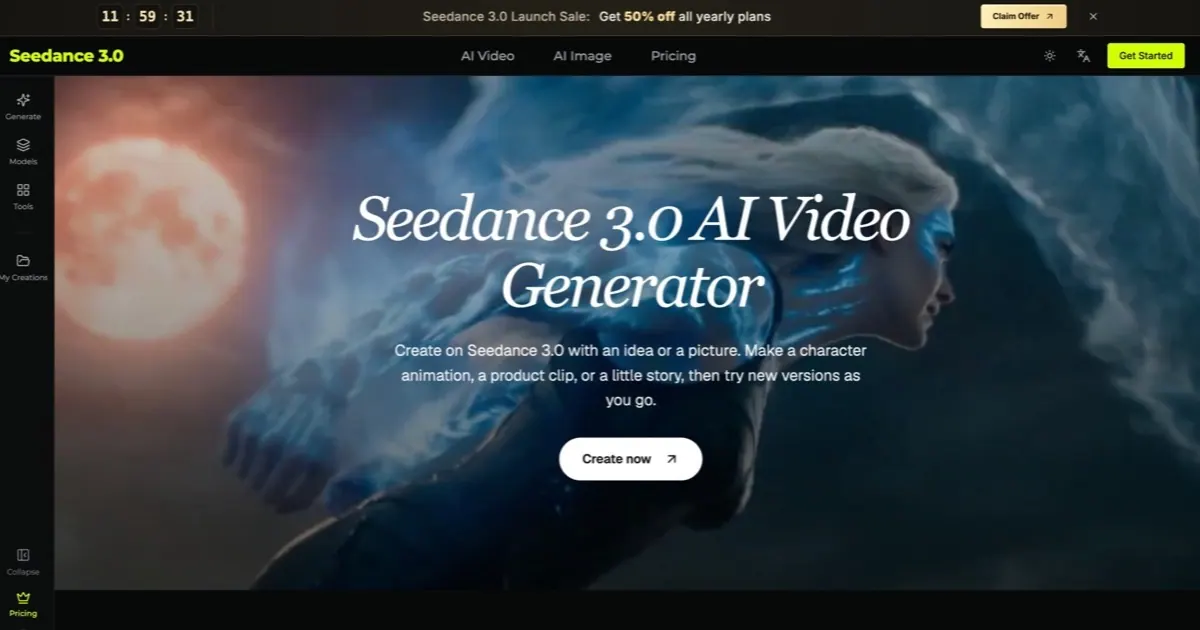
What does Seedance 3.0 do?
Seedance 3.0 is an online AI video creation platform that helps you generate motion from an idea or a picture. Create a character animation, a product clip, or a short story—then iterate by trying new versions as you refine the details.
It offers two core capabilities: multi-material input and precise editing. With multi-material input, you can combine images, video clips, and audio in a single workflow, and each file can be treated as its own “job,” such as the subject, the camera move, or the beat. You can keep people and products consistent across shots, and use sound to set the rhythm and guide things like voice-over.
For revisions, Seedance 3.0 supports precise editing. Point to what you want to change—such as a product, an outfit, a person, or the background—and update only that element while keeping the original motion, lighting, and camera work.
Seedance 3.0 is a good fit for content creators, marketing teams, shop owners, designers, teachers, and anyone who wants to bring a concept to life quickly. Plans are available as credit-based tiers (Lite, Standard, Max) with launch-sale pricing that includes 50% off yearly plans.
What can I make with Seedance 3.0?
You can generate character animations, product clips and ad concepts, music-related visuals, game trailer drafts, and short story scenes. Start from text, a picture, or a combination of reference files and then generate motion.
Can I combine images, video, and audio in one video?
Yes. You can drop in images, video clips, and audio together, and Seedance 3.0 assigns each file its own role (for example, subject, camera move, or beat) to create one finished video.
How does precise editing work after I generate a clip?
You choose a model that supports video editing, upload the existing clip, and describe what you want to change. Seedance 3.0 can update only the targeted element (like a product or background) while preserving the original motion and camera work.
Can my videos include sound or voice-over?
Yes, if you use a model that supports sound. You can include audio cues in your prompt, such as effects or speech, and then preview to make sure the sound matches the action and mood.
What video formats and lengths can I choose?
Length, shape, and quality options depend on the selected model. You can choose sizes like tall (for phone screens) or wide (for larger scenes), and review the model’s options in the panel before generating.
How do the Lite, Standard, and Max plans work?
Plans are credit-based and include launch-sale pricing of 50% off yearly plans. Each tier provides a monthly credit allowance and supports features such as video and/or image models, with higher tiers offering more credits and higher quality options on supported models.