
Seedance 3.0
Verified
AI Video Maker Generators & Tools
Seedance 3.0 turns text, images, video, and audio into connected multi-shot video sequences with synchronized sound and consistent character direction.
Promoted
 RewindType any X/Twitter handle. Get their year back as a narrated video story. Then ask it anything.
 KurodyneSell the tools from your AI side projects. Listing is free.
 Sidrune AI85% off. Stable Claude API for agent developers. Pay as you go. Invoices & refunds available.
 Pixmax.aiPixmax.ai is an all-in-one AI workspace for videos, visual stories, and marketing content.
 SEOify - Improve your SEO & rankingsBuild links to rank in Google. Improve your DR with links you can start building now.Advertise here270,000+ people visit Dang.ai every month.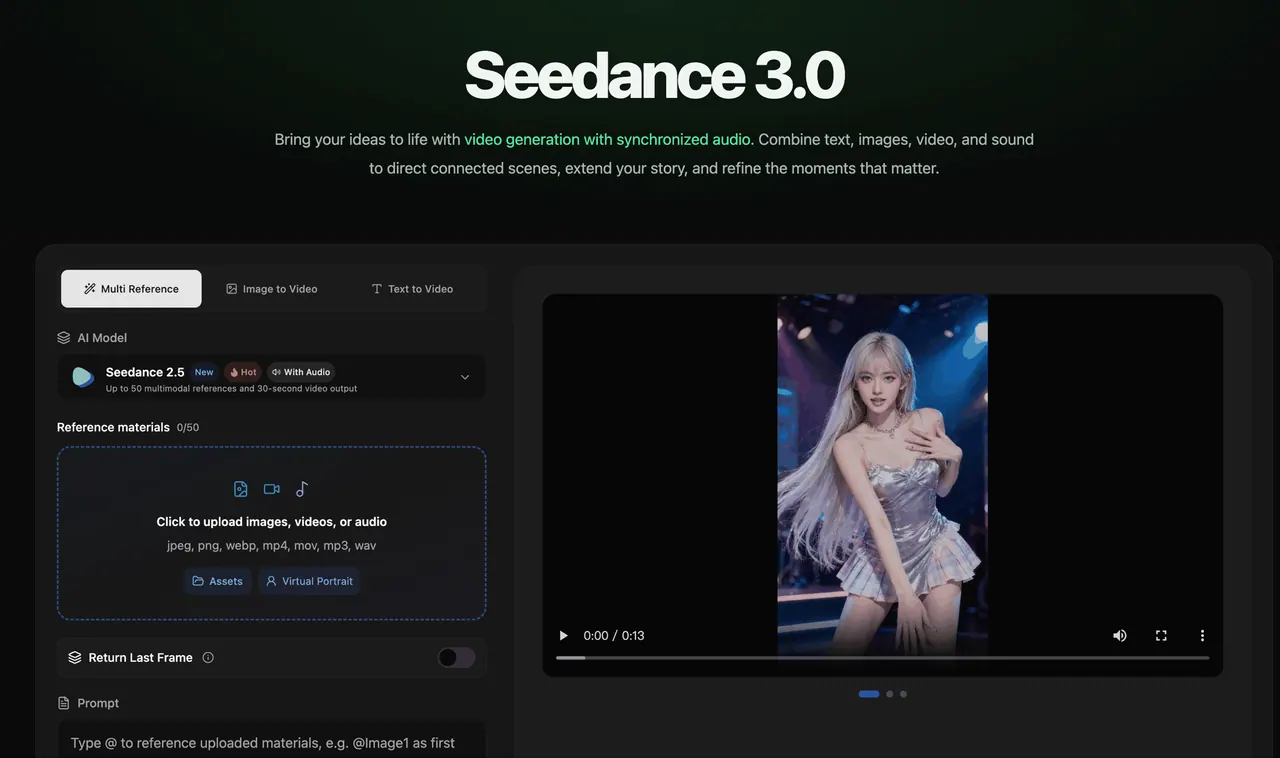
What does Seedance 3.0 do?
Seedance 3.0 helps you create more than standalone clips—it supports connected multi-shot storytelling. Describe how your story begins, transitions, develops, and ends, and organize multiple moments into a single coherent sequence.
Use flexible multimodal references to guide characters, settings, visual effects, and sound. Upload images, video, and audio, then reference them in prompts (for example, using uploaded assets as the first frame) to help keep the world consistent as scenes and camera perspectives shift.
For longer narratives, Seedance 3.0 can generate up to 30 seconds with both video and synchronized audio. You can also extend existing footage or edit input videos to continue the action or refine scenes—while keeping style, lighting, and character details aligned across connected shots. Batch generation is available to create multiple videos with the same settings.
What is Seedance 3.0 used for?
Seedance 3.0 is for generating AI videos with synchronized audio, building connected multi-shot sequences, extending existing footage, and editing input videos to refine story moments.
What kinds of inputs can I use?
You can combine text, images, video, and audio. Upload reference assets (images, videos, audio) and use them in prompts to guide characters, settings, movement, and sound.
How does Seedance 3.0 help keep a story coherent across shots?
It carries shared details like character appearance, clothing, props, and scene elements across connected shots, helping align voices, color palettes, lighting, and overall visual style as you change locations or perspectives.
Can I extend a video beyond the first generation?
Yes. Seedance 3.0 supports video extension so you can continue a scene with new action and connected moments, building longer narratives over multiple generations.
Can I edit an existing video input?
Yes. Use video editing to rework input content by describing the changes you want, with references to guide the result. For edit/extend tasks, enable the matching switch to reduce generation failures.
Does Seedance 3.0 generate audio with the video?
Yes. Seedance 3.0 generates voices, environmental ambience, and sound effects alongside the visuals, with synchronized audio to match each scene’s atmosphere.
This listing is claimed
Own Seedance 3.0? Sign in with the email used to claim it to manage this listing, or upgrade to Pro for featured-first placement and a newsletter feature.