
Seedance 2.5 AI Video Generator
AI Video Maker Generators & Tools
Create cinematic AI videos using text prompts, reference images, video clips, audio cues, and production-style generation controls.
- Pricing
- Free
- Category
- Video
- Listed
- Jul 15, 2026
- Updated
- Jul 15, 2026
Promoted
 KurodyneSell the tools from your AI side projects. Listing is free.
 Sidrune AI85% off. Stable Claude API for agent developers. Pay as you go. Invoices & refunds available.
 Pixmax.aiPixmax.ai is an all-in-one AI workspace for videos, visual stories, and marketing content.
 RewindType any X/Twitter handle. Get their year back as a narrated video story. Then ask it anything.
 SEOify - Improve your SEO & rankingsBuild links to rank in Google. Improve your DR with links you can start building now.Advertise here270,000+ people visit Dang.ai every month.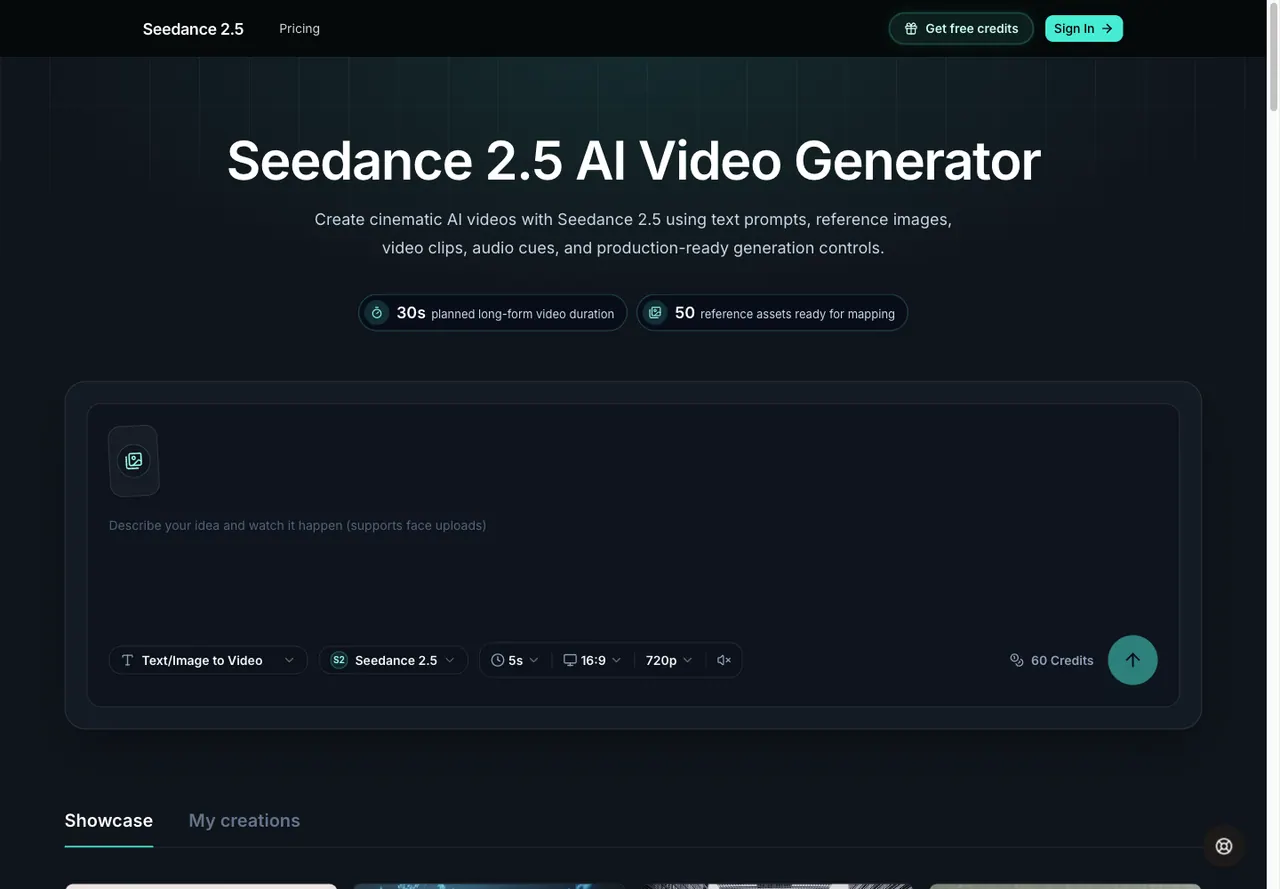
What does Seedance 2.5 AI Video Generator do?
Seedance 2.5 AI Video Generator is a prompt-first workspace for creating cinematic AI videos from text and reference media. Build a clear scene brief using details like subject, environment, motion, lighting, lens style, and pacing—then guide the generation with references that keep your output consistent in mood and style.
You can combine text, reference images, video clips, and audio cues, including using @Image, @Video, and @Audio references inside your prompt to specify how each asset should influence the result. Seedance 2.5 also supports shot and frame planning, letting you shape the beginning and ending with frame inputs, aspect ratio choices, duration settings, and output resolution.
Keep your work organized with history and iteration: review previous jobs, monitor rendering progress, revisit completed videos, and iterate on your workflow. Use Seedance 2.5 for brand visuals, product demos, creator drafts, cinematic scenes, marketing content, training explainers, fashion lookbooks, and music visuals—where structured direction and reference-aware generation matter.
What can I create with Seedance 2.5 (text-to-video or image-to-video)?
Seedance 2.5 supports text-to-video and reference-guided creation using images (and also video clips and audio cues as anchors).
How do I use reference images, video, and audio in Seedance 2.5?
Attach images, video clips, and audio cues as creative anchors and use @Image, @Video, and @Audio references inside your prompt to tell the generator how each asset should guide the output.
Can I control duration, aspect ratio, and resolution before rendering?
Yes—Seedance 2.5 includes render-ready controls for clip planning, including duration, aspect ratio, and output resolution, along with frame guidance inputs.
Does Seedance 2.5 help me plan shots instead of just making a single clip?
It’s designed for shot and frame planning, so you can shape the beginning and ending of a clip using frame inputs and structured output settings.
Can I review and iterate on previous generations?
Yes—Seedance 2.5 provides history so you can revisit previous jobs, check rendering progress, and review completed videos as you iterate.
Is Seedance 2.5 a better fit than a basic AI video prompt box?
If you want a structured workspace that ties prompts to references and keeps render settings and task history organized, Seedance 2.5’s request structure and workflow can be a better match than a single prompt input.
This listing is claimed
Own Seedance 2.5 AI Video Generator? Sign in with the email used to claim it to manage this listing, or upgrade to Pro for featured-first placement and a newsletter feature.