
Seedance 2.5
AI Video Maker Generators & Tools
Seedance 2.5 is a multimodal AI video generator that creates up to 30s cinematic, controllable videos from text, images, video, and audio references.
- Pricing
- Free
- Category
- Video
- Listed
- Aug 22, 2026
- Updated
- Aug 23, 2026
Promoted
 Pixmax.aiPixmax.ai is an all-in-one AI workspace for videos, visual stories, and marketing content.
 Sidrune AI85% off. Stable Claude API for agent developers. Pay as you go. Invoices & refunds available.
 SEOify - Improve your SEO & rankingsBuild links to rank in Google. Improve your DR with links you can start building now.Advertise here270,000+ people visit Dang.ai every month.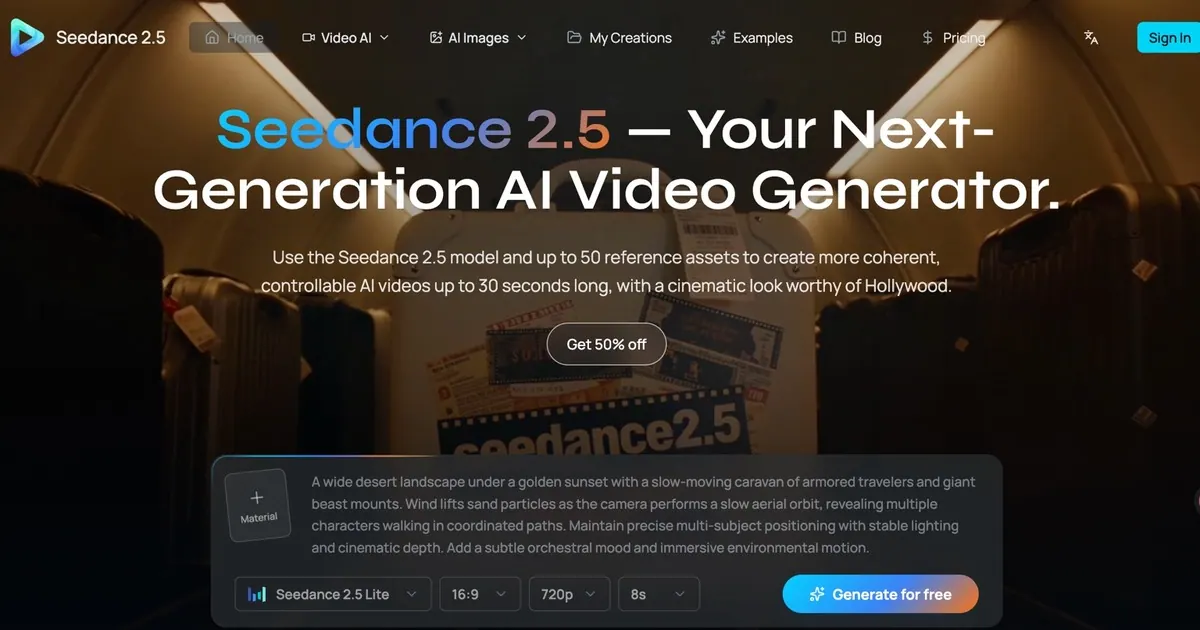
What does Seedance 2.5 do?
Seedance 2.5 is an audio-and-video generation platform for creating complete cinematic clips up to 30 seconds in a single pass. Build a scene using text prompts, then add reference media to keep results consistent—covering characters, products, objects, environments, visual style, motion, and camera direction.
It supports multiple creation modes, including text-to-video, image-to-video, and media-to-video using up to 50 references (text, images, video, audio, and untextured 3D models). For longer continuity needs, Seedance 2.5 can generate 30-second continuous shots with no stitching—useful for story beats, product demos, and campaign-style sequences.
Beyond generation, Seedance 2.5 focuses on controllable second-by-second direction and deep, targeted editing. Keep the strongest parts of a scene and refine what needs work—such as changing elements or performing localized edits—without regenerating the entire video, helping you move from concept to production-ready results.
What types of inputs can I use with Seedance 2.5 to generate a video?
You can generate from text prompts and add references including images, video, and audio. It also supports untextured 3D models as reference inputs.
How long can Seedance 2.5 generate continuous video in one take?
You can generate up to 30 seconds of continuous video in a single pass, designed for an unbroken take with one prompt (no stitching).
How many reference assets can I use in a single generation?
Media-to-video supports up to 50 references total, including images, videos, and audio files.
Does Seedance 2.5 support editing without starting over?
Yes—deep, controllable editing lets you refine specific parts of a generated scene and keep the strongest parts, instead of regenerating everything.
What output settings can I choose when submitting a generation task?
You can set duration (4–30 seconds), aspect ratio (from the supported presets), resolution (480p/720p/1080p), and whether to enable or turn off audio generation.
What file format do I get after generation?
The creator returns a downloadable MP4 when the generation task succeeds.
This listing is claimed
Own Seedance 2.5? Sign in with the email used to claim it to manage this listing, or upgrade to Pro for featured-first placement and a newsletter feature.