
Seedance 2.0 (ClipDance.ai)
AI Video Maker Generators & Tools
Seedance 2.0 (ClipDance.ai) turns text, images, and references into professional 1080p videos with native synchronized audio—no editing skills needed.
- Pricing
- Free
- Category
- Video
- Listed
- Aug 16, 2026
- Updated
- Aug 16, 2026
Promoted
 AI Checker PlusAI detector that highlights which passages AI wrote. Free check, no sign-up. Plagiarism too.
 RewindType any X/Twitter handle. Get their year back as a narrated video story. Then ask it anything.
 KurodyneSell the tools from your AI side projects. Listing is free.
 Sidrune AI85% off. Stable Claude API for agent developers. Pay as you go. Invoices & refunds available.
 Pixmax.aiPixmax.ai is an all-in-one AI workspace for videos, visual stories, and marketing content.
 SEOify - Improve your SEO & rankingsBuild links to rank in Google. Improve your DR with links you can start building now.Advertise here270,000+ people visit Dang.ai every month.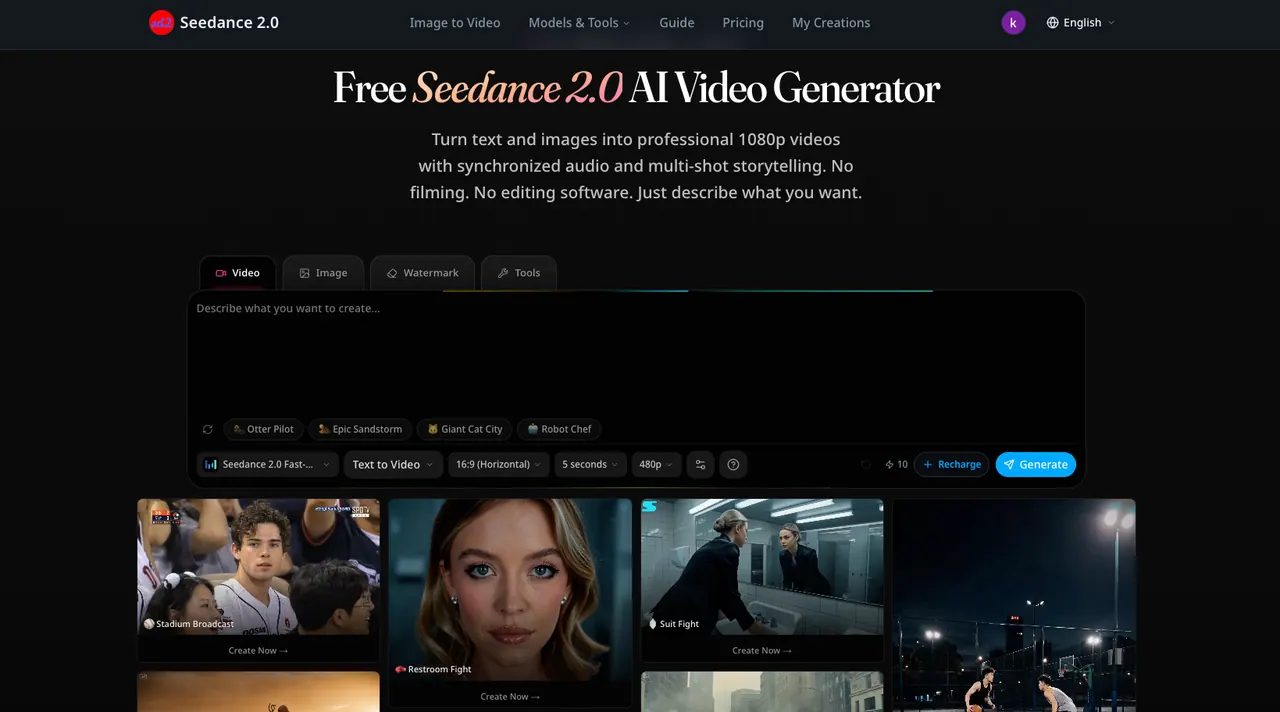
What does Seedance 2.0 (ClipDance.ai) do?
Seedance 2.0 is a multimodal AI video generator that creates 1080p video with native audio in a single pass. Describe what you want to see, upload images, or guide results with reference files—then download your clip for social, marketing, or creator projects.
It supports text-to-video with dialogue, sound effects, and ambient audio together, plus image-to-video to animate a photo with natural motion. You can also use up to 12 reference inputs (images, video clips, and audio) to steer style, motion, and composition.
For music and short-form content, Seedance 2.0 includes beat-sync workflows that match camera cuts and movement to the beat, and lip-sync across multiple languages. There’s also in-browser video editing: upload a clip, describe your edit, and apply changes while choosing to keep original audio or use AI-generated sound.
What can I create with Seedance 2.0?
You can generate videos from text prompts, animate uploaded images into video, and use reference files (images, video clips, and audio) to guide style and motion.
Does Seedance 2.0 output native audio or do I need separate audio editing?
Seedance 2.0 generates video with native synchronized audio together with the visuals, so you don’t need a separate audio syncing step.
What resolution and formats do I get?
Outputs are generated in 1080p. Download formats include MP4 and WebM.
How long does generation take?
Most clips are ready in about 30 to 60 seconds, since video, audio, and transitions are processed together.
How many reference inputs can I use?
You can use up to 12 reference inputs per project, including images, video clips, and audio files.
Is there a free way to start?
You can start for free with no credit card required. The free tier supports standard quality output, while higher tiers add upgrades like 1080p resolution and longer videos.
This listing is claimed
Own Seedance 2.0 (ClipDance.ai)? Sign in with the email used to claim it to manage this listing, or upgrade to Pro for featured-first placement and a newsletter feature.