
Seedance 2.0
AI Video Maker Generators & Tools
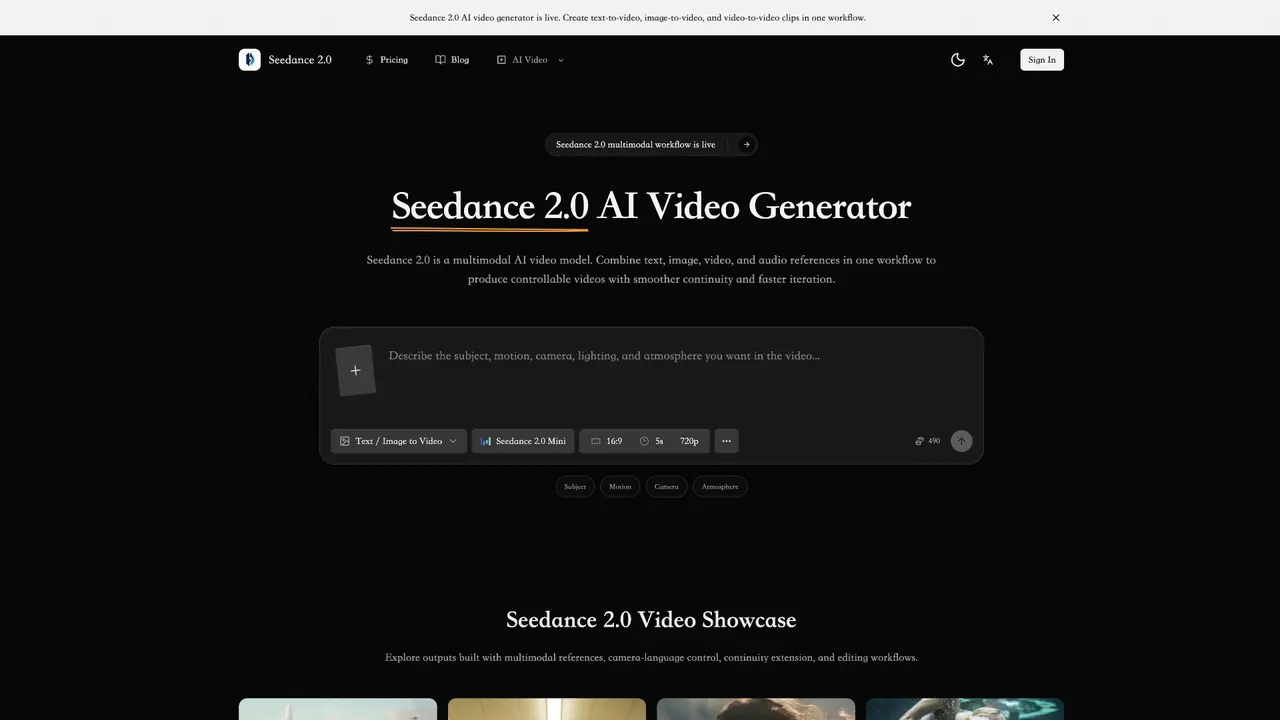
Seedance 2.0 is a multimodal AI video generator that creates controllable clips from text, image, video, and audio references.
- Pricing
- Free
- Category
- Video
- Listed
- Sep 6, 2026
- Updated
- Oct 19, 2026
Promoted
 AI Checker PlusAI detector that highlights which passages AI wrote. Free check, no sign-up. Plagiarism too.
 RewindType any X/Twitter handle. Get their year back as a narrated video story. Then ask it anything.
 KurodyneSell the tools from your AI side projects. Listing is free.
 Sidrune AI85% off. Stable Claude API for agent developers. Pay as you go. Invoices & refunds available.
 Pixmax.aiPixmax.ai is an all-in-one AI workspace for videos, visual stories, and marketing content.
 SEOify - Improve your SEO & rankingsBuild links to rank in Google. Improve your DR with links you can start building now.Advertise here270,000+ people visit Dang.ai every month.
What does Seedance 2.0 do?
Seedance 2.0 is a multimodal AI video generator that turns briefs and references into video drafts you can iterate on quickly. It supports text-to-video, image-to-video, and video-to-video workflows in one place, helping creators and teams produce cinematic, social, and product-ready clips for real production use.
Use multiple inputs together to steer narrative intent, visual style, motion rhythm, and pacing. Add reference images to lock in composition and key character details, then include video references to guide camera language and complex motion cadence. You can also shape the result with a structured control prompt that defines the subject, action, camera movement, lighting, atmosphere, and pacing.
Seedance 2.0 is designed for continuity and revision cycles. Continue from existing clips to extend strong shots into connected sequences, and revise without restarting the whole concept using built-in editing actions like role replacement, deletion, and addition. Compare variations to move from creative exploration to reviewable drafts with fewer retries.
Seedance 2.0 fits well for ecommerce product demos, social shorts and hooks, brand story videos, feature explainers, and launch or seasonal campaign concepts—especially when you need consistent visual identity across iterations. Pricing is presented via “Pricing & Credits” on the product page.
What kinds of video can I generate in Seedance 2.0?
Seedance 2.0 supports text-to-video, image-to-video, and video-to-video generation so you can start from different reference types in one workflow.
How do image references improve my results?
Image references help preserve composition and key character details, making it easier to keep visual identity consistent across different outputs.
What do video and audio references control?
Video references guide camera language and motion rhythm, while audio-conditioned rhythm helps influence pacing. Use these inputs when you need more consistent movement and cadence.
Can I extend an existing clip instead of generating from scratch?
Yes. Seedance 2.0 supports smooth shot continuation so you can evolve a strong shot into a connected scene or longer narrative sequence.
Can I edit generated or existing footage?
Yes. Built-in editing supports revision cycles like role replacement, deletion, and addition, allowing you to change parts of the footage without restarting production.
Is Seedance 2.0 free to try, and can I use videos commercially?
Pricing and credits are available via the “Pricing & Credits” entry on the site. For commercial use and reference rights, follow the applicable plan and platform terms.
This listing is claimed
Own Seedance 2.0? Sign in with the email used to claim it to manage this listing, or upgrade to Pro for featured-first placement and a newsletter feature.