
Seed Music
AI Music Tools & Generators
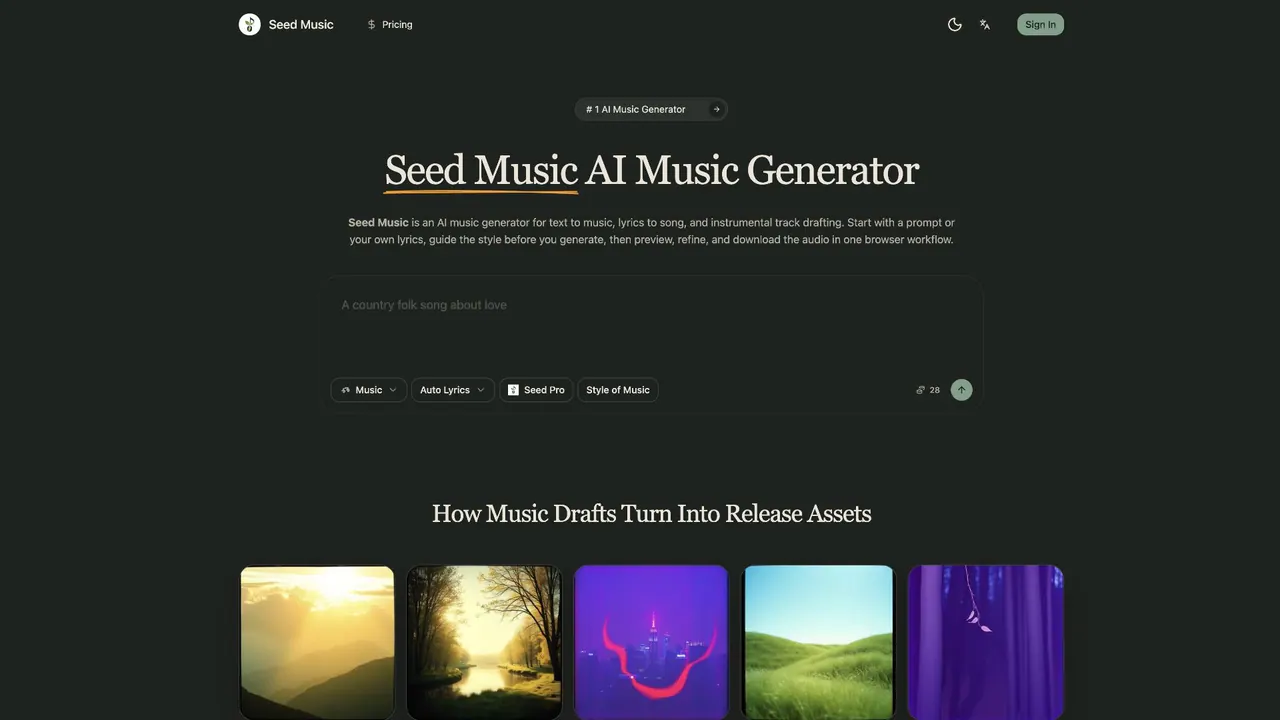
Seed Music generates song drafts from prompts or your lyrics, and can also create instrumental tracks with style guidance in one browser workflow.
- Pricing
- Free
- Category
- Music
- Listed
- Sep 6, 2026
- Updated
- Oct 19, 2026
Promoted
 AI Checker PlusAI detector that highlights which passages AI wrote. Free check, no sign-up. Plagiarism too.
 RewindType any X/Twitter handle. Get their year back as a narrated video story. Then ask it anything.
 KurodyneSell the tools from your AI side projects. Listing is free.
 Sidrune AI85% off. Stable Claude API for agent developers. Pay as you go. Invoices & refunds available.
 Pixmax.aiPixmax.ai is an all-in-one AI workspace for videos, visual stories, and marketing content.
 SEOify - Improve your SEO & rankingsBuild links to rank in Google. Improve your DR with links you can start building now.Advertise here330,000+ people visit Dang.ai every month.
What does Seed Music do?
Seed Music is an AI music generator for creating audio drafts from text prompts, lyrics-to-song ideas, and instrumental track concepts. Whether you’re exploring a new song direction or turning written lines into a playable draft, you can generate, preview, refine, and download music without leaving your browser workflow.
Start with a plain-language prompt to get fast text-to-music drafts, or paste custom lyrics when the words already exist and you want to hear them shaped as a real song. You can also switch to instrumental mode for non-vocal tracks—useful for podcast intros, demo soundtracks, product videos, creator content, and brand cues.
Seed Music includes style control before generation. Set the title and describe the style inputs (such as genre, mood, theme, tempo, and use case) so the result stays closer to your brief. After the track generates, review it against your direction—then refine by adjusting lyrics or guidance until the sound fits.
Once a draft clicks, you can move it into release preparation. Strong tracks can inform cover art, teaser concepts, and other release materials without starting over. Seed Music is also part of a broader creative flow you can extend into AI video and AI image assets when your project needs visuals alongside audio.
Pricing details aren’t included in the provided text, so plan information and credits should be checked in your account during sign-in.
What can I create with Seed Music?
You can generate text-to-music from prompts, turn your own lyrics into song drafts, and create instrumental tracks in instrumental mode.
Can I paste my existing lyrics to make a song draft?
Yes. Paste your lyrics when the words are already written, then generate so you can hear them as a real song and iterate from there.
Can Seed Music make instrumental music only?
Yes. Use instrumental mode when you need non-vocal tracks for podcast intros, transitions, background music, or brand cues.
How do I keep the generated music close to my brief?
Set the title and provide style direction (genre, mood, theme, tempo, and use case) before generating, then preview and refine based on how well the draft matches your goal.
What’s the workflow like from idea to download?
Write the prompt or add lyrics and style direction, generate, preview the audio, refine if needed, and then download—staying in one browser workflow.
Where can I find pricing or plan details?
Pricing and plan information aren’t included in the provided text, so check your account area during sign-in to confirm what’s available for your needs.
This listing is claimed
Own Seed Music? Sign in with the email used to claim it to manage this listing, or upgrade to Pro for featured-first placement and a newsletter feature.