Scro
AI Video Maker Generators & Tools
Scro helps you lock a single AI influencer’s face and voice, approve storyboards, then generate talking-head and explainer videos with low retry costs.
Promoted
 MuzieCreate professional AI music videos starring you. Bring a song or make one, done in minutes.
 AI Checker PlusAI detector that highlights which passages AI wrote. Free check, no sign-up. Plagiarism too.
 Pixmax.aiPixmax.ai is an all-in-one AI workspace for videos, visual stories, and marketing content.
 AdsfieldPro ads from one product photo — $40/year
 SEOify - Improve your SEO & rankingsBuild links to rank in Google. Improve your DR with links you can start building now.Advertise here330,000+ people visit Dang.ai every month.
What does Scro do?
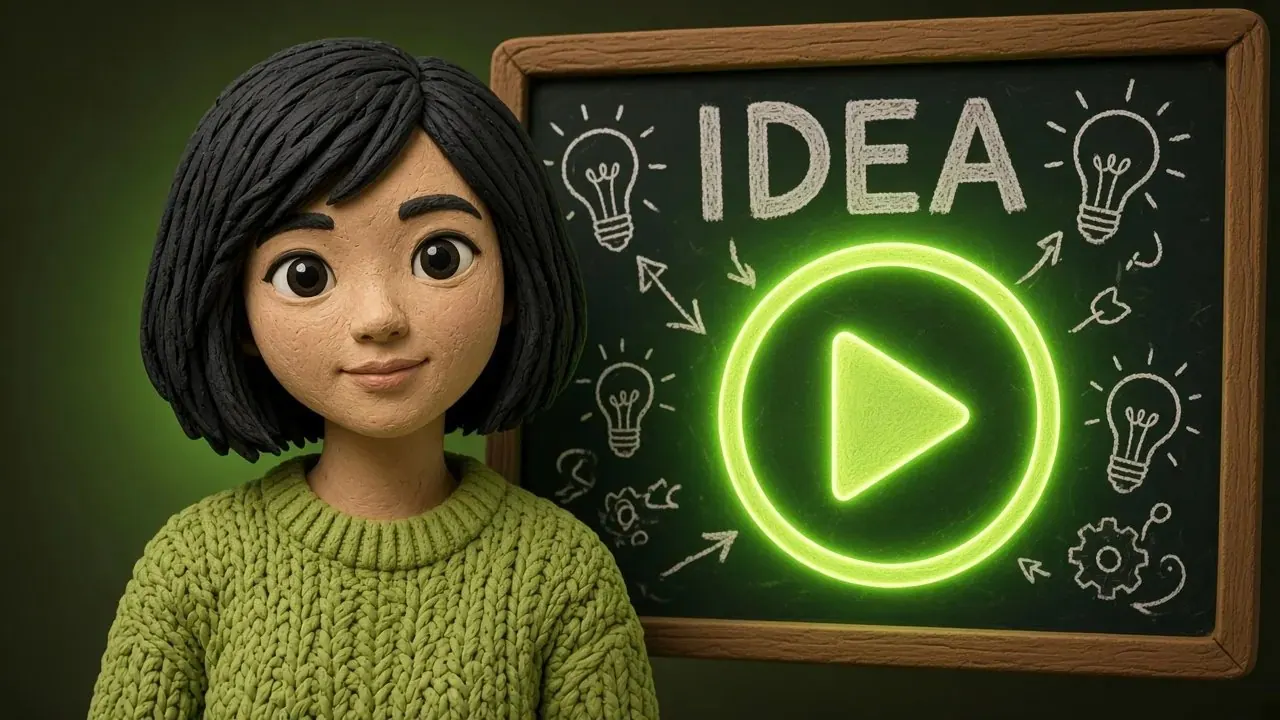
Scro is an all-in-one AI video creation studio built for producing consistent talking-head AI influencer content, whiteboard-style explainers, and product-focused UGC. The core idea is to create one AI influencer by locking the portrait, wardrobe, and voice—so every future video keeps the same recognizable host.
In Scro Canvas, you work from templates or ask the Canvas AI Assistant, then run simple, ready-to-build workflows. For talking-head videos, you can type a script (or drop voice audio) and generate natural 1080p lip-sync clips. For explainer content, you can turn topics into multi-scene animated whiteboard, paper cutout, and 3D papercraft reels with titles and synchronized voiceover. You can also remix existing clips by swapping the person or outfit into your AI character, or relocate the same performer into a new scene.
To keep production smooth, Scro includes storyboard-driven control where you can approve the flow before generating the final result. It also supports multi-clip merging, voice and music mixing with automatic volume ducking, and resizing for 9:16, 16:9, or 1:1 outputs. Built-in “Life posts” help you refresh feeds with wardrobe/scene variations while staying on-brand with the same locked influencer.
Pricing-wise, Scro offers a free starter credit of $6.00 USD and new accounts keep every subscription at 85% of the list price forever. Extra USD credit packs include 5% more credits.
What does it mean to “lock” an AI influencer in Scro?
You set the influencer’s face/portrait, wardrobe, and voice once, then reuse that same character across future videos so the host stays consistent.
Can I approve the storyboard before generating the final video?
Yes—Scro’s workflow is designed around storyboard approval, helping you direct the hook, scenes, and narration before the clip is produced.
What types of videos can I create with Scro?
You can generate talking-head reels, AI explainer videos, character and outfit swaps, scene teleports, and multi-clip assembled reels, plus 2K lifestyle posters and Life shots.
Does Scro support vertical and horizontal formats?
Yes. You can output for 9:16 (Reels/Shorts/TikTok), 16:9 (presentations), and 1:1 (marketing posts), with automated resizing.
Is there a free way to start creating in Scro?
New accounts start on Canvas with $6.00 free USD credit. You can claim it, create your first AI video, and download the result in minutes.
How do subscriptions and credit packs work in Scro?
New accounts keep subscriptions at 85% of the list price forever. Extra USD credit packs include 5% more credits, but specific pack prices aren’t listed in the available details.
This listing is claimed
Own Scro? Sign in with the email used to claim it to manage this listing, or upgrade to Pro for featured-first placement and a newsletter feature.