
TripleTen Pay Raise Calculator
Verified
Salary Calculator Tool
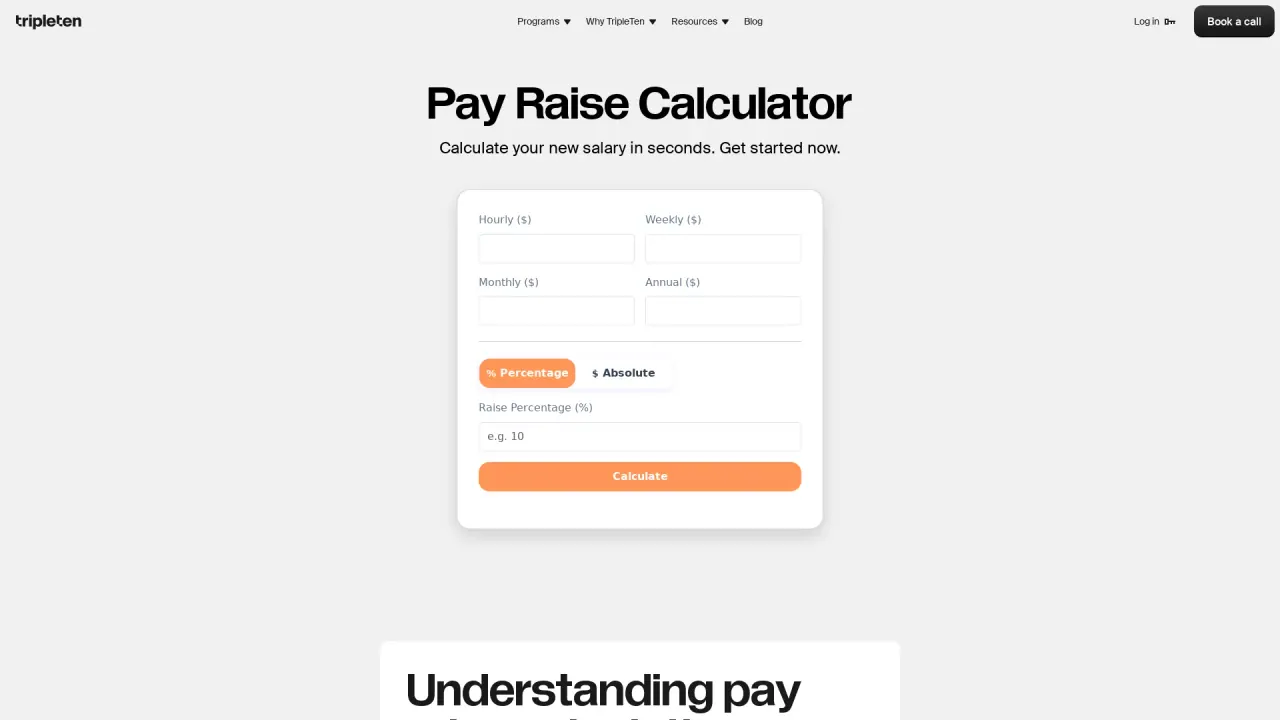
Calculate your new salary in seconds after a percentage or flat raise, with instant hourly, weekly, monthly, and annual breakdowns.
Promoted
 RewindType any X/Twitter handle. Get their year back as a narrated video story. Then ask it anything.
 KurodyneSell the tools from your AI side projects. Listing is free.
 Pixmax.aiPixmax.ai is an all-in-one AI workspace for videos, visual stories, and marketing content.
 AI Checker PlusAI detector that highlights which passages AI wrote. Free check, no sign-up. Plagiarism too.
 SEOify - Improve your SEO & rankingsBuild links to rank in Google. Improve your DR with links you can start building now.Advertise here330,000+ people visit Dang.ai every month.
What does TripleTen Pay Raise Calculator do?
TripleTen Pay Raise Calculator is a free online tool that helps you quickly estimate how a raise changes your pay. Enter your current salary and the raise amount, then view updated income across hourly, weekly, monthly, and annual pay periods—so you can see the impact in the way that matters to your budget.
The calculator supports both percentage-based raises and fixed dollar increases. It also handles conversions between different time periods, using standard formulas based on a 40-hour work week and 52 weeks per year to keep results consistent and easy to compare. Instead of doing manual math or spreadsheet work, you can test different scenarios and reduce the chance of calculation errors.
This tool is a practical fit for performance reviews, salary negotiations, and anyone curious about how much more they could earn from a raise—whether you’re comparing a 3% increase to a larger one or translating a specific $ amount into what it means per paycheck.
No registration is required, and you don’t need to share personal data to get your results. Start immediately and get a clear salary breakdown you can use for planning and conversations.
How do I calculate my salary after a raise?
Enter your current pay and then choose the raise type: a percentage increase or a flat dollar amount. The calculator instantly shows your updated hourly, weekly, monthly, and annual income.
What types of raise inputs does the calculator support?
You can calculate raises using either a percentage (e.g., 5%) or a specific flat dollar amount (e.g., +$2,000).
Can I use it to convert an hourly salary after a raise?
Yes. You can calculate and view results across pay periods, including hourly, weekly, monthly, and annual formats.
How accurate are the calculations?
Results use standard formulas based on a 40-hour work week and 52 weeks per year, aiming to provide consistent, reliable math for common salary comparisons.
Do I need to sign up or create an account to use the calculator?
No. You can start calculating right away without registration or personal data.
What’s the difference between a merit raise and a promotion raise?
A merit raise is typically an increase to your current compensation based on performance, while a promotion raise usually comes with a role change and may be tied to a new level or responsibilities. This calculator focuses on the salary increase amount you enter.
This listing is claimed
Own TripleTen Pay Raise Calculator? Sign in with the email used to claim it to manage this listing, or upgrade to Pro for featured-first placement and a newsletter feature.