
Underleaf AI
Verified
AI Writing Tools and Generators
Turn handwritten notes, photos, and PDFs into clean, copy-ready LaTeX in seconds—with writing, citation, and editor tools to speed up research.
Promoted
 Pixmax.aiPixmax.ai is an all-in-one AI workspace for videos, visual stories, and marketing content.
 Sidrune AI85% off. Stable Claude API for agent developers. Pay as you go. Invoices & refunds available.
 SEOify - Improve your SEO & rankingsBuild links to rank in Google. Improve your DR with links you can start building now.Advertise here270,000+ people visit Dang.ai every month.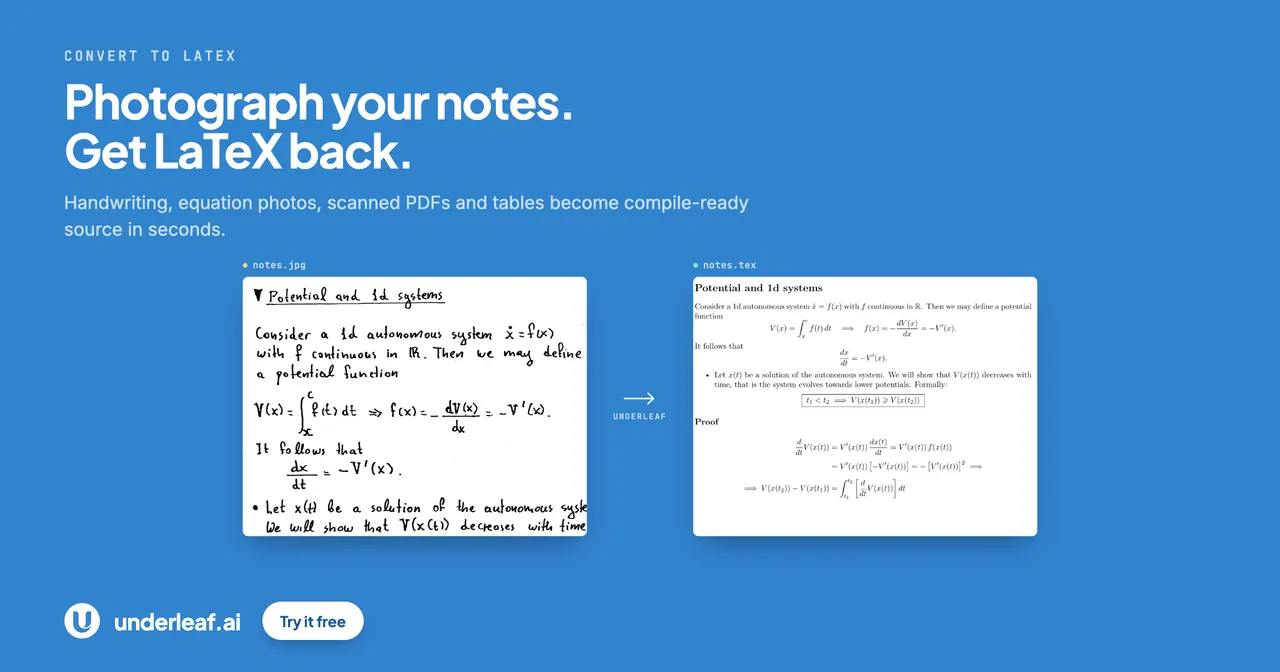
What does Underleaf AI do?
Underleaf AI helps you convert handwritten lecture notes, math equations, photos, and PDFs into clean LaTeX code quickly. Upload images (JPEG/PNG) or PDFs to generate LaTeX you can copy into any LaTeX editor, along with a preview of the output.
Beyond conversion, Underleaf AI includes tools to support academic writing and research workflows. Use writing tools such as abstract generation, prose editing, and journal formatting, plus research assistance with citation and semantic search across the arXiv corpus and BibTeX export.
You can also write and compile LaTeX online in a browser editor, with extensions that bring the same help into your everyday workflow. Underleaf AI offers free tools as well as paid plans, and all plans include access to its LaTeX conversion and AI tools.
What can I convert to LaTeX with Underleaf AI?
You can convert handwritten lecture notes and math equations from images (JPEG/PNG) and PDFs into clean, copy-ready LaTeX.
Is the output ready to use in my LaTeX editor?
Yes—generated LaTeX is provided as clean code that you can copy into any LaTeX editor, with an output preview available.
Does Underleaf AI help with academic writing tasks beyond conversion?
Yes. It includes writing tools like abstract generation, thesis statements, paraphrasing, prose editing, and journal formatting.
Can Underleaf AI help me find citations and export BibTeX?
Yes. It provides citation tools and semantic search across the arXiv corpus, and supports BibTeX export. It also includes converters for multiple source types such as DOI, ISBN, PubMed, RIS, and URL.
Do I need to install anything to use the browser editor?
No. The LaTeX editor runs in your browser, so you can write and compile online without a local install.
What are the main ways to use Underleaf AI with my current workflow?
You can use the browser editor directly, or use the Chrome extension and Google Docs add-on to apply assistance inside the tools you already work with.
This listing is claimed
Own Underleaf AI? Sign in with the email used to claim it to manage this listing, or upgrade to Pro for featured-first placement and a newsletter feature.