
Minimax H3
Verified
AI Video Maker Generators & Tools
MiniMax H3 is a multimodal AI video generator that turns text, images, video, and audio into cinematic videos with native stereo sound.
- Pricing
- Free trial
- Category
- Video
- Listed
- Jul 31, 2026
- Updated
- Jul 31, 2026
Promoted
 Sidrune AI85% off. Stable Claude API for agent developers. Pay as you go. Invoices & refunds available.
 Pixmax.aiPixmax.ai is an all-in-one AI workspace for videos, visual stories, and marketing content.
 SEOify - Improve your SEO & rankingsBuild links to rank in Google. Improve your DR with links you can start building now.Advertise here270,000+ people visit Dang.ai every month.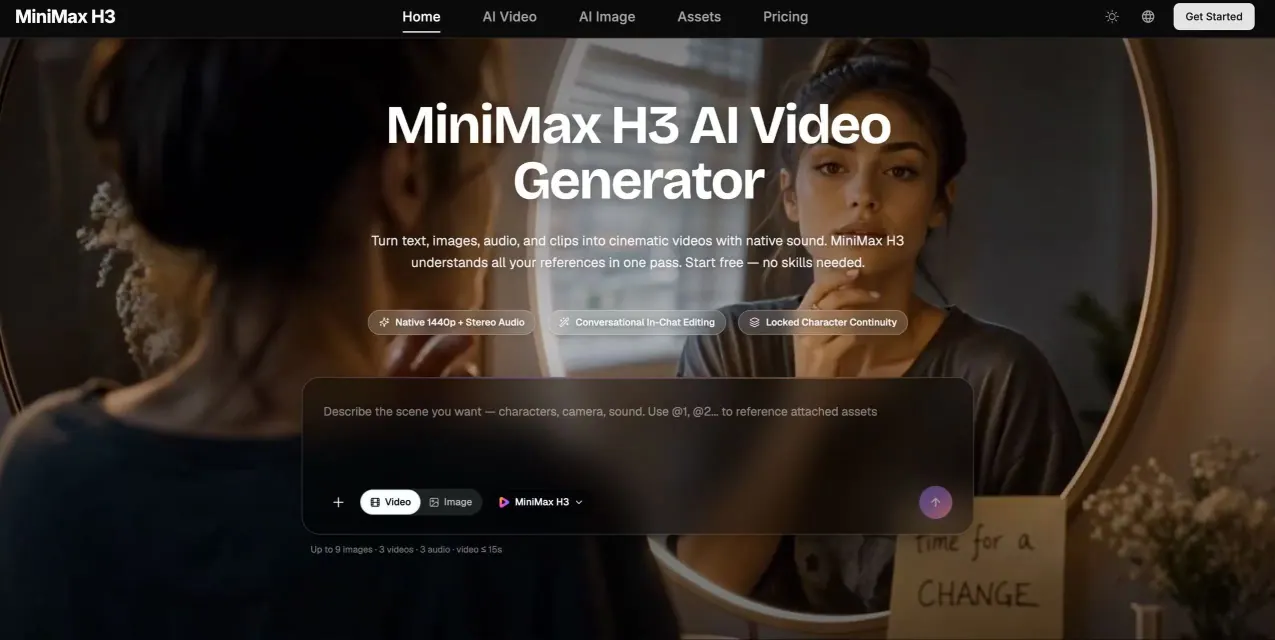
What does Minimax H3 do?
MiniMax H3 is a general-purpose multimodal AI video generator that creates cinematic scenes from a single, unified context. Instead of treating text-to-video, image-to-video, reference-based creation, and editing as separate steps, H3 reads text, images, video clips, and audio together, then produces a finished take with sound included.
Every generation includes native two-channel stereo audio—ambience, sound effects, music, and dialogue—synced to what’s happening on screen. You can also provide up to 9 images, 3 video clips (with a per-request video cap), and 3 audio tracks in one request, alongside a text prompt up to 7,000 characters, to guide characters, motion, camera language, and voice.
Editing is also handled in the same conversational workflow. Describe a change in plain language (swap subjects or objects, replace backgrounds, relight scenes, rewrite dialogue, or clone a voice), and H3 applies the edit while leaving unmodified regions stable so you can iterate shot by shot.
MiniMax H3 supports multiple aspect ratios (including 21:9, 16:9, and vertical formats) and aims for commercial-grade output, including accurate on-screen text, logos, and product details.
What can I create with Minimax H3?
You can generate videos from text prompts, animate images, combine multiple references (images, clips, and audio), and edit existing video by describing changes in plain language.
Does Minimax H3 include audio automatically?
Yes. Every generated video includes native two-channel stereo audio (ambience, sound effects, music, and dialogue). You can also use a reference audio clip to clone a character’s voice.
What references can I upload in one request?
You can mix up to 9 images, 3 video clips, and 3 audio tracks, plus a text prompt (up to 7,000 characters), within a combined cap of 12 files per request.
How long are the generated videos?
Generations produce 5–15 second videos at 24 FPS.
What kinds of edits can Minimax H3 apply?
You can swap characters or objects, replace backgrounds, relight scenes, remove elements, and rewrite dialogue (including voice cloning). H3 keeps unedited parts stable so you can refine iteratively.
What aspect ratios does Minimax H3 support?
Supported aspect ratios include 21:9, 16:9, 4:3, 1:1, 3:4, and 9:16, with options for letting H3 choose automatically and following first/last image ratios when applicable.
This listing is claimed
Own Minimax H3? Sign in with the email used to claim it to manage this listing, or upgrade to Pro for featured-first placement and a newsletter feature.