
Retypit
AI Image Generators from Text Tools
Retypit lets you edit text in photos and screenshots online, keeping the original font, color, and style without Photoshop or a source file.
Promoted
 AI Checker PlusAI detector that highlights which passages AI wrote. Free check, no sign-up. Plagiarism too.
 RewindType any X/Twitter handle. Get their year back as a narrated video story. Then ask it anything.
 KurodyneSell the tools from your AI side projects. Listing is free.
 Sidrune AI85% off. Stable Claude API for agent developers. Pay as you go. Invoices & refunds available.
 Pixmax.aiPixmax.ai is an all-in-one AI workspace for videos, visual stories, and marketing content.
 SEOify - Improve your SEO & rankingsBuild links to rank in Google. Improve your DR with links you can start building now.Advertise here330,000+ people visit Dang.ai every month.
What does Retypit do?
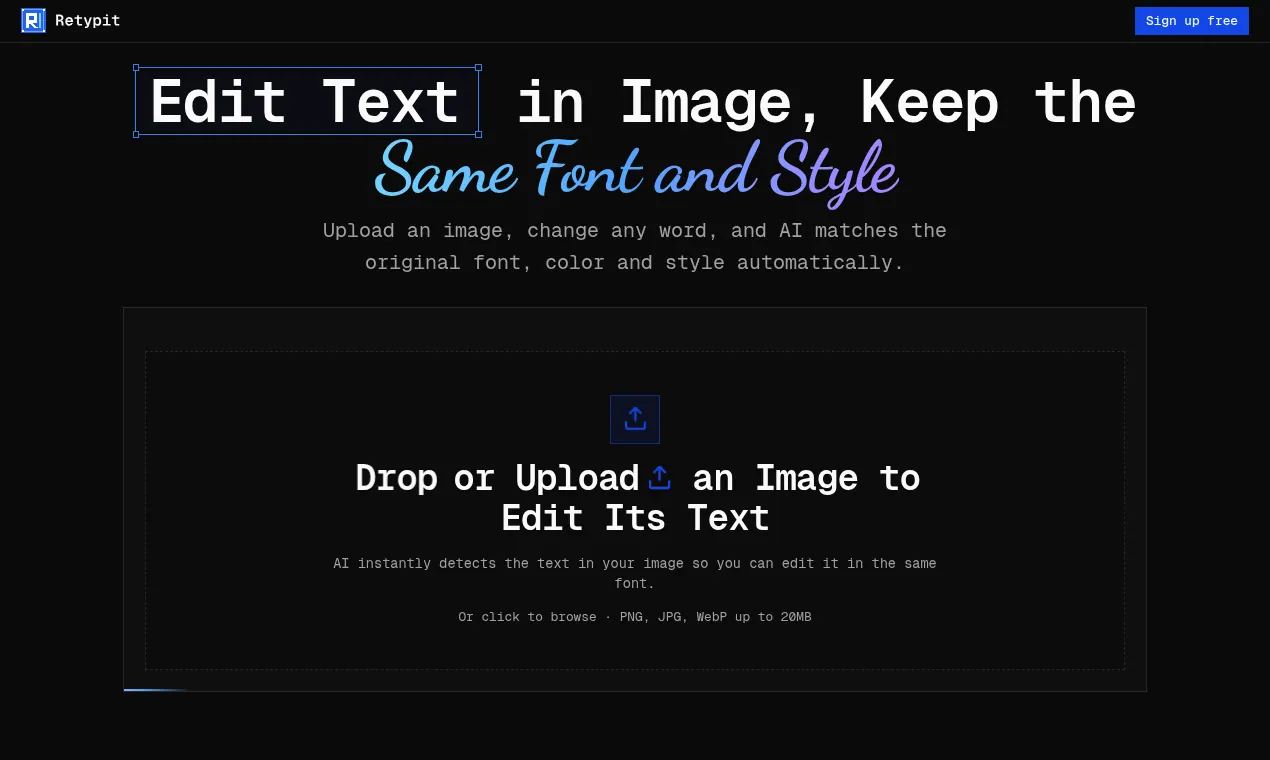
Retypit is an online AI text editor that lets you change wording inside an image while keeping the same font, color, and style. Upload a JPG, PNG, or WebP (up to 20MB) and the AI detects the text in your image and highlights each line for easy editing.
To edit, click the line you want to change, type the replacement words, and run the edit. Retypit rebuilds the updated text to match the original lettering so the change blends naturally into the image—without needing layers, PSD files, or manual font hunting.
This makes Retypit useful for many text-in-image fixes: correcting typos and garbled letters in AI-generated images, updating event dates and venues on posters and flyers, changing menu prices on photographed menus, fixing button labels or captions on screenshots, and swapping captions on memes or social graphics.
Everything happens in the browser, so there’s no software to install. Retypit uses a pay-as-you-go approach, and credits never expire.
What kinds of images can I edit with Retypit?
You can upload PNG, JPG, or WebP files up to 20MB. Text detection and editing run directly in your browser.
How does Retypit edit text in an image?
After upload, Retypit detects each line of text and assigns it a number. Select the line(s) you want, type the new words, run the edit, and download the updated image.
Can Retypit keep the same font and styling as the original text?
Yes. Retypit matches the original font, color, and style when rebuilding the replacement text, so only the wording changes while the look stays consistent.
Do I need Photoshop or a PSD/source file to edit text?
No. You can edit the text directly in the finished image by uploading it and retyping the lines you want to change.
Will editing text change the rest of the picture (faces, background, layout)?
Retypit changes the text you select and aims to leave the rest of the image untouched. Minor changes elsewhere can happen, but the edit is designed to focus on the selected text.
How does pricing work for Retypit?
Retypit uses a pay-as-you-go model, and credits never expire.
This listing is claimed
Own Retypit? Sign in with the email used to claim it to manage this listing, or upgrade to Pro for featured-first placement and a newsletter feature.