
RepoClip
Verified
AI Video Maker Generators & Tools
Turn any GitHub repo into a polished AI demo video in minutes with AI script, visuals, and narration—no editing skills required.



Promoted
 Sidrune AI85% off. Stable Claude API for agent developers. Pay as you go. Invoices & refunds available.
 Pixmax.aiPixmax.ai is an all-in-one AI workspace for videos, visual stories, and marketing content.
 RewindType any X/Twitter handle. Get their year back as a narrated video story. Then ask it anything.
 KurodyneSell the tools from your AI side projects. Listing is free.
 SEOify - Improve your SEO & rankingsBuild links to rank in Google. Improve your DR with links you can start building now.Advertise here270,000+ people visit Dang.ai every month.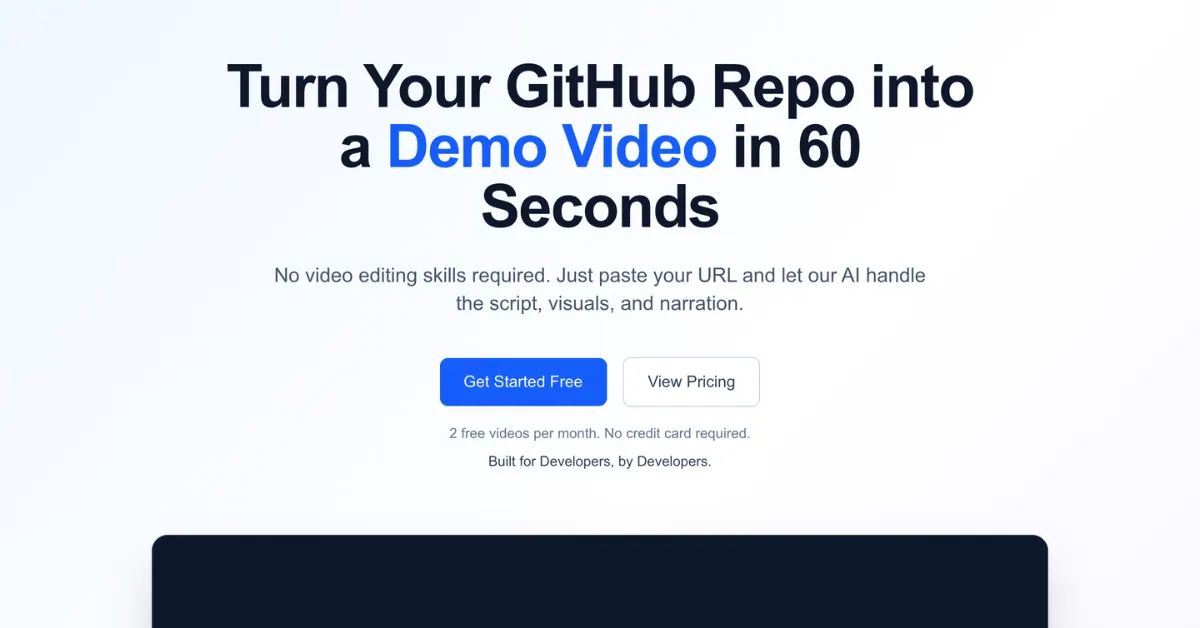
What does RepoClip do?
RepoClip transforms GitHub repositories into professional demo videos using AI analysis and automated video generation.
Paste a public repo URL (or connect your GitHub account for private repos) and let RepoClip analyze your code structure and features to produce a compelling script, AI-generated visuals, and natural-sounding narration. Download your completed video when it’s ready—optimized for generation in minutes.
Use RepoClip for launches, investor pitches, social content, and open source promotion. You can also access an API and use an official GitHub Action to automate video generation as part of your workflow.
RepoClip supports AI video clips with cinematic motion/animation features, AI code analysis powered by Gemini 2.5 Flash, AI-generated images, and professional narration using OpenAI preset voices (without voice cloning).
What kinds of GitHub repositories can I use with RepoClip?
You can generate videos from any public GitHub repo by pasting its URL. Private repos are supported when you connect your GitHub account.
How does RepoClip create a demo video from my code?
RepoClip analyzes your code structure and features, generates a script, creates AI visuals, and adds synthetic narration and music. The goal is a polished product-style demo you can download directly.
Do I need any video editing skills?
No—RepoClip is designed so you can generate a video by pasting a repo URL and letting the AI handle the script, visuals, and narration.
How long does video generation take?
Generation is optimized to take about 5 minutes on average.
Can I customize the video?
Yes. RepoClip includes customization options so you can adjust how your video is generated and presented.
Does RepoClip use voice cloning?
No. Narration uses natural-sounding preset voices and avoids voice cloning for safer, more ethical AI audio.
This listing is claimed
Own RepoClip? Sign in with the email used to claim it to manage this listing, or upgrade to Pro for featured-first placement and a newsletter feature.