
RemoveText
AI Art Generator & Creator Tools
RemoveText removes unwanted text from your images with AI and reconstructs the background so the result looks natural.
- Pricing
- Free
- Category
- Art
- Listed
- Aug 16, 2026
- Updated
- Aug 17, 2026
Promoted
 AI Checker PlusAI detector that highlights which passages AI wrote. Free check, no sign-up. Plagiarism too.
 RewindType any X/Twitter handle. Get their year back as a narrated video story. Then ask it anything.
 KurodyneSell the tools from your AI side projects. Listing is free.
 Sidrune AI85% off. Stable Claude API for agent developers. Pay as you go. Invoices & refunds available.
 Pixmax.aiPixmax.ai is an all-in-one AI workspace for videos, visual stories, and marketing content.
 SEOify - Improve your SEO & rankingsBuild links to rank in Google. Improve your DR with links you can start building now.Advertise here330,000+ people visit Dang.ai every month.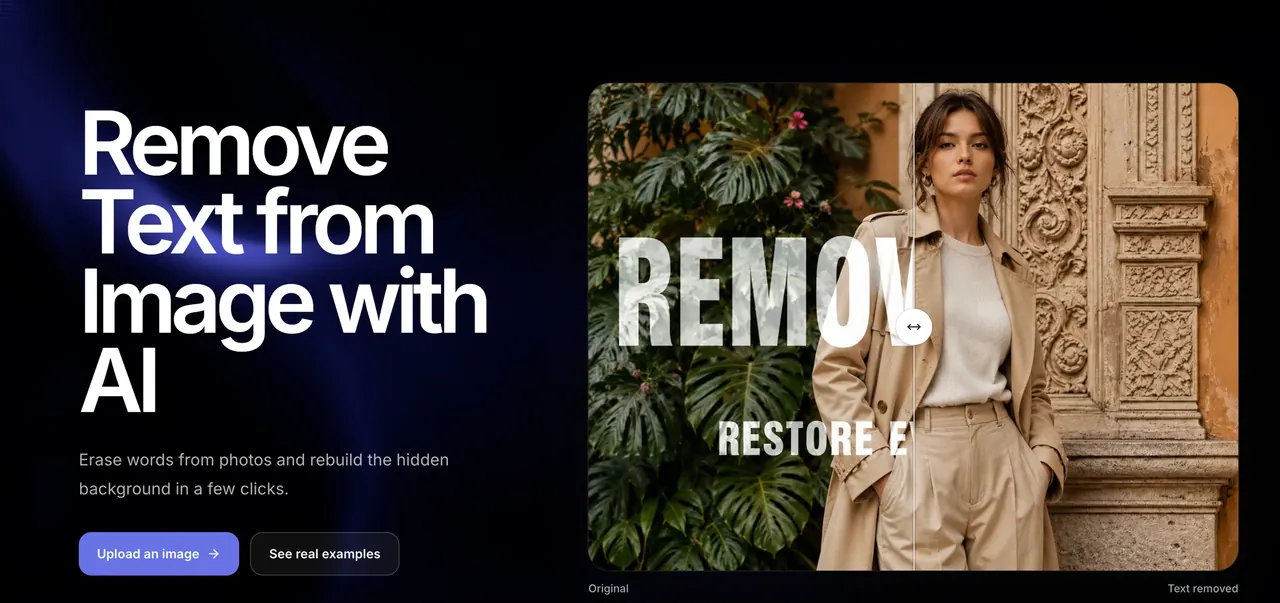
What does RemoveText do?
RemoveText is an online AI text remover that erases visible words from photos, posters, product images, and screenshots—then rebuilds what the text covered. Instead of leaving a flat blur, the tool generates a matching continuation using nearby colors, textures, lighting, and details.
Upload a JPG, PNG, or WebP (up to 20 MB each) and review the before/after result before downloading. You can process multiple images in one batch, keep the original aspect ratio, and download a cleaned image without watermark branding.
Want more control? Use optional instructions to remove specific words, captions, labels, signs, or text overlays while keeping other text or elements unchanged. It’s designed for practical cleanups like removing sale copy, dates and stamps, meme captions, or promotional headings from marketing visuals and everyday images.
What types of text can RemoveText remove from an image?
RemoveText targets visible text such as captions, labels, signs, dates, and other text overlays. It’s useful for both large promotional text and smaller informational elements.
Can I remove only specific words or one part of a text overlay?
Yes. You can add optional instructions to tell the AI which words or text elements to remove and which details should remain unchanged.
Will the download include a watermark or branding?
No. Downloads are provided without watermark branding.
Which image formats and file sizes are supported?
RemoveText supports JPG, PNG, and WebP. Each file can be up to 20 MB.
How many images can I process in one batch?
You can add several images to one processing batch, with up to 10 images per batch.
What happens if an AI processing attempt fails?
Failed AI tasks automatically return reserved credits, so you can try again.
This listing is claimed
Own RemoveText? Sign in with the email used to claim it to manage this listing, or upgrade to Pro for featured-first placement and a newsletter feature.