
Remove Background Online
AI Image Generators from Text Tools
Remove Background Online is a free, full-resolution AI background remover that runs entirely in your browser and downloads a transparent PNG.
- Pricing
- Free
- Category
- Image
- Listed
- Sep 21, 2026
- Updated
- Sep 22, 2026
Promoted
 Pixmax.aiPixmax.ai is an all-in-one AI workspace for videos, visual stories, and marketing content.
 AI Checker PlusAI detector that highlights which passages AI wrote. Free check, no sign-up. Plagiarism too.
 RewindType any X/Twitter handle. Get their year back as a narrated video story. Then ask it anything.
 KurodyneSell the tools from your AI side projects. Listing is free.
 Sidrune AI85% off. Stable Claude API for agent developers. Pay as you go. Invoices & refunds available.
 SEOify - Improve your SEO & rankingsBuild links to rank in Google. Improve your DR with links you can start building now.Advertise here270,000+ people visit Dang.ai every month.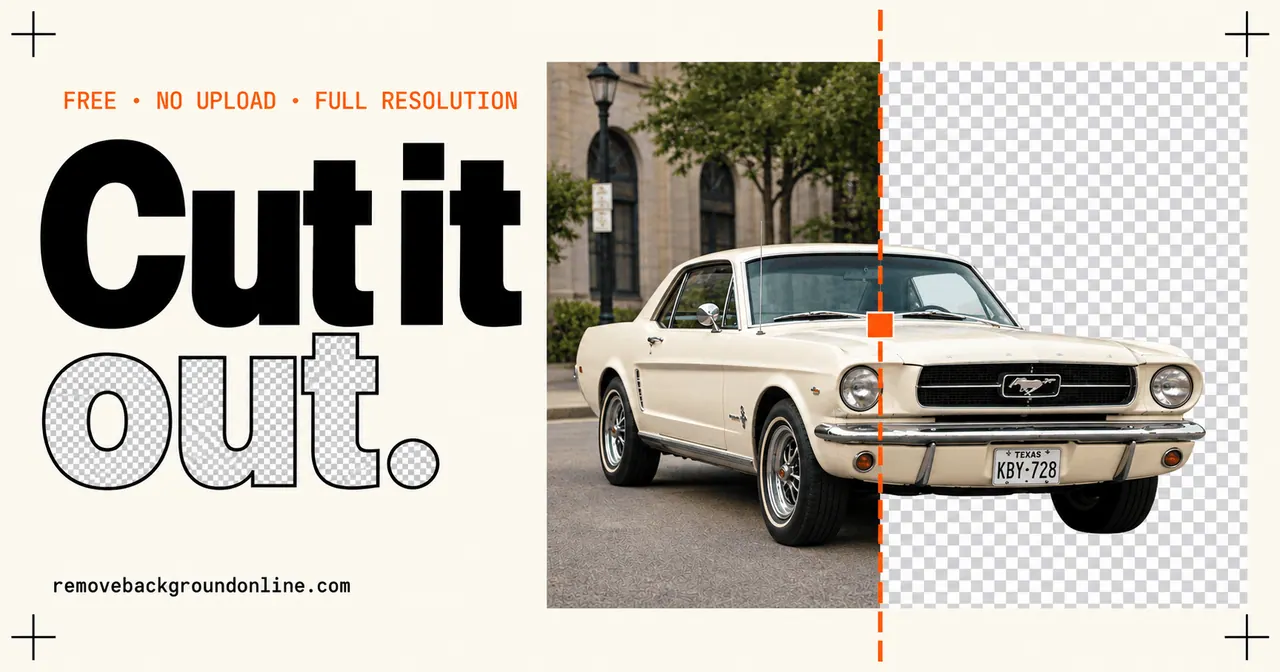
What does Remove Background Online do?
Remove Background Online cuts subjects out of photos right in your browser. Drag in a JPG, PNG, or WebP, and download a full-resolution transparent PNG (PNG + alpha) with no watermark and no sign-up.
The cutout is applied to your original pixels at full resolution (up to 12 MP in, 12 MP out), so hair, fur, glass, and fine edges can be refined with edge softness/shift and a Magic Brush for manual erase/restore touch-ups. You can also replace the background with white (#FFFFFF), a custom color, or your own backdrop image.
After the first run, the model is cached so the tool works offline as well. It exports in multiple formats (transparent PNG, optimized PNG, WebP, or flattened JPG) and is designed for quick use across product photos, ecommerce listings, marketing assets, profile pictures, signatures/logos, and more.
Is Remove Background Online really free?
Yes—background removal is free with unlimited images, no account, and no watermark on the download.
Will my photos be uploaded to a server?
No. Background removal runs locally in your browser, so images aren’t sent to a server or seen by anyone.
How do I remove the background from a JPG or PNG?
Open the tool, then drag-and-drop (or paste with Ctrl+V) your JPG/PNG/WebP. Download the resulting transparent PNG with alpha once the cutout looks right.
Do I get full-resolution output?
Yes. The tool preserves your original pixel resolution (up to 12 MP in, 12 MP out) and exports a real transparent PNG rather than a “fake” transparency.
Can I add a white background instead of transparency?
Yes. After cutting out the subject, you can place it on a white backdrop and download the result.
Does it work offline?
Yes. The first run downloads the model once (~45–90 MB), and after that the tool works offline.
This listing is claimed
Own Remove Background Online? Sign in with the email used to claim it to manage this listing, or upgrade to Pro for featured-first placement and a newsletter feature.