
Referent
Verified
AI Legal Assistant Tools
Referent is an AI-native practice management platform that automates legal operations while lawyers approve key actions.
- Category
- Legal
- Listed
- Jul 5, 2026
- Updated
- Jul 6, 2026
Promoted
 Sidrune AI85% off. Stable Claude API for agent developers. Pay as you go. Invoices & refunds available.
 Pixmax.aiPixmax.ai is an all-in-one AI workspace for videos, visual stories, and marketing content.
 AI Checker PlusAI detector that highlights which passages AI wrote. Free check, no sign-up. Plagiarism too.
 RewindType any X/Twitter handle. Get their year back as a narrated video story. Then ask it anything.
 KurodyneSell the tools from your AI side projects. Listing is free.
 SEOify - Improve your SEO & rankingsBuild links to rank in Google. Improve your DR with links you can start building now.Advertise here270,000+ people visit Dang.ai every month.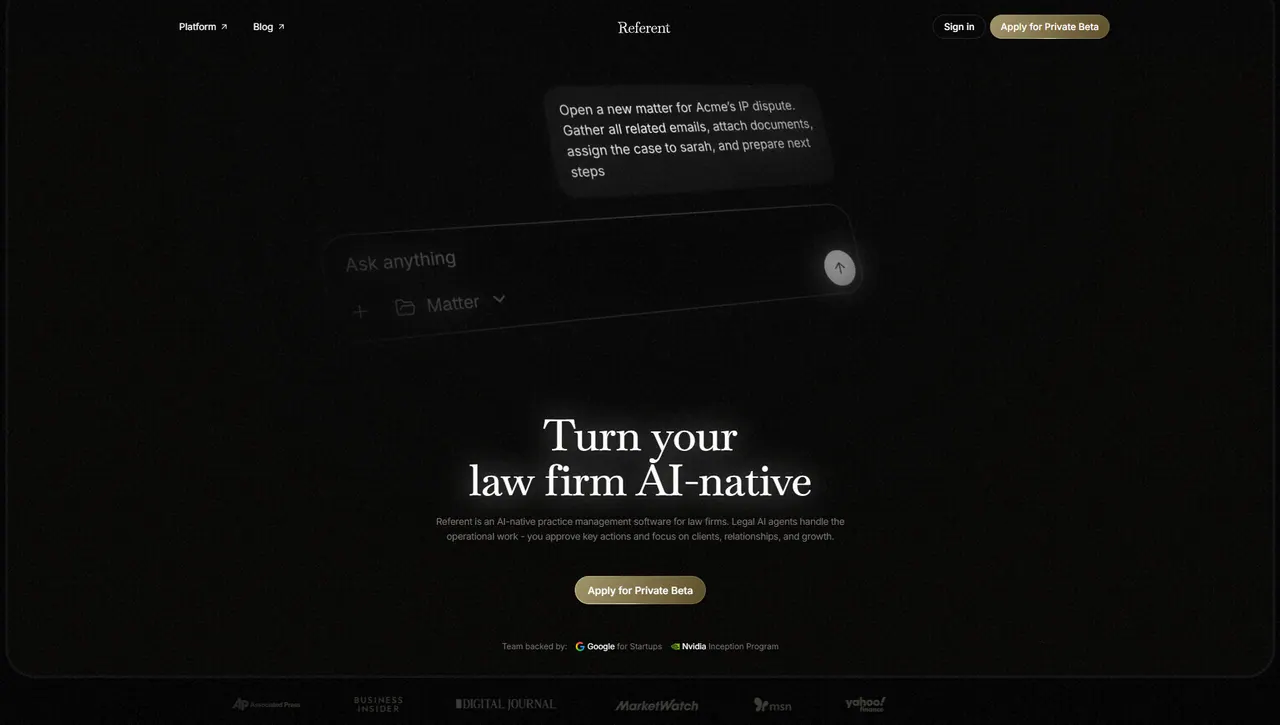
What does Referent do?
Referent is AI-native practice management for law firms. Legal AI agents handle operational work such as CRM updates, intake, matter workflows, email handling, deadlines, document organization, follow-ups, and billing-prep tasks—while you approve critical steps.
Set up your practice with fewer manual entries. Share what needs to happen (for example, moving a matter status, drafting an engagement agreement, scheduling a review, and sending a calendar invite), and Referent runs the workflow for you.
Work inside your existing Google ecosystem by connecting Gmail, Google Calendar, and Google Drive. Referent can read correspondence, help route context to the right matter, sync meetings both ways, and make Drive documents searchable within matters; you can disconnect at any time. Critical actions are verified by you, with actions logged and auditable for oversight.
What does Referent automate in a law firm?
Referent automates operational work across matters—AI client intake, updating matter records, creating and routing tasks, organizing documents, handling emails and follow-ups, and supporting billing preparation workflows.
How does lawyer approval work?
Referent runs the work, but every important action is verified by you before it happens, so client-facing decisions and other critical steps stay under lawyer control.
What Google apps does Referent work with?
Referent supports connections to Gmail, Google Calendar, and Google Drive to keep emails, meetings, and documents tied to the correct matters and case files.
Can I disconnect my Google data?
Yes. You can disconnect anytime, and synced data is deleted.
Does Referent train on client or firm data?
No. Referent does not train AI models on your firm’s data, and it does not sell or monetize client information.
How is data kept private and isolated?
Your data remains private to your workspace, is not shared across customers, access is restricted to authorized firm members, and delete means delete.
This listing is claimed
Own Referent? Sign in with the email used to claim it to manage this listing, or upgrade to Pro for featured-first placement and a newsletter feature.