
ReferenceToVideo
AI Video Generation
Create controllable AI videos by turning a reference image or source video into consistent, scene-directed motion clips.
Promoted
 Pixmax.aiPixmax.ai is an all-in-one AI workspace for videos, visual stories, and marketing content.
 RewindType any X/Twitter handle. Get their year back as a narrated video story. Then ask it anything.
 KurodyneSell the tools from your AI side projects. Listing is free.
 Sidrune AI85% off. Stable Claude API for agent developers. Pay as you go. Invoices & refunds available.
 SEOify - Improve your SEO & rankingsBuild links to rank in Google. Improve your DR with links you can start building now.Advertise here270,000+ people visit Dang.ai every month.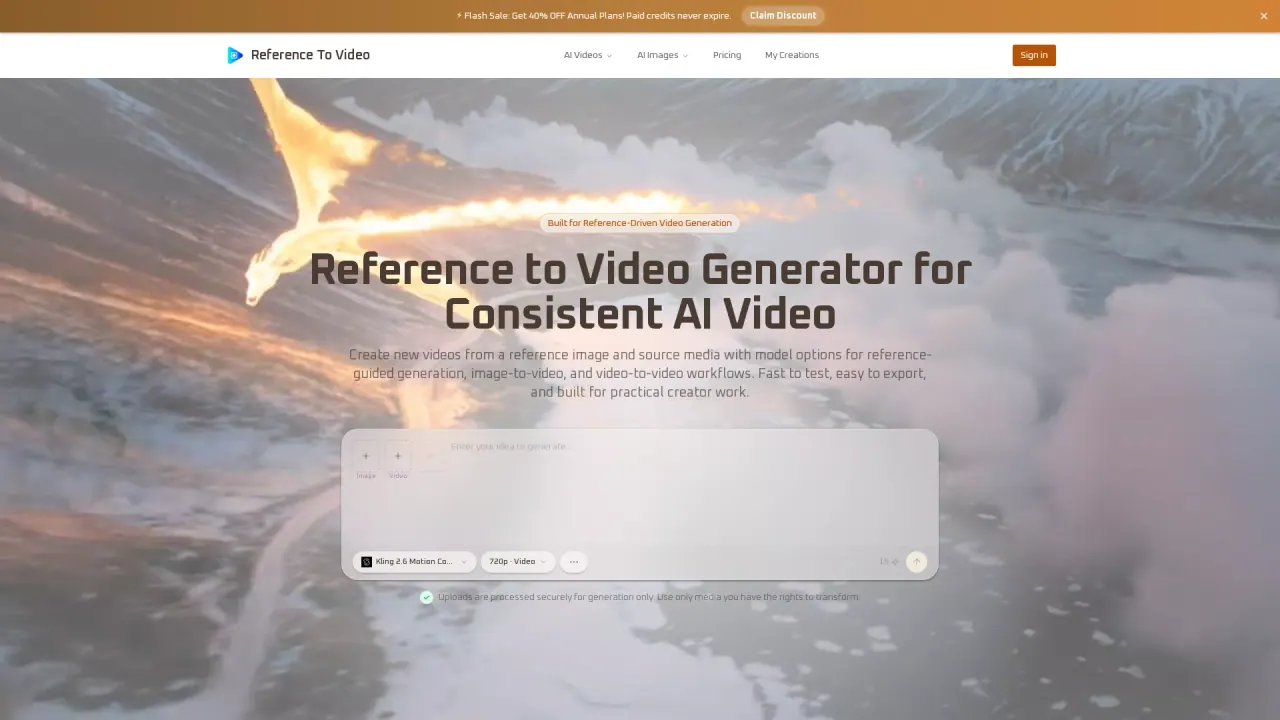
What does ReferenceToVideo do?
ReferenceToVideo: Reference-guided AI video generation
ReferenceToVideo creates a new AI video by using source media—typically a reference image, and sometimes a reference video—to guide what the generated clip looks like and how it moves. Instead of relying on prompt-only generation, reference-guided workflows help you keep identity, styling, and visual structure more consistent across outputs.
You can use image-to-video when you want to preserve the look of a subject (a person/character, an object, or a product) while generating motion. If you start with an existing clip, you can use video-to-video to transform footage while keeping key aspects of the source movement or structure. The result is more stable subject rendering and clearer scene direction for practical production needs.
Key features include subject consistency from reference inputs, flexible workflows that support both image and video references, and scene transfer to place the same main subject into new environments or storytelling contexts. A multi-model workflow helps match different output goals—faster iteration, stronger motion control, higher polish, or premium cinematic generation—by choosing the right model for your task.
ReferenceToVideo is designed for creators, marketers, agencies, and visual teams producing short-form social content, product demos, ad creatives, and internal concept development. Plans are available on monthly or yearly billing, with discounts shown on annual plans and free credit bonuses. Paid plans include monthly credits that never expire, watermark-free exports, HD generation and downloads, private generation, and commercial usage rights; higher tiers also add a priority queue, faster generation, and priority support.
What is reference-guided AI video generation in ReferenceToVideo?
It turns your reference image (and, when applicable, a source video) into a new AI clip guided by the provided media. This helps keep the subject’s identity, styling, and visual structure more consistent than prompt-only generation.
How is image-to-video different from video-to-video?
Image-to-video starts from a still reference image and generates motion from it. Video-to-video transforms an existing clip into a new output while aiming to preserve important aspects of the source movement or structure.
When should I use a reference image?
Use a reference image when you want to anchor the subject’s appearance—such as a character, object, or product—so it stays more recognizable while you change the scene or context.
When should I use a source video?
Use a source video when motion flow, camera direction, scene timing, or movement characteristics matter most for transforming one clip into another.
What models are available for different generation goals?
ReferenceToVideo supports multiple model options: Kling 2.6 Motion Control (for stronger motion control), Seedance (fast image-to-video), Veo (polish), Wan (supports both image-to-video and video-to-video workflows), and Sora (premium cinematic image-to-video). You can choose the model that best matches your workflow.
What plan types and benefits are available?
You can choose monthly or yearly plans, with annual plans showing discounted pricing. Paid plans include monthly subscription credits that never expire, watermark-free exports, HD generation and downloads, private generation, and commercial usage rights; higher tiers add priority generation queue and priority support. There are also free credit offers available and annual plan discounts during promotions.
This listing is claimed
Own ReferenceToVideo? Sign in with the email used to claim it to manage this listing, or upgrade to Pro for featured-first placement and a newsletter feature.