
ReelCine
AI Video Maker Generators & Tools
Create cinematic AI videos with Seedance 2.5 using text, images, references, and native audio—free to try and export-ready.
- Pricing
- Free
- Category
- Video
- Listed
- Aug 15, 2026
- Updated
- Oct 16, 2026
Promoted
 Pixmax.aiPixmax.ai is an all-in-one AI workspace for videos, visual stories, and marketing content.
 AI Checker PlusAI detector that highlights which passages AI wrote. Free check, no sign-up. Plagiarism too.
 RewindType any X/Twitter handle. Get their year back as a narrated video story. Then ask it anything.
 KurodyneSell the tools from your AI side projects. Listing is free.
 Sidrune AI85% off. Stable Claude API for agent developers. Pay as you go. Invoices & refunds available.
 SEOify - Improve your SEO & rankingsBuild links to rank in Google. Improve your DR with links you can start building now.Advertise here270,000+ people visit Dang.ai every month.
What does ReelCine do?
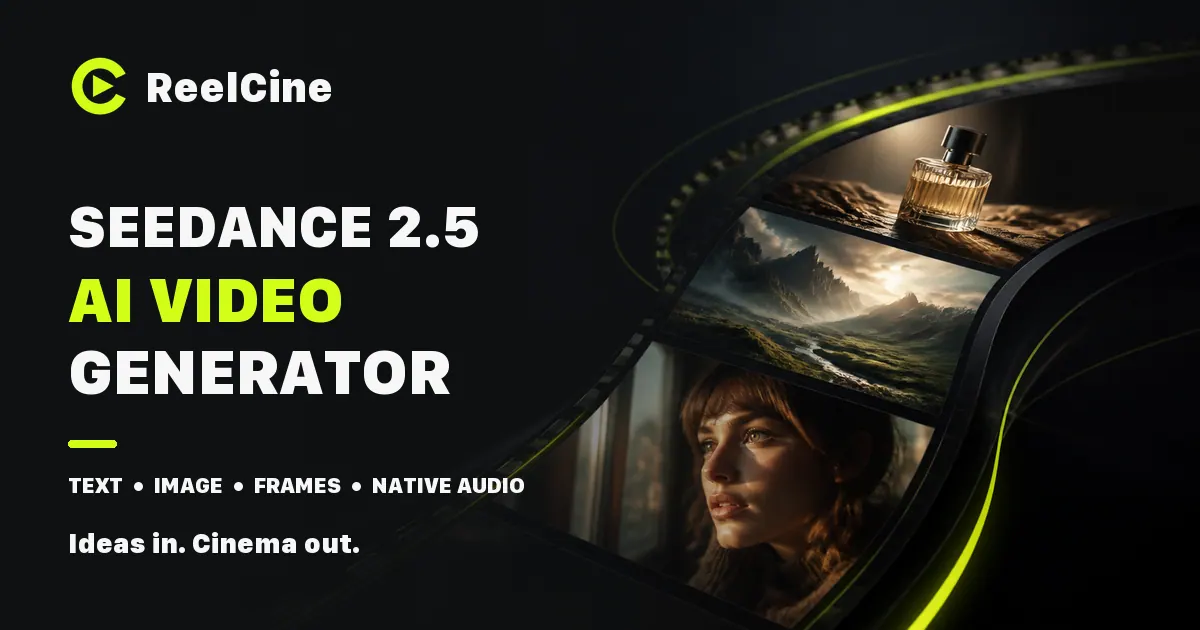
ReelCine is an AI video generation platform built around Seedance 2.5, designed for cinematic, multi-shot results in one workspace. Generate videos from text, animate images with image-to-video, create scenes using first-and-last frames, and build continuity with reference-to-video. You can also use video-to-video, then refine output with generation history and reusable prompts so your workflow stays consistent from draft to final.
Seedance 2.5 focuses on controllability: you can set any whole-second duration from 4 to 30 seconds and choose aspect ratios across common formats (21:9, 16:9, 9:16, and more). It supports native audio in 10+ languages, generating dialogue, ambience, music, and effects alongside the visuals. Reference mode lets you supply up to 50 assets total—images, videos, and audio clips—so identity, style, and movement can stay consistent across shots.
ReelCine also offers multiple integrated video models (including H3 Max Turbo, Veo 3.1, Sora 2, Kling v3, and others) so you can switch models when a shot needs something different. There’s a shared credit system, and failed generations are refunded automatically.
Pricing is credit-based with “start for free” access. There are monthly and annual plans with credit packs (including Free to try without sign-up, plus paid tiers like Plus, Pro, and Max) and no watermark on generated outputs. HD, watermark-free downloads and commercial use of everything you make are included in the plans listed.
Is ReelCine free to try?
Yes—ReelCine is free to start in your browser with no sign-up, and new accounts begin with free credits so your first clips can cost nothing.
What kinds of video can I generate in ReelCine?
You can do text-to-video, image-to-video (including first & last frame control), reference-to-video using multimodal assets, and video-to-video.
How does first & last frame control work?
You provide a first and a last frame (typically as images). Seedance 2.5 moves deliberately between them rather than drifting, helping your clip open and end on the compositions you picked.
Can Seedance 2.5 generate audio natively?
Yes. It generates audio natively alongside the picture in 10+ languages, including dialogue, ambience, music, and effects, and it can accept audio-only references for voice or texture.
What reference inputs are supported, and how many can I use?
You can reference up to 50 assets total: up to 30 images, 10 videos, and 10 audio clips. Each reference can be assigned an explicit job in the prompt to maintain consistency across shots.
How long can a generated clip be, and in what resolution?
With Seedance 2.5, clip duration can be any whole number from 4 to 30 seconds. Output resolution is available up to 720p in the Seedance 2.5 spec, and other models can offer higher maximums.
This listing is claimed
Own ReelCine? Sign in with the email used to claim it to manage this listing, or upgrade to Pro for featured-first placement and a newsletter feature.