
QuickImgTools
AI Image Generators from Text Tools
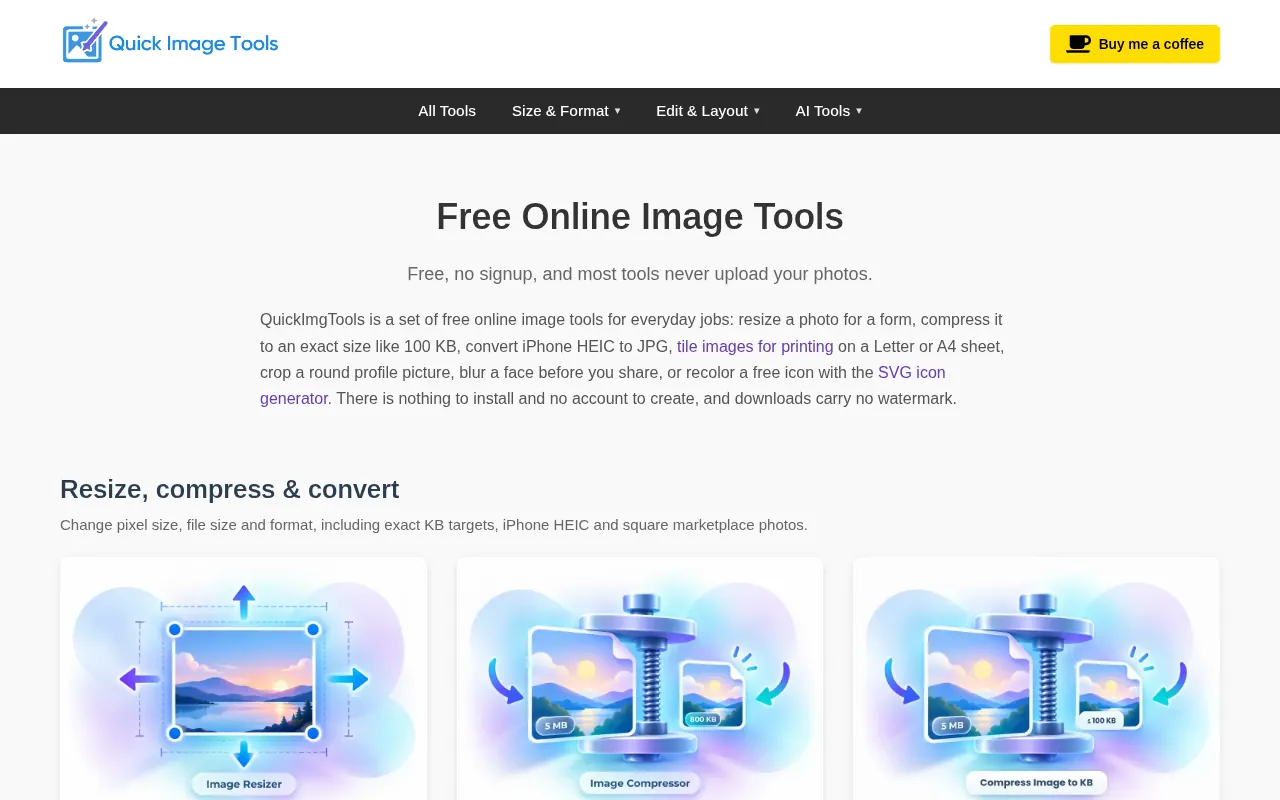
QuickImgTools is a free, no-signup suite of browser-based image tools to resize, compress, convert formats, remove metadata, and more.
Promoted
 Pixmax.aiPixmax.ai is an all-in-one AI workspace for videos, visual stories, and marketing content.
 AI Checker PlusAI detector that highlights which passages AI wrote. Free check, no sign-up. Plagiarism too.
 RewindType any X/Twitter handle. Get their year back as a narrated video story. Then ask it anything.
 KurodyneSell the tools from your AI side projects. Listing is free.
 SEOify - Improve your SEO & rankingsBuild links to rank in Google. Improve your DR with links you can start building now.Advertise here330,000+ people visit Dang.ai every month.
What does QuickImgTools do?
QuickImgTools is a free collection of online image tools for everyday jobs—without installing anything or creating an account. Many tools run entirely in your browser, so your photos stay on your device and aren’t uploaded to servers. It’s designed for quick edits like resizing a photo for a form, compressing to an exact target size, converting HEIC from iPhones to JPG/PNG, and preparing images for print or listings.
Core tools include Image Resizer (resize by exact dimensions or percentage, with aspect-ratio options and presets), Image Compressor (quality presets and an exact “Compress Image to KB” mode that outputs at or under your chosen limit, including JPG/PNG/WebP/HEIC/AVIF), and Image Converter (batch convert up to 20 images between PNG, JPG, WebP, AVIF, and GIF). You can also generate PDFs from images, tile or repeat images for print sheets and patterns, split photos into grids, and create contact sheets with labeled proofs.
For cleanup and privacy, QuickImgTools offers tools like Blur & Redact (blur faces, redact text, and strip EXIF/GPS), EXIF Remover (strip all EXIF or remove GPS only), and DPI Converter (adjust JPG/PNG DPI for 72/150/300). Extra convenience tools include crop presets, round/circle crops for profile pictures, and color extraction with exports.
Pricing is simple: the tools are free, no signup required. Note that most tools are browser-private; two AI tools (Background Remover and AI Image Renamer) send images to the server to perform their work.
Do I need an account to use QuickImgTools?
No—QuickImgTools is free and doesn’t require signup or installation.
Will my photos be uploaded to a server?
Most tools process images in your browser so files stay on your device. Background Remover and AI Image Renamer send images to the server to complete their tasks.
Can I compress an image to an exact file size like 100 KB?
Yes. Use “Compress Image to KB” to set an exact target (for example 100 KB, 50 KB, or 1 MB). The output is always at or under your chosen limit.
Can I convert iPhone HEIC files to JPG or PNG?
Yes—there’s a dedicated HEIC to JPG tool that converts HEIC/HEIF to JPG or PNG in your browser. It supports batch conversion up to 20 files with a ZIP download.
How many images can I batch convert or download as a ZIP?
Image Converter supports batch converting up to 20 images at once and downloading the results as a ZIP. Several other batch tools also offer ZIP downloads depending on the function.
Can QuickImgTools remove metadata like EXIF and GPS?
Yes. Use EXIF Remover to strip all EXIF data or remove GPS only, and use Blur & Redact to blur/redact while exporting results with EXIF/GPS stripped.
This listing is claimed
Own QuickImgTools? Sign in with the email used to claim it to manage this listing, or upgrade to Pro for featured-first placement and a newsletter feature.