
Nanosora
AIImageEditingPlatform
Nanosora is an all-in-one AI creation platform integrating image processing
- Pricing
- Free trial
- Category
- Art
- Listed
- Jan 1, 2026
- Updated
- May 25, 2026
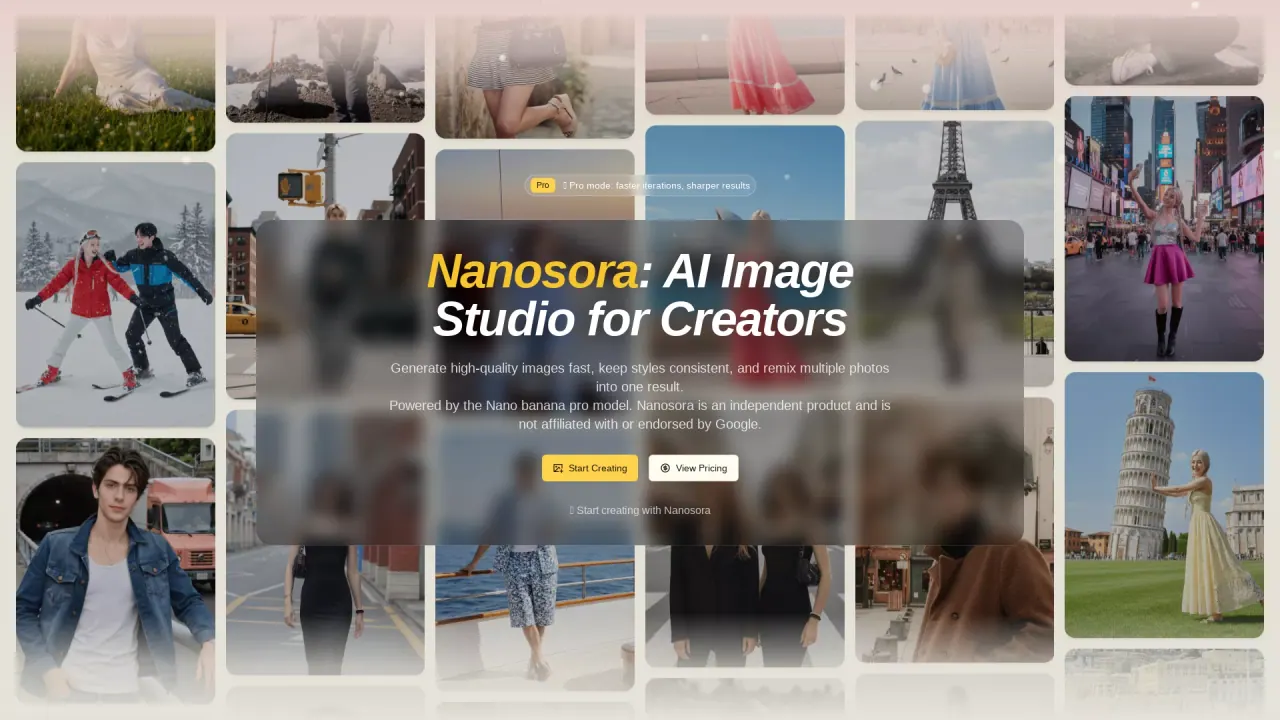
What does Nanosora do?
What is the main use case for Nanosora?
The main use case for NanoSora is to serve as an all-in-one, accessible platform for turning creative ideas into high-quality, finished visuals using AI. It is designed for a wide range of users—from artists and designers to curious enthusiasts—who need to generate, edit, and enhance images efficiently.
What are some unique features of nanosora.art?
Nanosora — Key Features All-in-One Visual Creation Turn a single prompt into a finished image in one seamless workflow. Stable & Controllable Output Ensure consistent characters, colors, and styles suitable for professional work. Integrated AI Tools Generate, modify, or expand images with smart inpainting and outpainting. Precision Editing Remove or replace objects and backgrounds accurately in seconds. Creative Transformations Swap faces, styles, or outfits with AI that preserves realism. Delivery-Ready Quality Get high-resolution images with clean edges and natural lighting. Intuitive Interface Easy for beginners with guided prompts, and fast for professionals.
What is the cheapest pricing package Nanosora offers?
The cheapest package is the Trial Pack. It is a one-time purchase of 120 credits for $14.90.
What Are the Main Benefits of Using Nanosora for AI Image Creation?
Nanosora offers high-quality, fast image generation with consistent styles and the ability to remix multiple photos into one result. It's designed for creators who want to generate production-grade visuals with sharp details and robust prompt adherence. With Nanosora, users can maintain character consistency, perform precise local edits, and control details such as changing backgrounds, outfits, and lighting.
How Does Nanosora Ensure High-Fidelity and Precise Image Editing?
Nanosora is optimized for lightning-fast image generation with the Nano banana pro model, providing sharp details and consistent styles. The platform allows for control over a range of details, from background replacements to outfit changes, using natural language. It also supports multi-image fusion, maintaining coherent and faithful styles across all outputs, offering production-ready visuals.
How Can Users Get Started with Nanosora’s AI Image Studio?
To use Nanosora, a user starts by entering a detailed or simple natural-language prompt to describe the desired image. They can then choose their preferred settings like aspect ratio and image size, and optionally upload up to 14 reference images. Once configured, users click generate and can download the high-resolution result. Additionally, Nanosora offers a Pro mode for faster iterations and sharper results.
Is this your tool?
Claim Nanosora to manage this listing, or upgrade to Pro for featured-first placement and a newsletter feature.