
PixPurge
AI Image Generators from Text Tools
PixPurge is an online AI tool that removes text, watermarks, captions, and date stamps from images and rebuilds the background for a clean result.
Promoted
 AI Checker PlusAI detector that highlights which passages AI wrote. Free check, no sign-up. Plagiarism too.
 RewindType any X/Twitter handle. Get their year back as a narrated video story. Then ask it anything.
 KurodyneSell the tools from your AI side projects. Listing is free.
 Sidrune AI85% off. Stable Claude API for agent developers. Pay as you go. Invoices & refunds available.
 Pixmax.aiPixmax.ai is an all-in-one AI workspace for videos, visual stories, and marketing content.
 SEOify - Improve your SEO & rankingsBuild links to rank in Google. Improve your DR with links you can start building now.Advertise here270,000+ people visit Dang.ai every month.
What does PixPurge do?
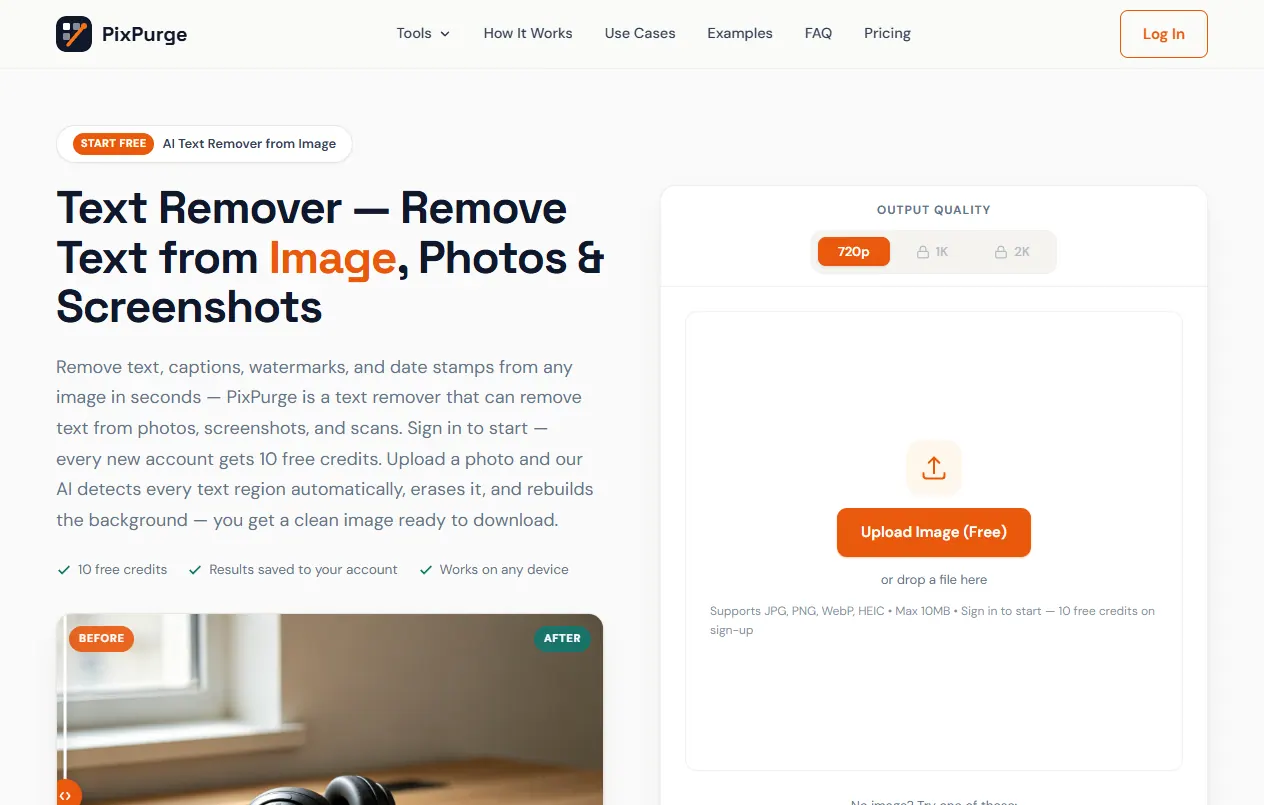
PixPurge is an AI text remover for images that deletes text, captions, watermarks/logos, and date stamps in seconds. Upload a JPG, PNG, WebP, or HEIC file and let the AI automatically detect every text region, erase it, and rebuild what should be behind it—so the cleaned area blends naturally instead of looking blurred or patched.
The workflow is designed for quick, one-click cleanup. It’s useful when you want to standardize product photos by removing supplier watermarks, clean up screenshots for presentations by getting rid of chat bubbles and usernames, or repurpose social images by erasing captions and repost credits. You can also remove old date stamps from scans and archived photos without relying on manual cropping.
PixPurge runs online in your browser, with no install or editing skills required. After processing, you can preview the result and download your cleaned image. Uploads are supported up to 10MB per file.
To get started, new accounts receive 10 free credits on sign-up. Results are saved to your account, and you can upgrade anytime with monthly or yearly plans for more processing.
What kinds of things can PixPurge remove from an image?
PixPurge removes text, captions, watermarks/logos, and date stamps from images. The AI finds the text regions automatically and removes them in one step.
Will the image look smudgy after the text is removed?
PixPurge rebuilds the background behind the removed text so textures, gradients, and edges blend in. The goal is a clean result without smudges or “patchy” areas.
What file types and sizes does PixPurge support?
PixPurge supports JPG, PNG, WebP, and HEIC images up to 10MB each. Work is done in your browser, and you can download the cleaned image afterward.
Can PixPurge remove text from videos or PDFs?
No. PixPurge is for images only (JPG, PNG, WebP, HEIC). Videos and PDFs aren’t supported.
How do free credits work?
New accounts get 10 free credits when you sign up. Free uploads let you process images and download results, and you can upgrade later with monthly or yearly plans.
Where do my cleaned images go after processing?
Your results are saved to your account so you can revisit and download them later. You also get an instant preview in the browser before downloading.
This listing is claimed
Own PixPurge? Sign in with the email used to claim it to manage this listing, or upgrade to Pro for featured-first placement and a newsletter feature.