Pixmax.ai
Verified
AI Art Generator & Creator Tools
Pixmax.ai is a curated AI creative workspace for generating cinematic videos, images, text, and audio in one organized flow.
Promoted
 Sidrune AI85% off. Stable Claude API for agent developers. Pay as you go. Invoices & refunds available.
 Pixmax.aiPixmax.ai is an all-in-one AI workspace for videos, visual stories, and marketing content.
 SEOify - Improve your SEO & rankingsBuild links to rank in Google. Improve your DR with links you can start building now.Advertise here270,000+ people visit Dang.ai every month.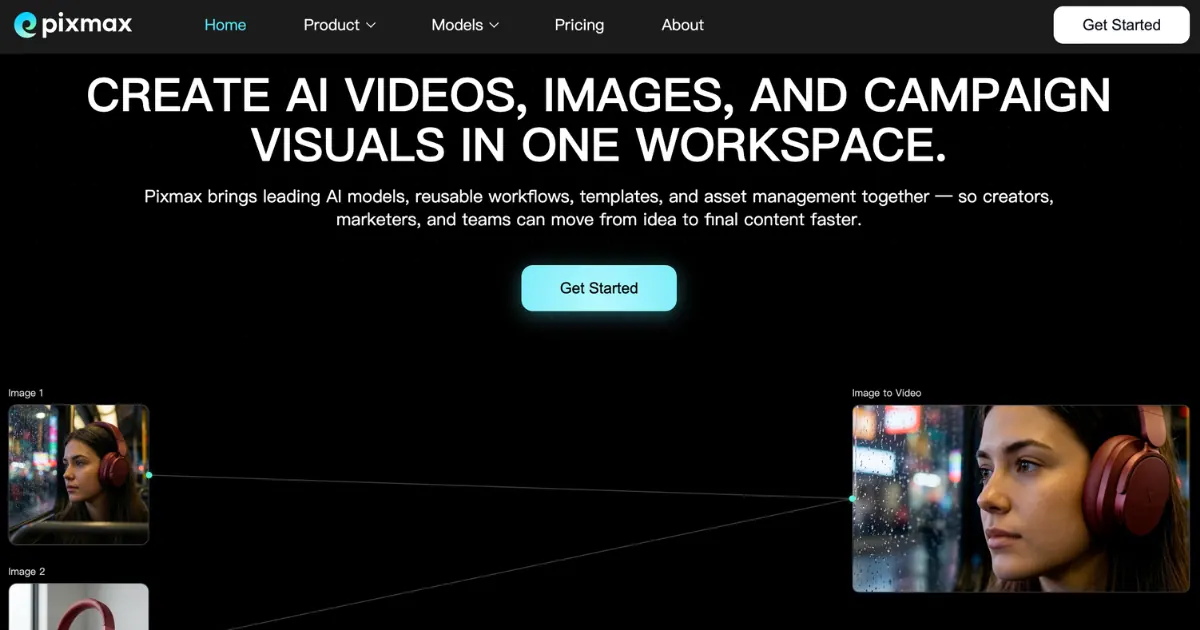
What does Pixmax.ai do?
Pixmax.ai brings leading AI models, reusable workflows, templates, and asset management into a single workspace—so creators, marketers, and teams can move from idea to final content faster.
Create cinematic clips, product videos, social ads, and short-form stories with video models, or generate product shots, posters, scenes, characters, and campaign visuals with image models. Use text models to write prompts, scripts, storyboards, captions, and creative directions, and add voiceovers, narration, sound effects, and music with audio models.
Build and manage complete creative projects with an expandable Infinite Canvas. Plan scenes, generate assets, compare model outputs, and assemble end-to-end workflows—supported by film-grade project management, professional asset management, and ready-to-use workflow templates for common creative tasks.
What can I create in Pixmax.ai?
You can generate AI videos, images, text, and audio in one workspace, including cinematic clips, product visuals, scripts/storyboards, and voiceover/narration or music.
Do I have to manage multiple subscriptions, credits, or separate workflows?
No—Pixmax.ai is built to bring models and workflows together so you can create and organize without jumping between tools.
What is the Infinite Canvas?
It’s an expandable workspace to plan scenes, generate assets, compare model outputs, and build complete creative workflows in one place.
Can I reuse workflows and templates for different projects?
Yes. Pixmax.ai includes ready-to-use workflow templates (for videos, ads, storyboards, characters, and campaign visuals) that you can customize and reuse.
Is Pixmax.ai suited for teams?
Yes—Pixmax.ai supports team collaboration and includes project and asset management features to help teams stay organized.
Are there models for both video and image creation?
Yes. You can choose from a range of video and image models inside the same workspace, and use text/audio models as part of your overall workflow.
This listing is claimed
Own Pixmax.ai? Sign in with the email used to claim it to manage this listing, or upgrade to Pro for featured-first placement and a newsletter feature.